A Practical SEO Checklist for a New Website
Launching a new website? Follow our battle-tested, practical SEO checklist to establish rock-solid technical foundations and accelerate organic indexing.

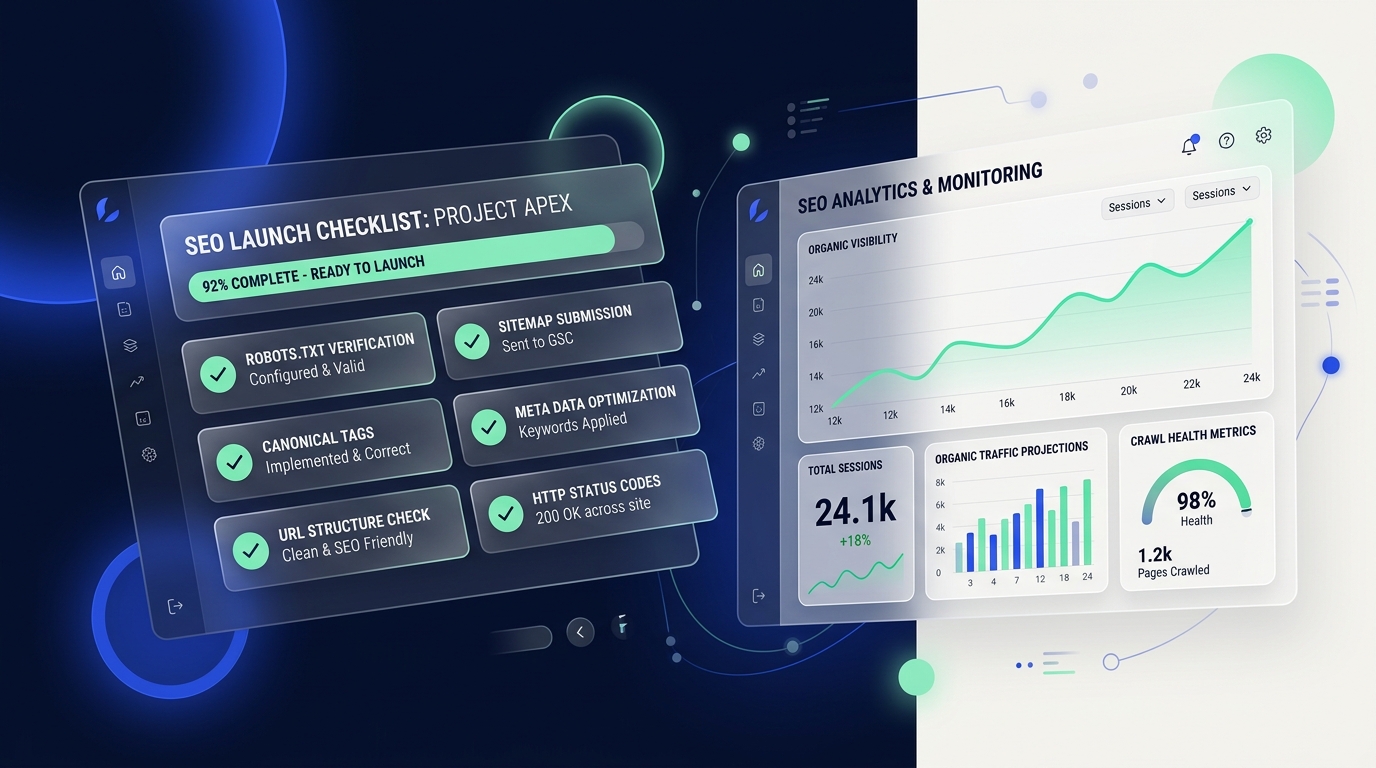
Why Pre-Launch SEO Matters More Than Ever
Launching a new website is an exciting milestone. However, rushing to publish before establishing core technical SEO foundations often leads to indexation delays, duplicate content confusion, and months of stagnant organic traffic.
When search engine crawlers first visit a brand-new domain, their automated systems evaluate its technical hygiene, site architecture, and content quality. Establishing clean signals from day one builds domain trust and accelerates the indexing of your high-priority pages.
Use this battle-tested checklist as your pre-launch and post-launch guide.
1. Domain, SSL, and Hosting Foundations
- [ ] Enforce HTTPS Sitewide: Install a valid SSL/TLS certificate. Configure your web server to redirect all insecure HTTP traffic to HTTPS via a permanent 301 redirect.
- [ ] Standardize Domain Canonicalization: Choose between
wwwornon-www(e.g.,https://smartcalcbox.comvshttps://www.smartcalcbox.com). Ensure the non-preferred version permanently 301 redirects to the canonical version. - [ ] Configure Fast, Modern Hosting: Host your site on high-performance infrastructure with global CDN edge caching. Aim for a Time to First Byte (TTFB) under 200 milliseconds.
2. Technical Crawl Setup (Robots, Sitemaps, and Canonicals)
- [ ] Generate a Clean Robots.txt: Create a standard
robots.txtfile at your domain root using our Robots.txt Generator. Confirm that stagingDisallow: /rules have been removed. - [ ] Build & Validate XML Sitemap: Generate an XML sitemap containing only 200 OK canonical URLs. Test it for syntax errors with our XML Sitemap Validator.
- [ ] Implement Self-Referencing Canonicals: Ensure every unique page has an absolute HTTPS canonical tag generated via our Canonical Tag Generator.
- [ ] Create a Custom 404 Page: Design a helpful, brand-aligned 404 error page with links back to your homepage, popular tools, and search bar.
3. On-Page Optimization and Semantic Hierarchy
- [ ] Unique Title Tags for Every Page: Craft compelling titles between 50 and 60 characters (under 580 pixels). Test pixel widths using our Title Tag Length Checker.
- [ ] Compelling Meta Descriptions: Write action-oriented descriptions between 140 and 160 characters using our Meta Description Length Checker.
- [ ] Audit Heading Structure: Ensure every page has exactly one
<h1>tag and logical H2/H3 nesting with our Heading Structure Checker. - [ ] Accessible Image Alt Attributes: Add descriptive alt text (30-100 characters) to informative images using our Image Alt Text Checklist Tool.
- [ ] Clean URL Slugs: Use short, lowercase, hyphenated slugs generated via the SEO URL Slug Generator.
4. Content Quality, Readability, and Topic Clusters
- [ ] Satisfy Search Intent: Ensure each published page directly answers the specific intent (informational, commercial, or transactional) of its target query.
- [ ] Test Readability Scores: Run your articles through our Readability Checker to verify that your Flesch Reading Ease score lands between 60 and 70.
- [ ] Map Internal Linking Clusters: Build hub-and-spoke topic clusters connecting pillar pages to supporting sub-articles using our Internal Link Planning Helper.
- [ ] Implement JSON-LD Schema: Add Article, WebSite, and Organization schema markup built with our Schema Markup Generator and validate it with the JSON-LD Syntax Validator.
5. Analytics Setup and Search Console Verification
- [ ] Verify Google Search Console: Claim ownership of your domain property in Google Search Console via DNS verification or HTML file upload.
- [ ] Submit XML Sitemap: Submit your sitemap URL (e.g.,
https://smartcalcbox.com/sitemap.xml) directly inside GSC. - [ ] Configure Google Analytics 4 (GA4): Install your GA4 measurement tag and configure basic conversion events.
- [ ] Verify Bing Webmaster Tools: Connect your domain to Bing Webmaster Tools to capture Microsoft Bing and Yahoo search traffic.
6. Critical Post-Launch Quality Audits
- [ ] Test Social Sharing Previews: Test your Open Graph and Twitter Card tags in our Open Graph Generator and Twitter Card Generator.
- [ ] Inspect Security Headers: Check that HSTS, CSP, and X-Content-Type-Options headers are properly configured using our HTTP Header Inspector.
- [ ] Audit Mobile Responsiveness: Verify that all navigation menus, tool calculators, and font sizes render smoothly across smartphone and tablet screens.
Title Tag Length Checker
Check title tag character counts and pixel width against Google's desktop and mobile snippet thresholds.
XML Sitemap Validator
Validate XML sitemaps for syntax compliance, URL count, schema requirements, and date formats.
Robots.txt Generator
Generate clean, standards-compliant robots.txt files with bot rules, crawl delays, and XML sitemap directives.
Frequently Asked Questions
How long does it take for a brand-new website to rank on Google?
A new website typically begins indexing within a few days to two weeks after submitting a sitemap to Google Search Console. Meaningful competitive rankings often take 3 to 6 months as domain trust and topical authority build.
Is Google Search Console free?
Yes, Google Search Console is 100% free and is the official communication channel between Google and website owners.
Should I buy backlinks for my new website?
No. Purchasing backlinks violates Google Search Essentials and can result in severe algorithmic devaluation or manual penalties. Focus on building genuinely useful tools, publishing high-value original guides, and earning editorial links naturally.
About the Author: Alex Mercer
Lead Technical SEO Specialist & Web EngineerAlex is a web engineer and technical SEO specialist with over a decade of hands-on experience building web applications, optimizing site architectures, and resolving crawl and indexing challenges. He oversees tool development and technical accuracy across SmartCalcBox.
Related SEO Guides & Tutorials
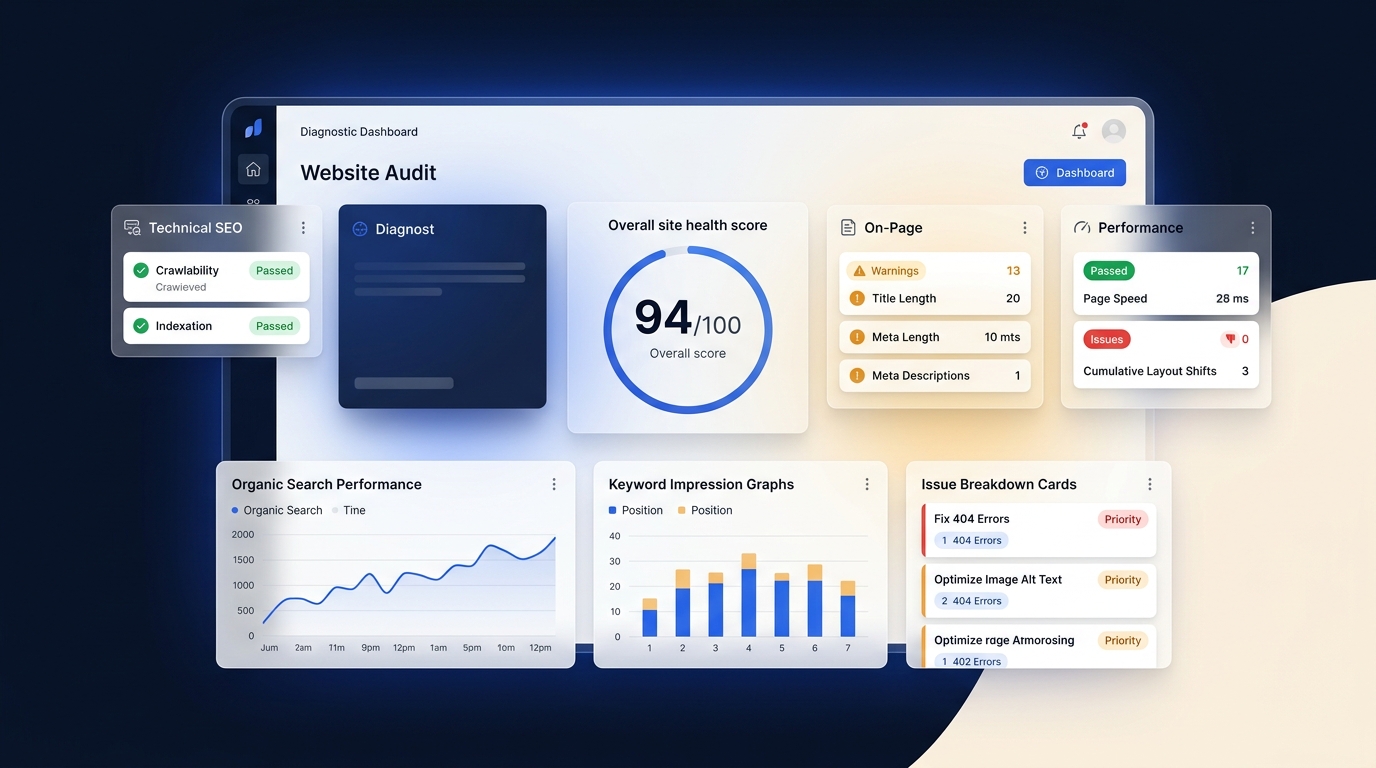
How to Use Free SEO Tools in a Website Audit
Enterprise SEO software suites cost hundreds of dollars a month. Learn how to perform an exhaustive, professional SEO audit using free, focused tools.
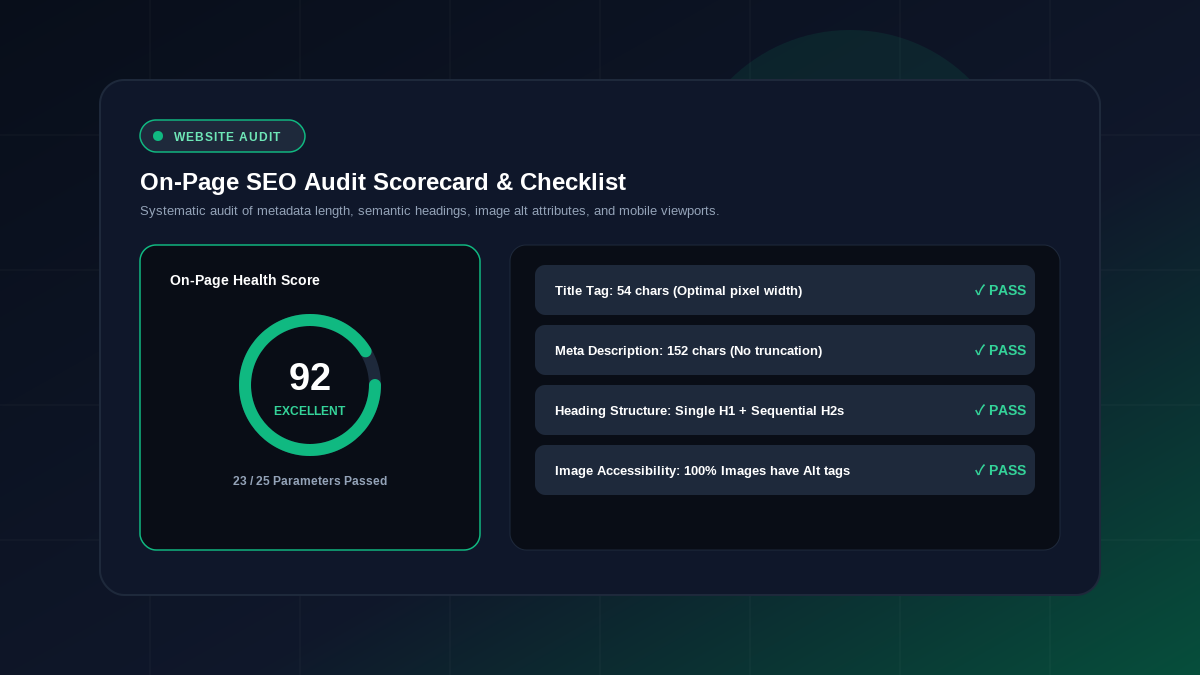
How to Audit Basic On-Page SEO Issues
On-page issues quietly erode organic rankings. Discover our practical step-by-step framework for diagnosing and fixing foundational on-page SEO errors.
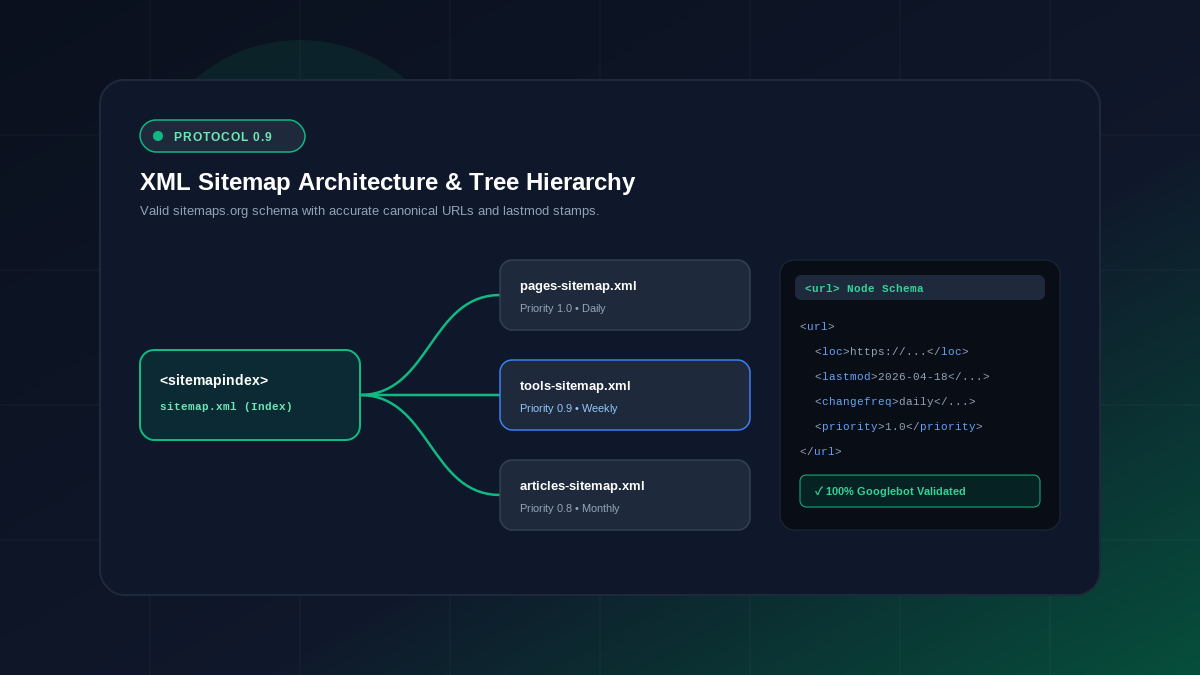
How to Build a Useful XML Sitemap
An XML sitemap is your website's official table of contents for search engines. Learn how to construct error-free sitemaps that maximize crawl efficiency.