SmartCalcBoxPrecision Free SEO Tools
Home
All Tools
On-Page SEOTechnical SEOContent ToolsGuides & BlogAboutContact
  1. Home
  2. Tools
  3. On-Page SEO Tools
  4. Image Alt Text Checklist Tool
On-Page SEO Tools
EssentialAdded: 2026-04-05

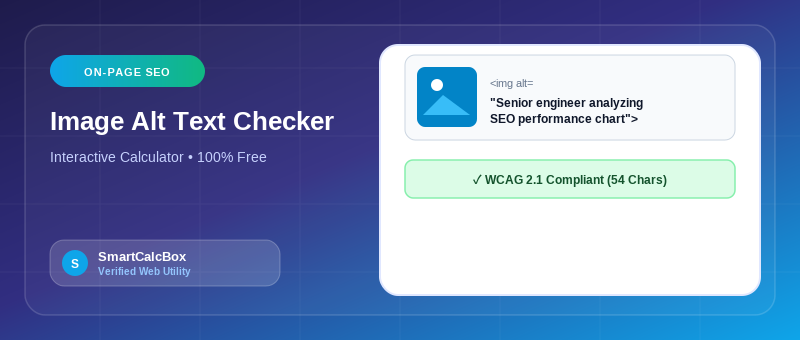
Image Alt Text Checklist Tool & Accessibility Auditor

Alt attributes are essential for visually impaired users relying on screen readers and help search engines understand visual media. Audit your proposed image alt descriptions against accessibility standards and SEO best practices.

100% Free Forever•Zero Sign-up Required•Client-Side Privacy
Image Alt Text Checklist Tool
100%

Accessibility & SEO Quality Score

5 of 5 Quality Criteria Passed
Optimal Character Length (30 to 100 Chars)Current length: 91 chars. Screen readers stop around 125 chars, while under 30 chars is often too vague.
No Redundant Filler ('image of', 'photo of')Screen readers announce the element as an image automatically. Remove phrases like 'photo of'.
No Keyword StuffingAvoid long lists of comma-separated synonyms.
Target Keyword Included NaturallyVerify that "search result snippet" is integrated contextually.
Proper Sentence CapitalizationStart alt text with an uppercase letter for clear screen reader pronunciation.
HTML Output Markup:
<img src="/images/blog/how-to-preview-search-result-snippets.svg" alt="Google desktop search result snippet preview card showing horizontal pixel width boundaries" loading="lazy" />

Core Features of the Image Alt Text Checklist Tool

Evaluates alt text against 5 key criteria: optimal length (30-100 characters), descriptive context, absence of redundant filler ('image of', 'photo of'), keyword placement, and punctuation.
Real-time Accessibility & SEO Quality Score (0-100%).
Interactive mock image preview with alt text overlay.
Generates compliant HTML <img src="..." alt="..."> markup.
Clear suggestions for rewriting weak or keyword-stuffed descriptions.

How to Use the Image Alt Text Checklist Tool Step-by-Step

1

Enter Alt Description

Type or paste your candidate alt text description.

2

Optional Target Keyword

Optionally enter your primary topic keyword to check for natural incorporation.

3

Check Quality Score

Review the checklist items and score to identify any accessibility weaknesses.

4

Copy Sanitized Tag

Copy the finalized HTML <img> tag for your CMS or web page.

Frequently Asked Questions

Should I include 'image of' or 'picture of' in my alt text?

No. Screen readers automatically announce the element as an image (e.g. 'Graphic: [alt text]'), so phrases like 'photo of' are redundant and waste character space.

What should the alt text be for purely decorative images?

Purely decorative images (such as background flourishes or dividers) should have an empty alt attribute (alt=""), which tells screen readers to skip them.

Related Educational Guides

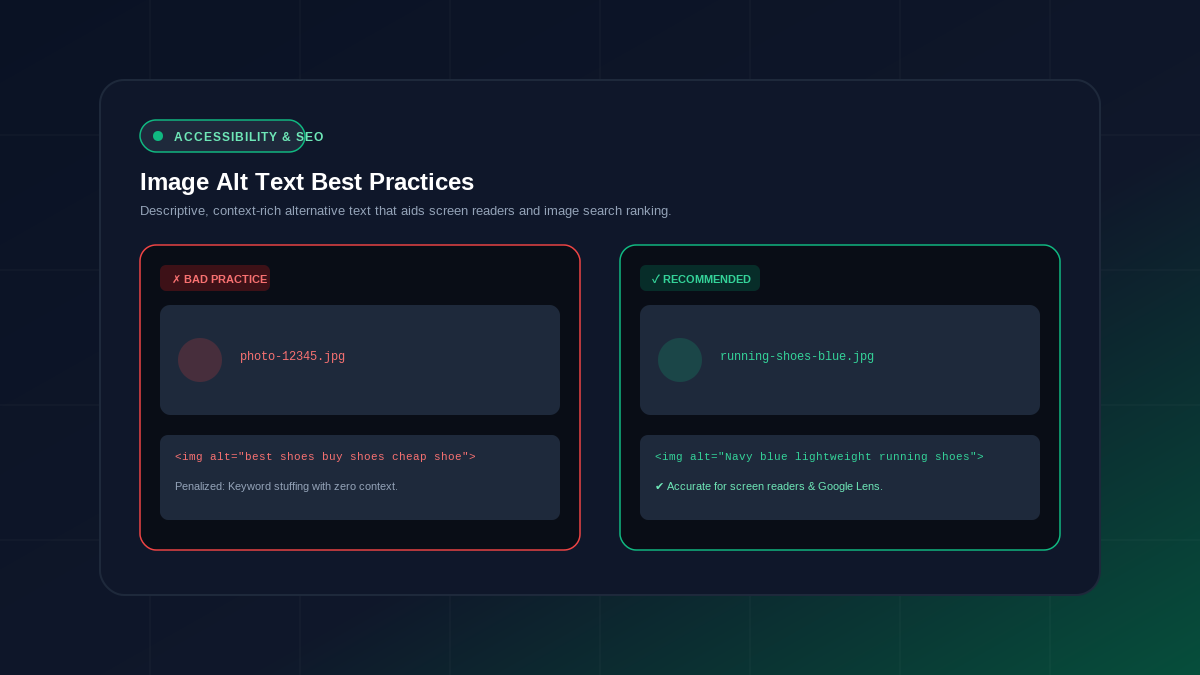
Illustration showing accessible image tagging with screen reader speech bubble and SEO keywords
on page seo•7 min read

How to Write Useful Image Alt Text

Image alt text bridges the gap between visual media and accessibility. Learn how to write concise, descriptive alt attributes that satisfy both screen readers and search bots.

Elena VanceRead Guide
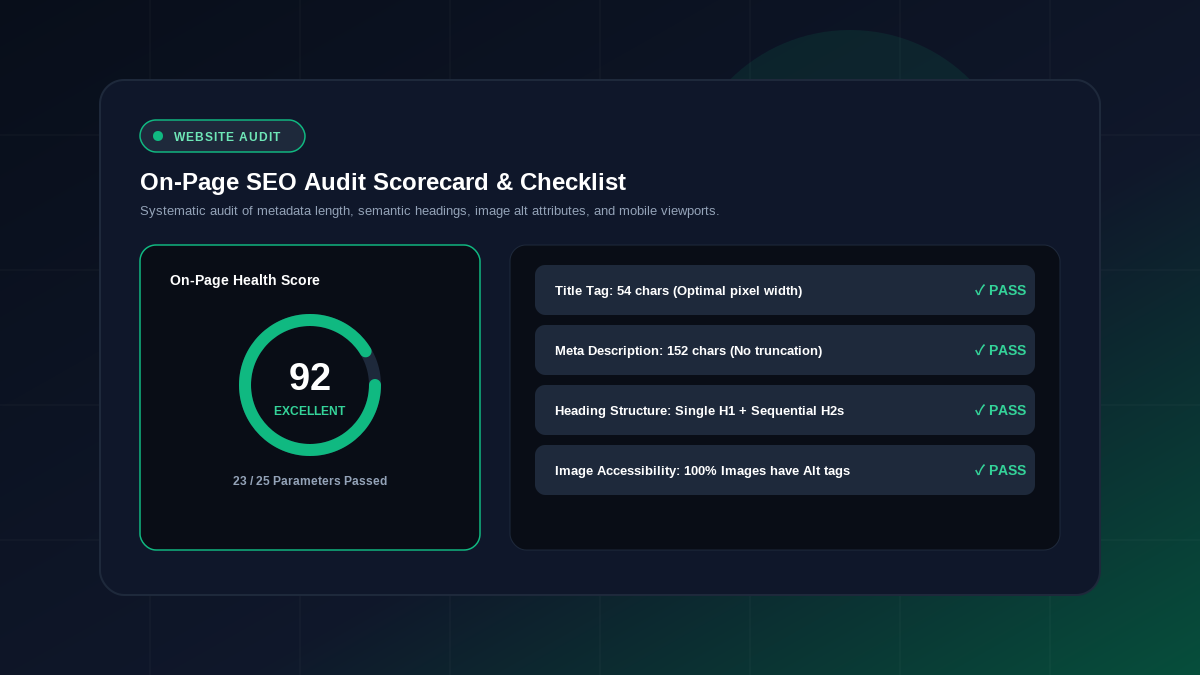
Checklist graphic showing on-page SEO audit elements being verified with green checkmarks
on page seo•8 min read

How to Audit Basic On-Page SEO Issues

On-page issues quietly erode organic rankings. Discover our practical step-by-step framework for diagnosing and fixing foundational on-page SEO errors.

Alex MercerRead Guide
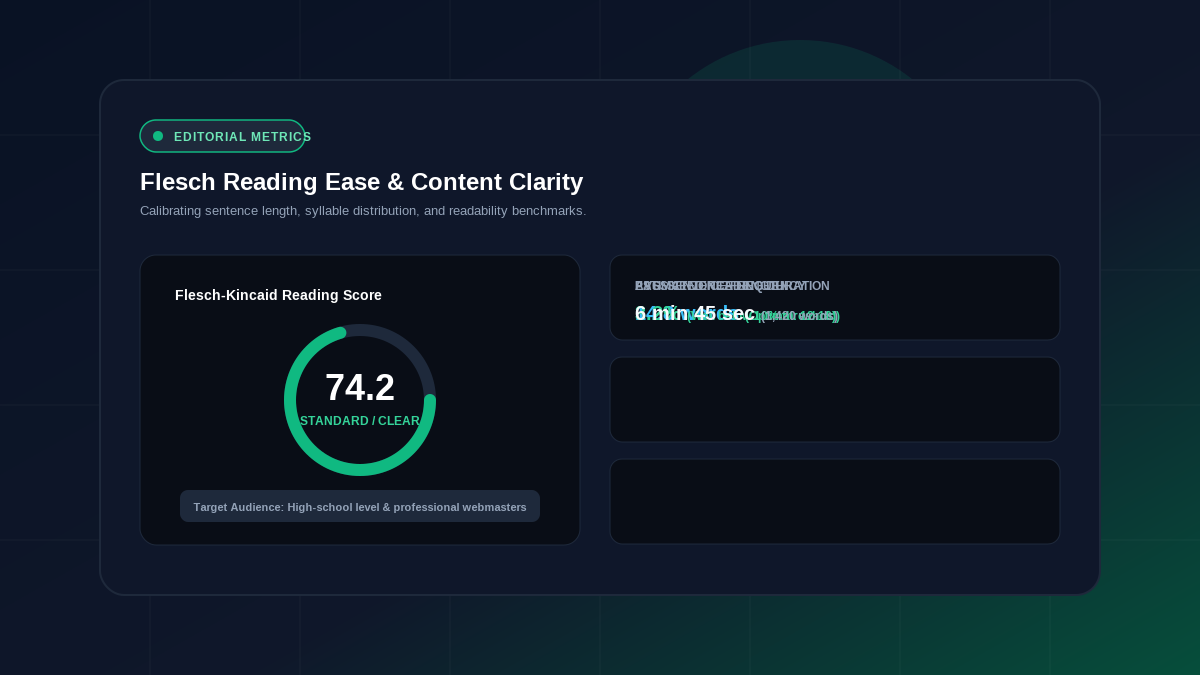
Editorial illustration showing reading glasses over well-spaced typography and readability score gauges
content optimization•7 min read

How to Improve Website Content Readability

Readers don't read web content—they scan it. Discover how to improve your readability metrics, lower bounce rates, and keep readers engaged.

Elena VanceRead Guide

Related SEO Tools

All 25 Tools →
on page seoEssential

Heading Structure Checker

Inspect H1 through H6 heading hierarchies, detect skipped levels, and verify document outline integrity.

Parses raw HTML tags (<h1> through <h6>) or Markdown headings (# through ######).
Detects critical issues: missing H1, multiple H1 tags, skipped levels (e.g. H2 directly to H4).
Free • Client-sideOpen Tool
content optimizationPopular

Readability Checker (Flesch-Kincaid)

Calculate Flesch Reading Ease, Flesch-Kincaid Grade Level, and sentence complexity metrics.

Calculates Flesch Reading Ease score (0 to 100) with audience interpretation (e.g. Standard, Fairly Easy, Difficult).
Calculates Flesch-Kincaid Grade Level (e.g. 8th Grade, High School, College).
Free • Client-sideOpen Tool
metadata serpPopular

Open Graph Meta Tag Generator

Generate Facebook and LinkedIn Open Graph meta tags with a live social feed card preview.

Generates complete og:title, og:description, og:image, og:url, og:type, og:site_name, and og:locale tags.
Live realistic Facebook/LinkedIn desktop feed card preview.
Free • Client-sideOpen Tool
100% Free & Fast

Zero subscriptions, paywalls, or daily quotas.

Client-Side Privacy

Your text and audit inputs remain in your browser.

Validated Protocols

Built strictly to Schema.org and Google Search standards.

SmartCalcBox

Smarter SEO. Better Websites. Clearer Results. SmartCalcBox provides free, production-ready website analysis calculators, technical validators, and content optimization utilities for webmasters, developers, and publishers.

Free web utilities•100% Privacy•Zero Signup

Tool Categories

  • On-Page SEO Tools
  • Technical SEO Tools
  • Content Optimization Tools
  • Metadata and SERP Tools
  • URL and Website Utilities
  • View All 25 Tools →

Guides & Articles

  • Blog & SEO Library
  • Title Tag Best Practices
  • XML Sitemap Protocol
  • Robots.txt Architecture
  • New Website SEO Checklist
  • HTML Sitemap

Company & Legal

  • About SmartCalcBox
  • Editorial Team & Authors
  • How We Build & Test
  • Editorial Policy
  • Privacy Policy
  • Terms of Service
  • Cookie Policy
  • Disclaimer
  • Contact Us
© 2026 SmartCalcBox. All rights reserved. Free web diagnostic utilities.
Privacy•Terms•Sitemap