How to Improve Website Content Readability
Readers don't read web content—they scan it. Discover how to improve your readability metrics, lower bounce rates, and keep readers engaged.

Why Readability Is the Hidden Engine of Content SEO
Modern web visitors rarely read online documents word-for-word. Eye-tracking research conducted by Nielsen Norman Group reveals that users read web pages in an F-shaped scanning pattern—skimming headlines, scanning bullet points, and reading only the opening sentences of paragraphs.
When a reader encounters dense walls of academic jargon, convoluted 40-word sentences, and uninterrupted blocks of text, cognitive friction spikes. The typical reaction is immediate: they click the browser back button and return to the search results to find a simpler alternative.
While readability formulas like Flesch-Kincaid are not direct algorithmic ranking signals, readability directly influences behavioral metrics:
- Dwell Time: Clear writing keeps readers on your page longer.
- Scroll Depth: Scannable subheadings encourage users to read through to your conclusions and CTAs.
- Social Sharing & Citations: Content that is easy to understand is cited and linked to far more frequently.
The Flesch-Kincaid Framework: What the Scores Mean
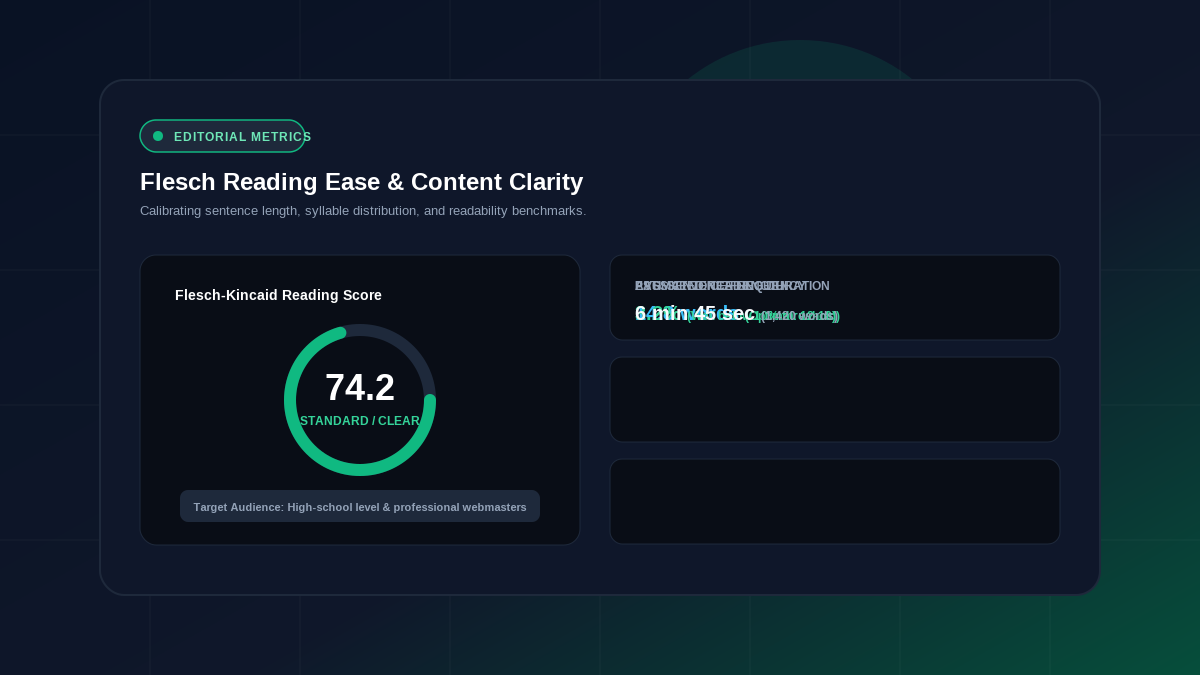
The two most recognized readability metrics are the Flesch Reading Ease formula and the Flesch-Kincaid Grade Level.
1. Flesch Reading Ease (0 to 100 Scale)
Calculated based on average sentence length and average syllables per word:
- 90 – 100: Very Easy (5th grade reading level; comics, simple pulp fiction).
- 70 – 80: Fairly Easy (7th grade level; conversational blogging).
- 60 – 70: Standard (8th to 9th grade level; mainstream publications like Reader's Digest, Time).
- 30 – 50: Difficult (College level; academic journals).
- 0 – 30: Very Confusing (Post-graduate legal contracts and medical research papers).
The Target for Web Content: Aim for a Flesch Reading Ease score between 60 and 70. This ensures that both industry practitioners and general readers can digest your insights effortlessly.
2. Flesch-Kincaid Grade Level
Translates text complexity directly into US school grade equivalents. A score of 7.5 means an average seventh-to-eighth-grader can comprehend the text without frustration.
6 Practical Strategies to Simplify Complex Prose
1. Cap Sentence Lengths at 15–20 Words
Whenever you notice a sentence containing multiple commas, semicolons, and connecting conjunctions, break it into two or three distinct thoughts. Shorter sentences convey ideas with greater punch.
2. Replace Multi-Syllabic Jargon
Simpler words almost always communicate more effectively:
- Use "use" instead of "utilize".
- Use "help" instead of "facilitate".
- Use "start" instead of "commence".
- Use "show" instead of "demonstrate".
3. Eliminate Passive Voice
Passive phrasing adds unnecessary grammatical fluff and softens impact:
- Passive: "A technical SEO audit was performed by our team." (9 words)
- Active: "Our team audited the technical SEO." (6 words)
4. Limit Paragraphs to 3–4 Sentences
Long paragraphs feel intimidating on mobile screens. Generous paragraph breaks give readers visual breathing room.
5. Use Bullet Points and Ordered Lists
Whenever you describe more than two related items, steps, or features, convert them from a run-on sentence into a clean bulleted list.
6. Introduce Descriptive Subheadings Every 250–300 Words
Subheadings act as highway signposts, allowing skimmers to jump directly to the answer they came for.
Visual Typography Formatting
Great readability is as much about graphic design as it is about syntax:
- Font Size: Body text should be at least 16px to 18px for desktop viewing.
- Line Height: Set line height (
line-heightorleading) to 1.5 to 1.7 for effortless eye tracking between lines. - Line Length (Measure): The optimal reading measure is 50 to 75 characters per line. Lines that stretch across a 1080p monitor strain the eye when jumping down to the next row.
- Color Contrast: Ensure a minimum contrast ratio of 4.5:1 between text and background to satisfy WCAG AA accessibility standards.
How to Test and Score Your Drafts
- Paste your draft copy into our Readability Checker to calculate your Flesch Reading Ease score, grade level, and average sentence length.
- Check overall word counts, paragraphs, and reading duration with our Word Counter.
- Verify that your heading outline follows a clean hierarchy using the Heading Structure Checker.
Readability Checker (Flesch-Kincaid)
Calculate Flesch Reading Ease, Flesch-Kincaid Grade Level, and sentence complexity metrics.
Word Counter & Text Analyzer
Instantly count words, characters, sentences, paragraphs, reading time, and speaking duration.
Heading Structure Checker
Inspect H1 through H6 heading hierarchies, detect skipped levels, and verify document outline integrity.
Frequently Asked Questions
Does simplifying my writing mean 'dumbing it down'?
No. Clear writing clarifies complex ideas; it does not diminish their sophistication. The world's top scientific communicators and technical writers excel because they explain difficult concepts in plain, accessible language.
Can technical B2B articles score above 60 on Flesch Reading Ease?
Yes. While specialized acronyms (API, JSON, DNS) add syllables, keeping your surrounding sentence structures concise and active ensures high readability even within technical domains.
What is the Coleman-Liau Index?
The Coleman-Liau Index is another readability formula that calculates grade level using character counts per 100 words rather than syllable counts, making it less prone to pronunciation variance across dialects.
About the Author: Elena Vance
Senior Content Strategist & UX AuditorElena specializes in content architecture, user experience, readability, and on-page optimization. She leads the editorial team at SmartCalcBox, ensuring every guide offers genuine, actionable value without keyword stuffing or filler.
Related SEO Guides & Tutorials
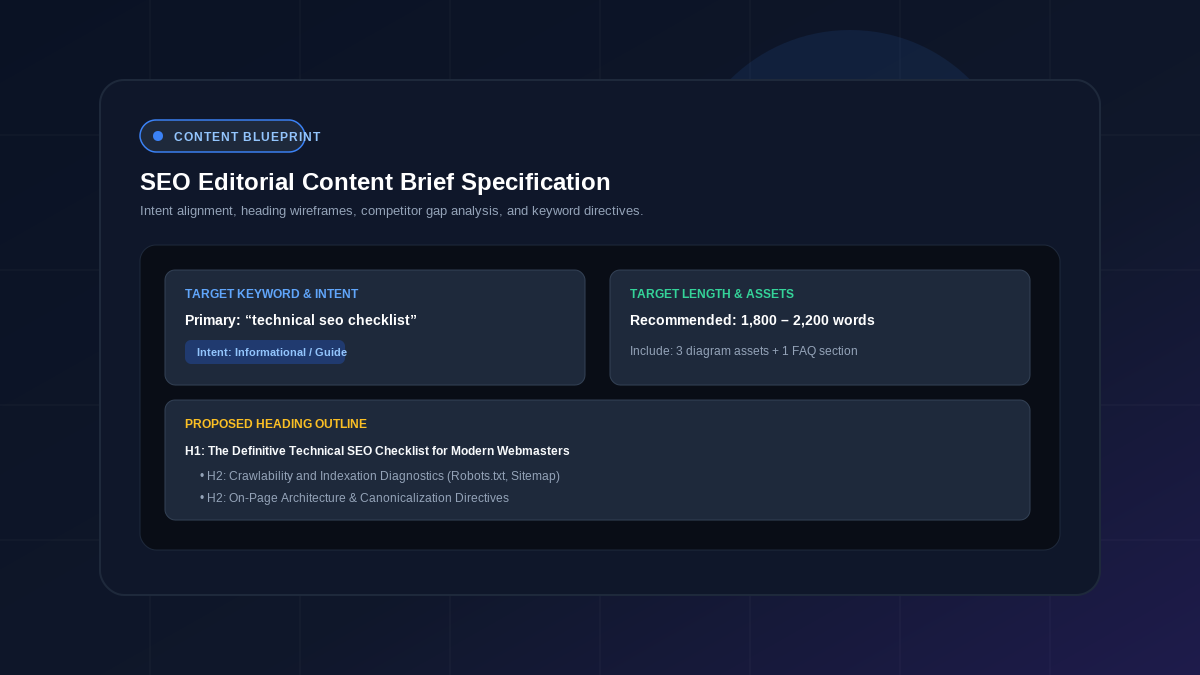
How to Create a Practical SEO Content Brief
Great articles don't happen by accident—they are engineered through deliberate briefs. Learn how to create content briefs that produce top-ranking articles.
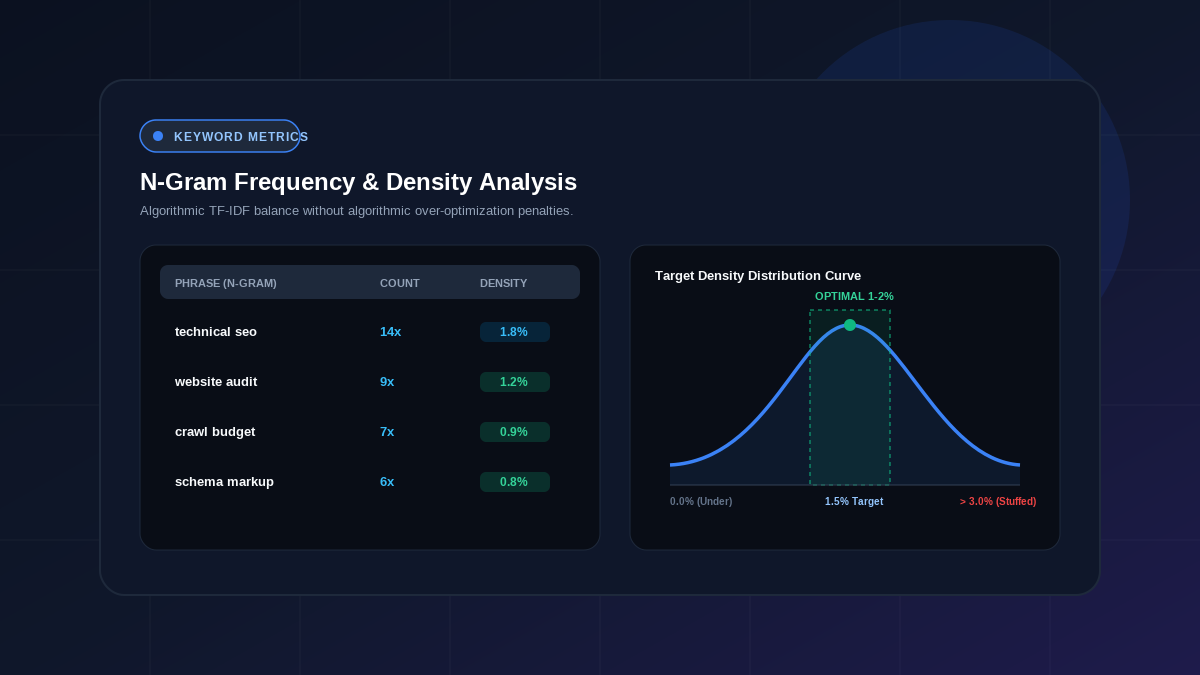
How to Use a Keyword Density Checker Correctly
Keyword density is often misunderstood in modern search optimization. Discover the true purpose of n-gram analysis and how to prevent unnatural keyword stuffing.
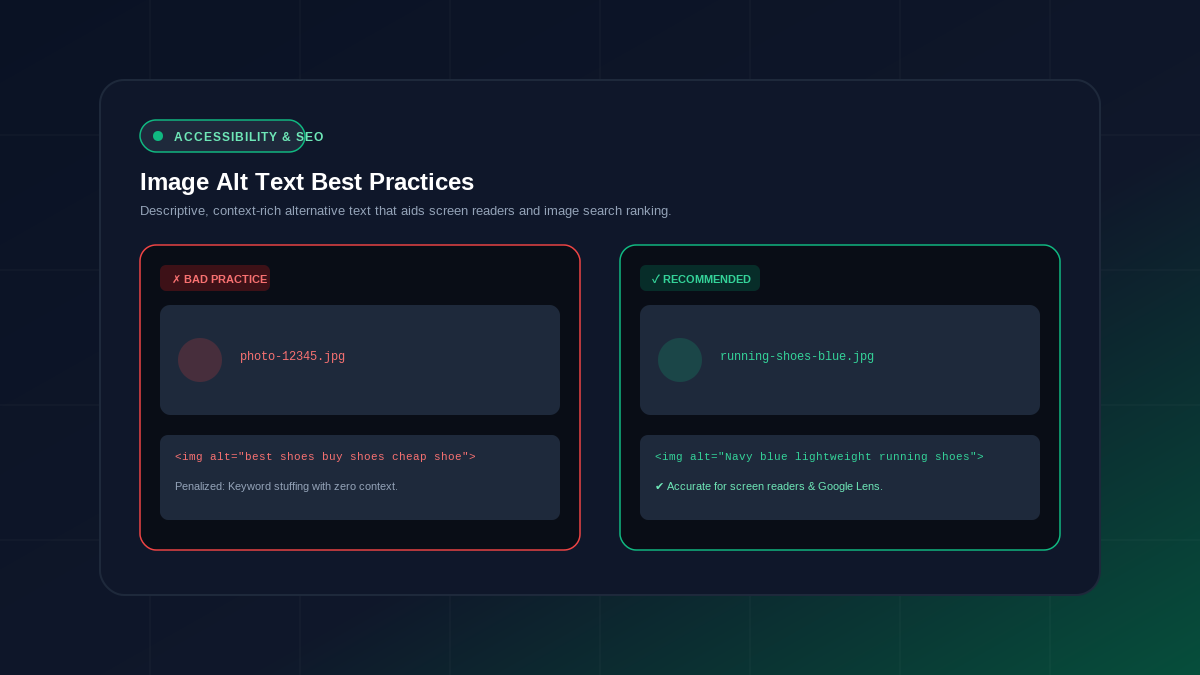
How to Write Useful Image Alt Text
Image alt text bridges the gap between visual media and accessibility. Learn how to write concise, descriptive alt attributes that satisfy both screen readers and search bots.