How to Write Useful Image Alt Text
Image alt text bridges the gap between visual media and accessibility. Learn how to write concise, descriptive alt attributes that satisfy both screen readers and search bots.

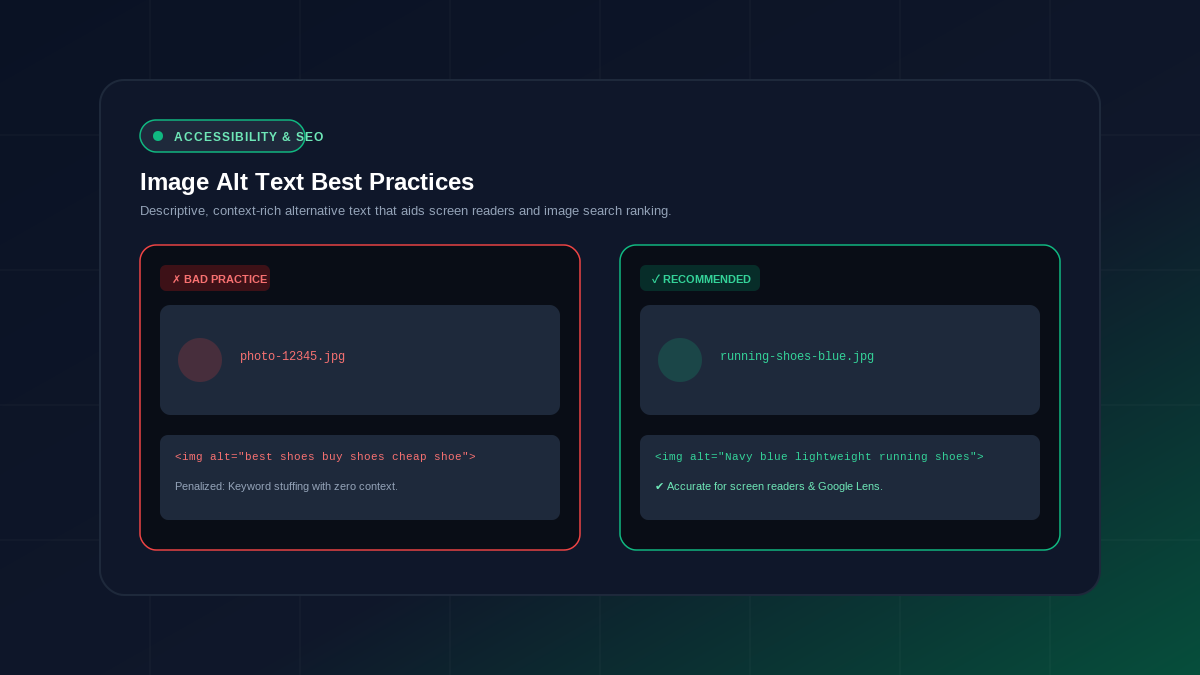
What Is Image Alt Text and Why Is It Vital?
Alternative text (commonly referred to as the alt attribute or alt tag) is an HTML attribute embedded within an image element:
<img src="serp-preview.png" alt="Google desktop search snippet preview card showing 580 pixel title length" />
The alt attribute serves three distinct purposes across the web:
- Screen Reader Accessibility: When a visually impaired user browses your website using assistive technology (such as NVDA, JAWS, or VoiceOver), the screen reader verbalizes the alt text out loud, allowing the user to understand the image's context and meaning.
- Image Fallback on Slow Connections: If an image fails to load due to high latency, a broken asset link, or strict network firewalls, the browser displays the alt text inside the broken image container.
- Search Engine Indexing & Google Images: Search engine spiders cannot "see" images the way humans do; they rely on file names, surrounding captions, and alt attributes to understand the subject matter, indexing relevant images into Google Images.
WCAG Accessibility Standards vs. SEO Goals
A frequent tension in digital marketing is balancing accessibility with search optimization. Some marketers mistakenly treat alt text as a dumping ground for long lists of keywords:
- Spammy Alt Text:
alt="best seo tools free keyword checker rank tracker website audit software"
This harms visually impaired visitors who must listen to robotic keyword lists, and it violates WCAG 2.1 Success Criterion 1.1.1 (Non-text Content). Furthermore, Google's webmaster guidelines explicitly warn against keyword stuffing in alt attributes, which can result in images being filtered out of Google Images search results.
The Golden Rule: Write alt text primarily for a human listener who cannot see the screen. If your primary keyword fits naturally into a truthful description of the image, include it. If it feels forced, leave it out.
The Anatomy of Great Alt Text (With Before/After Comparisons)
High-quality alt text is specific, concise (typically between 30 and 100 characters), and provides meaningful context:
Example 1: Product Photograph
- Bad (Empty / Vague):
alt="shoe" - Worse (Keyword Stuffed):
alt="cheap shoes running shoes sneakers buy online footwear best sale" - Optimal:
alt="Men's waterproof trail running shoe in charcoal gray with lugged rubber sole"
Example 2: Technical Chart or Diagram
- Bad:
alt="chart" - Better:
alt="Line graph showing monthly organic search traffic growth from January to December 2026"
Example 3: Software User Interface
- Bad:
alt="screenshot of tool" - Optimal:
alt="SmartCalcBox Title Tag Length Checker showing a 54-character title tag with a green status indicator"
When Should You Use an Empty Alt Attribute (alt="")?
Not every visual asset requires a descriptive explanation. The W3C distinguishes between informative images and decorative images:
- Decorative Images: Background swirls, ornamental dividers, abstract gradient shapes, or generic stock icons that provide visual polish without conveying unique informational content.
- Redundant Images: A thumbnail icon placed directly next to a plain text link that already says "Search Settings".
For purely decorative or redundant images, you must still include the alt attribute, but leave it empty: alt="". This is known as a null alt attribute. It explicitly signals to screen readers to skip the decorative element without announcing an awkward file name like "Graphic: background-pattern-v2.png".
Common Alt Text Mistakes That Trigger Spam Flags
- Including "image of" or "picture of": Screen reader software already identifies the element as an image before reading the text. Starting your alt text with "Photo of a..." is repetitive and wastes character space.
- Copying the File Name Verbatim:
alt="IMG_20260401_102834.jpg"provides zero value to humans or search engines. - Duplicating On-Page Captions Exactly: If a visible caption underneath the image reads "Figure 3: Database architecture diagram", giving the alt attribute the exact same sentence forces screen reader users to listen to the same statement twice in a row.
- Omitting the Alt Attribute Entirely: An image lacking an alt attribute altogether (
<img src="photo.jpg">) causes many screen readers to read out the full, convoluted file URL.
Step-by-Step Alt Text Audit Workflow
- Use our Image Alt Text Checklist Tool to test your candidate alt descriptions against accessibility and SEO rules.
- Verify that descriptions stay within the ideal 30 to 100 character window.
- Pair your image optimization with our Heading Structure Checker and Readability Checker to ensure full on-page quality compliance.
Image Alt Text Checklist Tool
Audit image alt text against SEO and WCAG accessibility guidelines with interactive scoring and suggestions.
Heading Structure Checker
Inspect H1 through H6 heading hierarchies, detect skipped levels, and verify document outline integrity.
Readability Checker (Flesch-Kincaid)
Calculate Flesch Reading Ease, Flesch-Kincaid Grade Level, and sentence complexity metrics.
Frequently Asked Questions
How long should image alt text be?
Aim for between 30 and 100 characters. Most screen readers stop reading alt text around 125 characters, so keeping descriptions concise ensures the entire message is conveyed.
Does Google penalize pages with missing alt text?
Google does not issue direct penalties for missing alt text, but your images will not rank in Google Images, and your website will fail standard WCAG accessibility audits.
Should buttons with icons have alt text?
If an icon acts as a functional button (such as a magnifying glass for search), it must have an accessible label via alt text, aria-label, or visually hidden text (e.g. aria-label='Search website').
About the Author: Elena Vance
Senior Content Strategist & UX AuditorElena specializes in content architecture, user experience, readability, and on-page optimization. She leads the editorial team at SmartCalcBox, ensuring every guide offers genuine, actionable value without keyword stuffing or filler.
Related SEO Guides & Tutorials
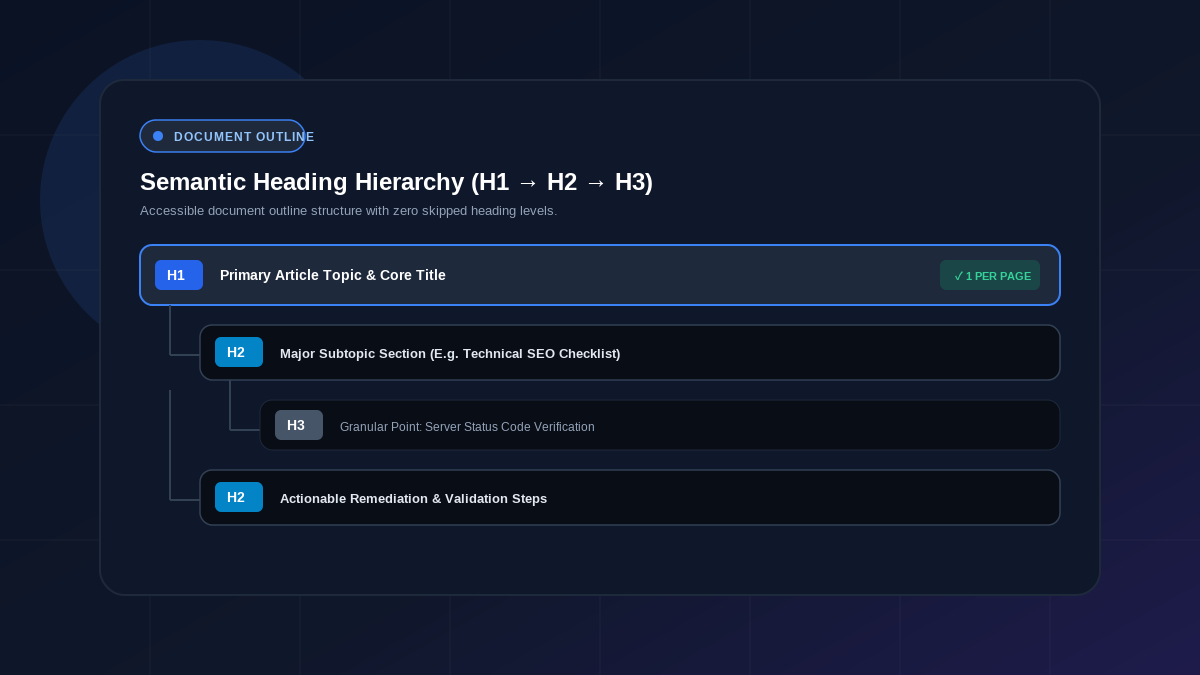
How to Check Your Website's Heading Structure
Headings are the structural backbone of web pages. Learn how to construct a logical H1-H6 hierarchy that guides readers and search crawlers alike.
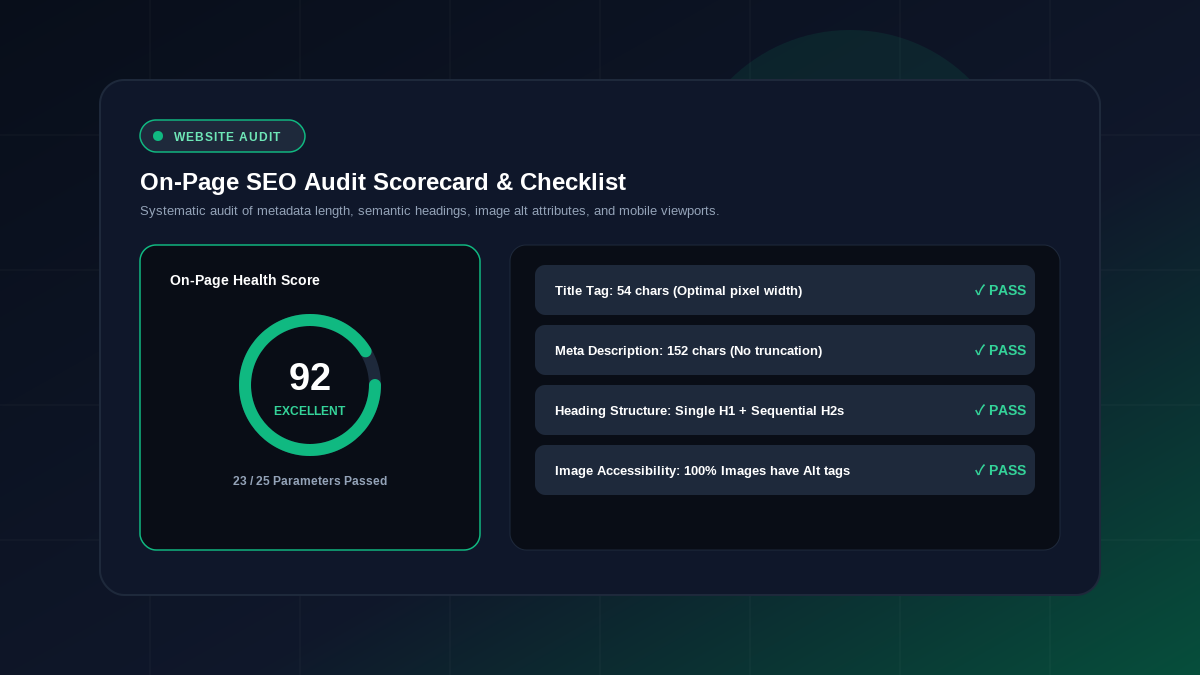
How to Audit Basic On-Page SEO Issues
On-page issues quietly erode organic rankings. Discover our practical step-by-step framework for diagnosing and fixing foundational on-page SEO errors.
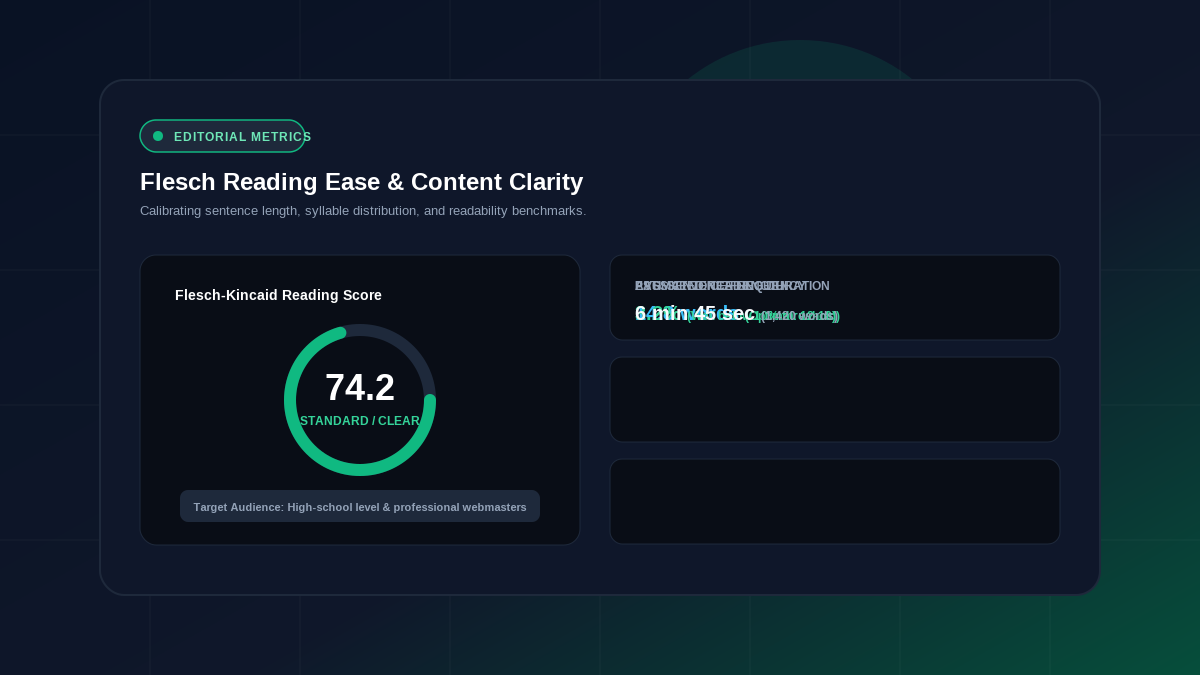
How to Improve Website Content Readability
Readers don't read web content—they scan it. Discover how to improve your readability metrics, lower bounce rates, and keep readers engaged.