How to Check Your Website's Heading Structure
Headings are the structural backbone of web pages. Learn how to construct a logical H1-H6 hierarchy that guides readers and search crawlers alike.

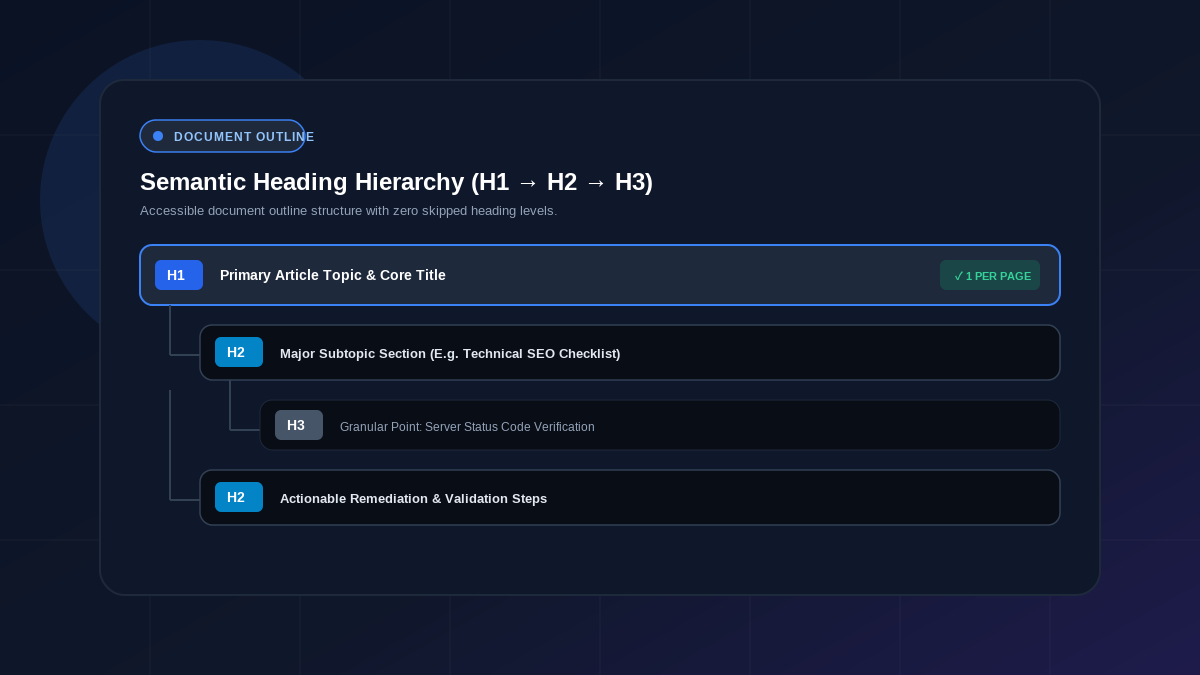
Why Heading Hierarchy Matters for SEO & Accessibility
HTML heading tags—ranging from <h1> through <h6>—define the organizational architecture of a digital document. Much like a traditional book table of contents, headings separate broad themes into coherent, digestible chapters, sections, and sub-clauses.
Heading hierarchy delivers two profound benefits:
- Search Engine Topical Understanding: Search algorithms evaluate headings to decipher the core entities, topics, and subtopics discussed on a page. Well-structured headings provide clear semantic signposts that help crawlers index your content for relevant long-tail search queries.
- Web Accessibility (WCAG Compliance): For visually impaired visitors using screen readers (such as JAWS, NVDA, or VoiceOver), heading tags are the primary navigational mechanism. Screen reader users often bring up a list of all headings on a page to jump directly to the section they need. If headings are missing or nested out of order, the user experience breaks down.
The Fundamental Rules of H1 Through H6 Nesting
Think of your page headings as an outline for a research thesis:
<h1> The Complete Guide to Cloud Computing (Primary Topic)
  <h2> Types of Cloud Deployments (Major Section)
    <h3> Public Cloud Architecture (Subsection)
    <h3> Private Cloud Architecture (Subsection)
    <h3> Hybrid Cloud Solutions (Subsection)
  <h2> Cloud Security Best Practices (Major Section)
    <h3> Data Encryption Standards (Subsection)
      <h4> At-Rest Encryption (Granular Detail)
      <h4> In-Transit Encryption (Granular Detail)
    <h3> Identity and Access Management (Subsection)
  <h2> Conclusion & Next Steps (Major Section)
Golden Hierarchy Principles:
- The `<h1>` Tag: Represents the overarching topic of the entire document. Every indexable page should have one clear, descriptive H1 tag.
- `<h2>` Tags: Represent major chapters or core themes that directly support the H1.
- `<h3>` Tags: Sub-sections that break down an H2 into specific components. An H3 should never appear unless it is nested inside an H2.
- `<h4>` through `<h6>` Tags: Granular points, technical details, or specific lists within an H3 section.
The Single H1 Debate: What Google and WCAG Say
In the HTML5 specification, the concept of document outline algorithms technically allowed multiple <h1> tags if wrapped inside distinct <section> or <article> containers. Google's John Mueller has also noted that Google's algorithms can handle pages with multiple H1 tags without direct algorithmic penalties.
However, in real-world engineering and accessibility audits, using a single H1 remains the gold standard.
- Screen reader navigation becomes disorienting when multiple elements announce themselves as the primary title of the page.
- Content management systems (CMS) and SEO plugins frequently misinterpret multiple H1s, diluting keyword focus.
- A single, clear H1 provides an unambiguous, authoritative topical anchor for both search bots and human visitors.
4 Common Heading Hierarchy Mistakes
1. Skipping Heading Levels
Jumping directly from an <h2> to an <h4> without an intervening <h3> is an accessibility violation (WCAG 2.1 Success Criterion 1.3.1). Screen reader software announces the jump, leaving users wondering whether content was omitted or skipped.
2. Using Headings for Styling Rather Than Semantics
A pervasive front-end design mistake is applying an <h3> or <h4> tag simply because its default CSS font size looks pleasing in the sidebar, footer, or testimonial card. Always style elements using CSS classes (e.g., <p class="text-lg font-bold">), reserving heading tags exclusively for genuine structural landmarks.
3. Duplicating the Exact Same Heading Text
Repeating identical text across multiple subheadings (e.g., three separate <h3>Overview</h3> tags) strips context. Instead, make subheadings descriptive: <h3>Overview of Public Cloud Architecture</h3>.
4. Overloading Headings with Keyword Lists
Turning headings into spammy lists of synonyms (e.g., <h2>Best Shoes, Cheap Footwear, Discount Sneakers</h2>) degrades readability and triggers algorithmic spam flags.
Step-by-Step: How to Audit Your Heading Structure
- Extract Headings: Paste your HTML or draft copy into our Heading Structure Checker.
- Verify the H1: Ensure exactly one H1 exists and that it closely aligns with your page's
<title>tag. (You can compare lengths using the Title Tag Length Checker). - Inspect the Visual Tree: Look for flagged hierarchy violations, such as skipped levels or orphaned subheadings.
- Export Clean Markdown: Copy the organized outline into your CMS or content planning template.
Heading Structure Checker
Inspect H1 through H6 heading hierarchies, detect skipped levels, and verify document outline integrity.
Title Tag Length Checker
Check title tag character counts and pixel width against Google's desktop and mobile snippet thresholds.
SEO Content Brief Generator
Generate structured editorial content briefs with outlines, target word counts, and FAQ recommendations.
Frequently Asked Questions
Can an image serve as an H1 heading?
If your brand logo serves as the H1 on your homepage, you must provide descriptive alt text (e.g. <h1 class='logo'><img src='logo.svg' alt='SmartCalcBox - Free SEO & Website Analysis Tools'></h1>). However, for blog articles and content pages, a plain text H1 is strongly recommended.
How long should an H1 heading be?
An H1 heading should typically range between 20 and 70 characters. It should be concise enough to be understood at a glance while descriptive enough to capture the page's core subject.
Do headings need to be identical to the <title> tag?
No. The title tag is constrained by Google's ~580px snippet width and often includes brand names. The H1 is displayed directly on the webpage where horizontal space is ample, allowing it to be slightly more expansive or conversational.
About the Author: Elena Vance
Senior Content Strategist & UX AuditorElena specializes in content architecture, user experience, readability, and on-page optimization. She leads the editorial team at SmartCalcBox, ensuring every guide offers genuine, actionable value without keyword stuffing or filler.
Related SEO Guides & Tutorials
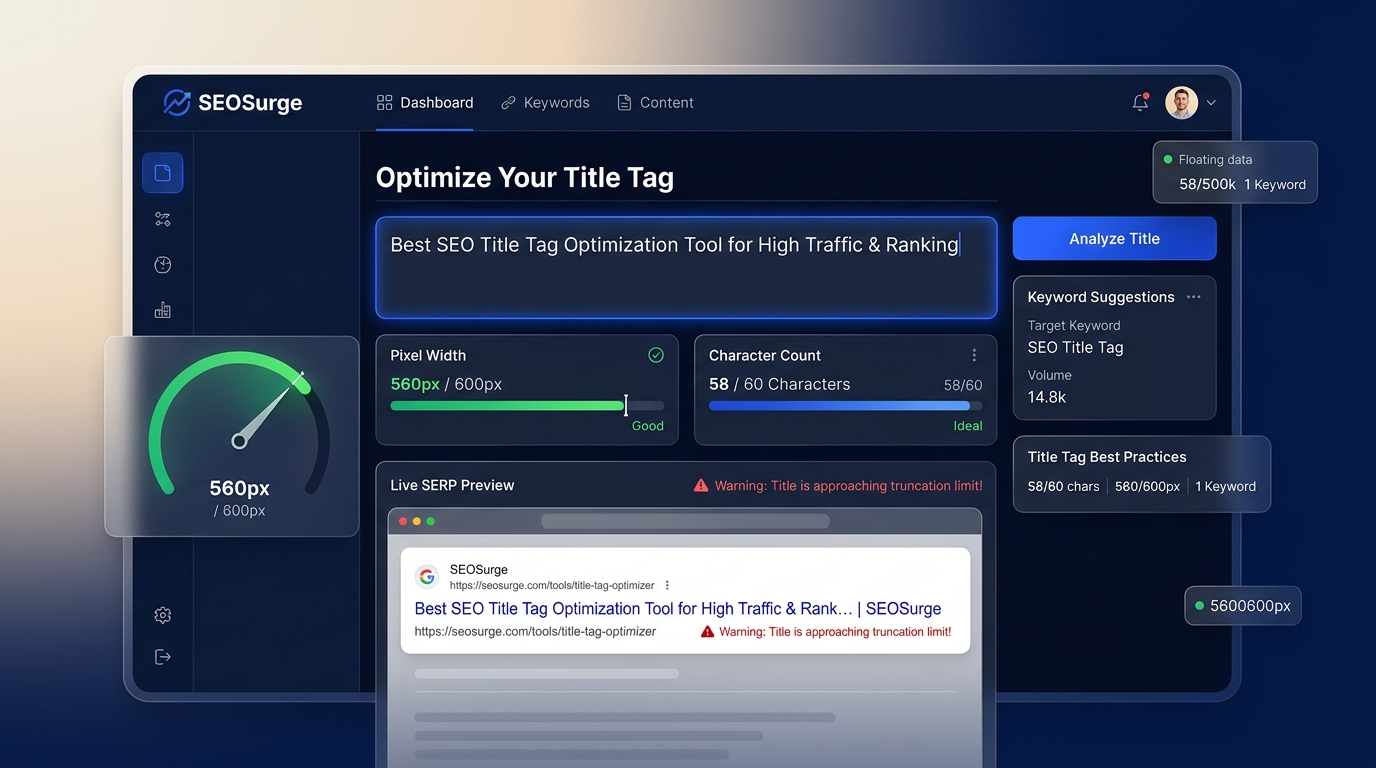
How to Write SEO Title Tags That Describe Your Page Clearly
Title tags are your website's digital storefront signboards in search engine results. Discover how to balance keyword placement, pixel width constraints, and compelling copywriting.
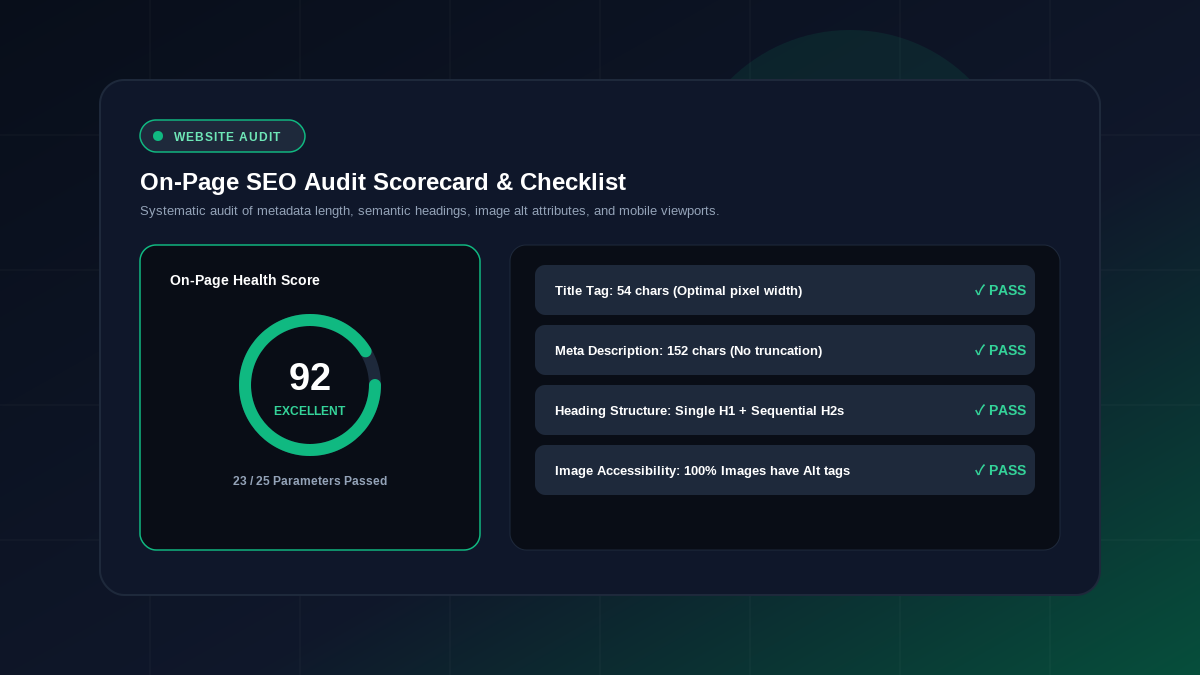
How to Audit Basic On-Page SEO Issues
On-page issues quietly erode organic rankings. Discover our practical step-by-step framework for diagnosing and fixing foundational on-page SEO errors.
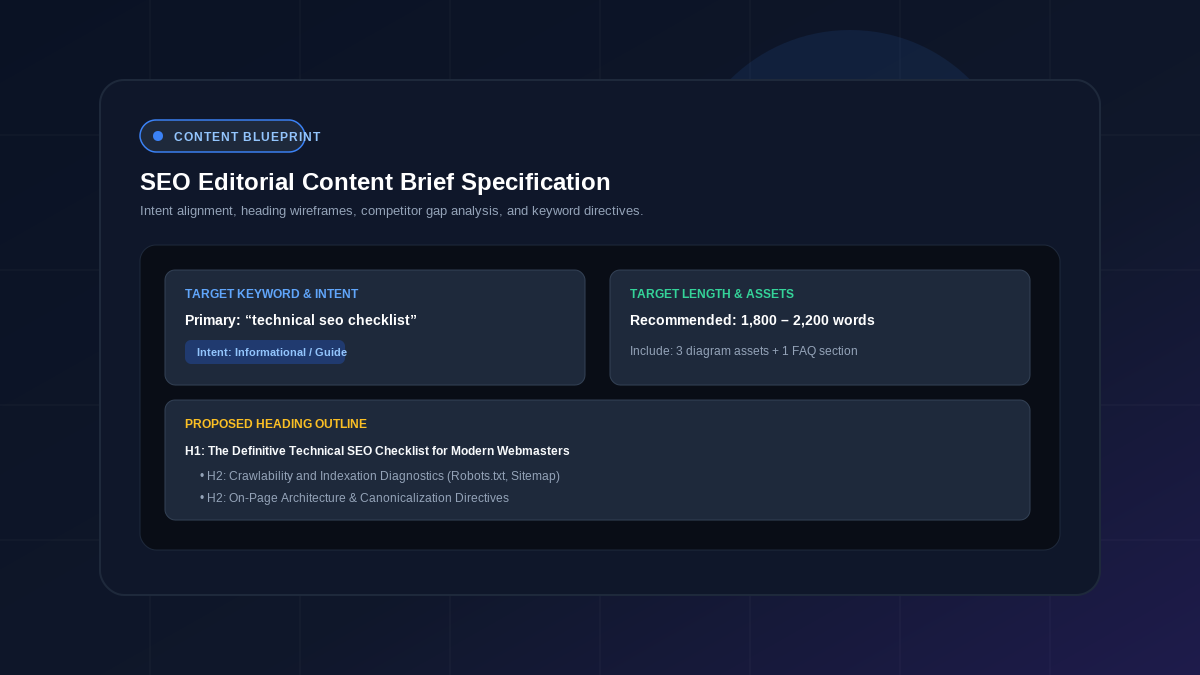
How to Create a Practical SEO Content Brief
Great articles don't happen by accident—they are engineered through deliberate briefs. Learn how to create content briefs that produce top-ranking articles.