Robots.txt Explained for Beginners
A single incorrect character in your robots.txt file can accidentally de-index your entire website. Learn how to configure crawler directives safely.

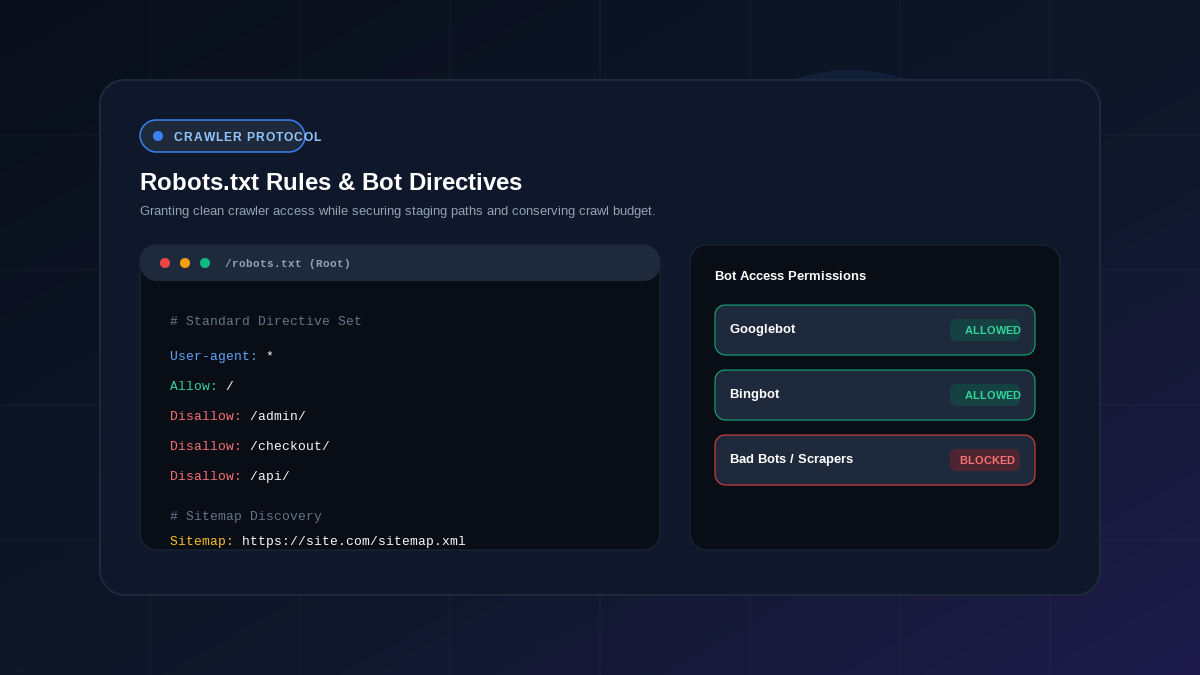
What Is Robots.txt and What Does It Do?
The Robots Exclusion Protocol—commonly implemented as a plain text file named robots.txt placed at the root of a domain—is a standardized communication channel between website administrators and automated web crawlers (often termed search engine spiders or bots).
When a search engine spider such as Googlebot, Bingbot, or DuckDuckBot visits your domain, the very first action it takes is requesting https://yourdomain.com/robots.txt. If the file exists and is accessible, the crawler parses its instructions to identify which directories and URL parameters it is authorized to crawl and which it should bypass.
A well-architected robots.txt file accomplishes three essential functions:
- Preserves Crawl Budget: Prevents search engines from wasting resources requesting infinite query loops, internal search results, or administrative backends.
- Prevents Server Overload: Guides heavy crawlers away from resource-intensive dynamic generation scripts.
- Advertises XML Sitemaps: Informs search engines where to locate your canonical sitemap index.
Core Directives and Exact Syntax Rules
A standard robots.txt file consists of one or more blocks containing directive pairs. Each block begins by identifying the target crawler (User-agent), followed by specific permission rules:
# Example: SmartCalcBox Standard Robots.txt
User-agent: *
Disallow: /admin/
Disallow: /checkout/
Disallow: /api/private/
Allow: /api/public/

Sitemap: https://smartcalcbox.com/sitemap.xml
1. User-agent
Specifies which crawler the rule applies to.
User-agent: *applies the directives to all automated web robots.User-agent: Googlebotapplies exclusively to Google's primary search spider.User-agent: Bingbottargets Microsoft Bing.User-agent: GPTBottargets OpenAI's AI training crawler.
2. Disallow
Instructs the designated user-agent not to access any URI starting with the specified string.
Disallow: /blocks access to the entire website (the ultimate "nuclear" directive).Disallow: /cart/blocks any URL beginning with/cart/(such as/cart/checkout,/cart/items).Disallow:(leaving the path empty) explicitly permits access to all pages on the site.
3. Allow
Overrides a broader Disallow rule for a specific subdirectory or file. In the example above, while /api/ might be restricted, Allow: /api/public/ ensures the public documentation remains crawlable.
4. Sitemap
Directs search crawlers to the exact location of your XML sitemap. Unlike User-agent directives, Sitemap directives are global and should be placed on an independent line.
The Critical Difference Between Crawling and Indexing
This is the single most common misunderstanding in technical SEO:
Robots.txt controls CRAWLING. It does NOT guarantee de-INDEXING.
If you disallow a URL in robots.txt:
- Search crawlers will not request or download the page content.
- Crawlers will not see any
<meta name="robots" content="noindex">tags or page text. - HOWEVER, if other internal or external websites link to that disallowed URL using descriptive anchor text, Google can and often will index the URL as an empty search listing containing only the URL and anchor text.
To ensure a sensitive or low-value page is completely removed from Google search results, you must:
- Allow the page in
robots.txtso Googlebot can crawl it. - Place a
<meta name="robots" content="noindex, follow">tag inside the page's HTML head or return anX-Robots-Tag: noindexHTTP header. - Wait for Googlebot to crawl the page and observe the noindex directive.
Use our Meta Robots Tag Generator to craft valid noindex directives.
Directives for Modern Search Bots and AI Scrapers
The rise of generative AI has introduced an array of automated data scrapers that train Large Language Models (LLMs). If you wish to allow standard search crawlers while blocking AI scrapers, you can configure dedicated agent blocks:
# Allow search engines
User-agent: Googlebot
Allow: /

User-agent: Bingbot
Allow: /

# Block AI scrapers
User-agent: GPTBot
Disallow: /

User-agent: CCBot
Disallow: /

User-agent: ClaudeBot
Disallow: /
Common Robots.txt Disasters to Avoid
- Accidental Site-Wide Disallow: Deploying
Disallow: /from a staging environment directly to production wipes your domain out of search indices over time. - Blocking CSS and JavaScript Assets: In the past, webmasters blocked
/wp-content/or/assets/. Modern search engines must render pages like a browser to evaluate layout and mobile-friendliness. Blocking scripts and stylesheets prevents Googlebot from rendering pages accurately. - Case Sensitivity Mismatches: Directives are case-sensitive.
Disallow: /admin/will not matchhttps://example.com/Admin/. - Incorrect File Location: The file must be served from the root domain (
domain.com/robots.txt). Placing it atdomain.com/folder/robots.txtrenders it completely inert.
How to Build, Test, and Deploy Your Robots.txt
- Generate your directives safely using our Robots.txt Generator.
- Validate your rules against Google Search Console's Robots Testing Tool to verify that high-priority pages are not inadvertently blocked.
- Verify your XML sitemap URL via the XML Sitemap Validator before referencing it in your file.
- Upload the
robots.txtfile to your server root and verify it returns a 200 OK HTTP status code using our HTTP Header Inspector.
Robots.txt Generator
Generate clean, standards-compliant robots.txt files with bot rules, crawl delays, and XML sitemap directives.
Meta Robots Tag Generator
Build granular meta robots directives and X-Robots-Tag HTTP headers with interactive controls.
XML Sitemap Validator
Validate XML sitemaps for syntax compliance, URL count, schema requirements, and date formats.
Frequently Asked Questions
Does every website need a robots.txt file?
Technically no, but practically yes. If your website lacks a robots.txt file, crawlers assume that all publicly accessible URLs are open for crawling, and you lose the ability to advertise your sitemap or block private directories.
Can robots.txt be used to protect private or confidential user data?
No. Robots.txt is a publicly viewable plain text file. Anyone can read it in their browser. Malicious bots and scrapers frequently ignore robots.txt completely. Sensitive areas must be protected with server-level authentication and passwords.
How long does Google take to recognize changes to robots.txt?
Google typically caches robots.txt for up to 24 hours. After deploying changes, you can submit the updated file via Google Search Console to request an expedited refresh.
About the Author: Alex Mercer
Lead Technical SEO Specialist & Web EngineerAlex is a web engineer and technical SEO specialist with over a decade of hands-on experience building web applications, optimizing site architectures, and resolving crawl and indexing challenges. He oversees tool development and technical accuracy across SmartCalcBox.
Related SEO Guides & Tutorials
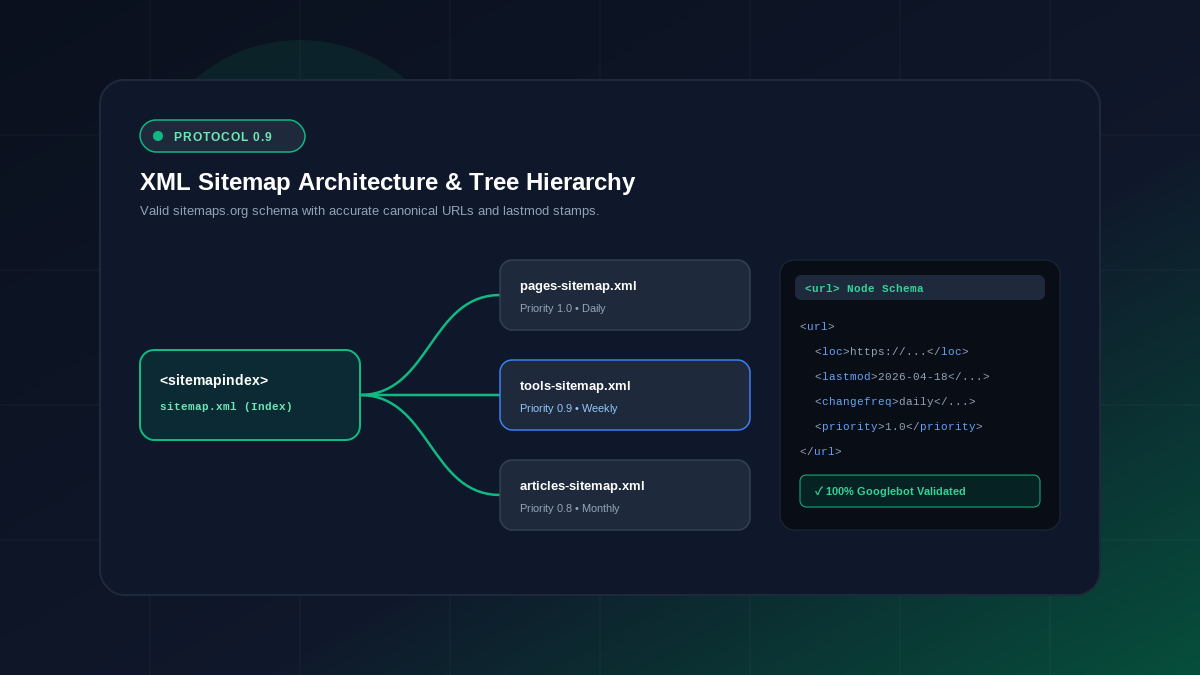
How to Build a Useful XML Sitemap
An XML sitemap is your website's official table of contents for search engines. Learn how to construct error-free sitemaps that maximize crawl efficiency.
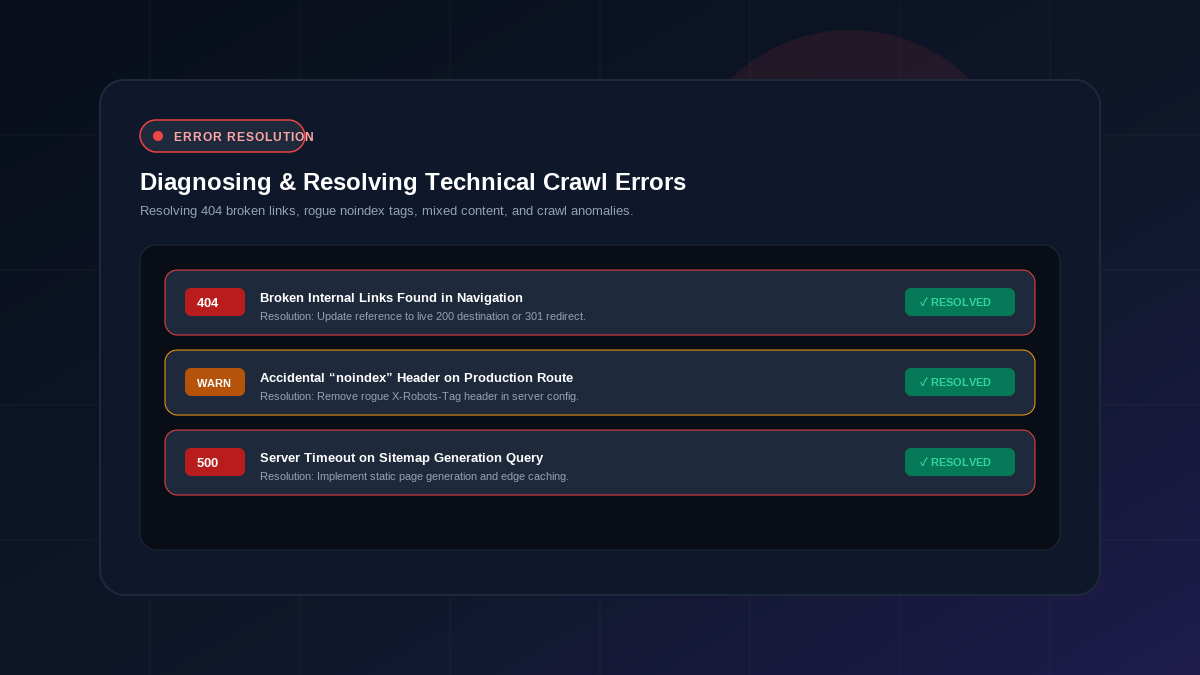
How to Find and Fix Common Technical SEO Errors
Technical errors silently prevent search engines from crawling and indexing your content. Discover how to diagnose and resolve the most common technical roadblocks.
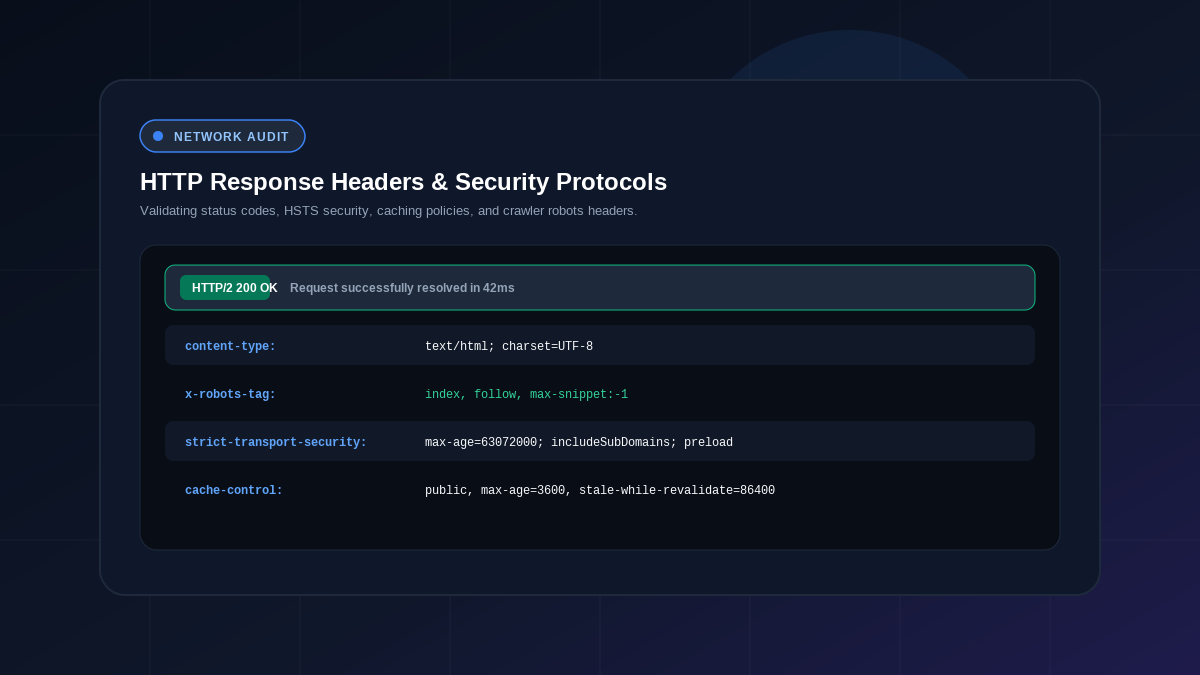
How to Check HTTP Response Headers
HTTP response headers govern caching, security, and crawler directives. Learn how to inspect and configure critical headers for modern web performance.