SmartCalcBoxPrecision Free SEO Tools
Home
All Tools
On-Page SEOTechnical SEOContent ToolsGuides & BlogAboutContact
  1. Home
  2. Tools
  3. Technical SEO Tools
  4. Meta Robots Tag Generator
Technical SEO Tools
UpdatedAdded: 2026-03-27

Meta Robots Tag & Directives Builder

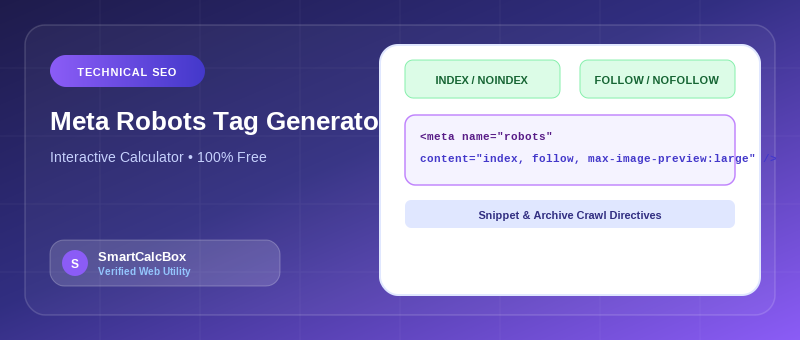
Control how search engine crawlers index individual pages, follow outbound links, and display media snippets. Generate valid <meta name="robots" content="..."> HTML tags and corresponding X-Robots-Tag HTTP headers with granular directive toggles.
100% Free Forever•Zero Sign-up Required•Client-Side Privacy
Meta Robots Tag Generator

Configure Robot Directives

Target Bot:
Indexing Permission:
Outbound Link Following:
-1 denotes no character limit
HTML <head> Meta Tag
<meta name="robots" content="index, follow, max-image-preview:large" />
Insert inside the HTML <head> section of the target page.
X-Robots-Tag HTTP Header
X-Robots-Tag: index, follow, max-image-preview:large
Return as an HTTP header for non-HTML files (PDFs, images, documents).

Core Features of the Meta Robots Tag Generator

Interactive toggles for index/noindex, follow/nofollow, noarchive, nosnippet, and noimageindex.
Advanced snippet controls: max-snippet (characters), max-image-preview (none/standard/large), and max-video-preview (seconds).
Generates both HTML <meta name="robots"> tag and server-side X-Robots-Tag HTTP header.
Targeted bot directive selector (googlebot, bingbot, or generic robots).
Instant copy and clear controls.

How to Use the Meta Robots Tag Generator Step-by-Step

1

Set Indexing Directives

Choose whether you want search engines to index the page and follow outbound links.

2

Configure Advanced Snippet Options

Optionally specify max-image-preview (e.g. large) to qualify for Google Discover visibility.

3

Choose Format

Select HTML meta tag for webpage templates or X-Robots-Tag for server headers.

4

Copy Code

Click 'Copy' to transfer the generated directive directly into your project.

Frequently Asked Questions

What does 'max-image-preview:large' do?

This directive permits Google to display large, high-resolution thumbnail images for your content in Google search results and Google Discover, often improving click-through rates.

When should I use X-Robots-Tag instead of a meta tag?

X-Robots-Tag is an HTTP header returned by your web server. It is essential for controlling indexing of non-HTML assets, such as PDF documents, images, or JSON feeds, where an HTML <head> does not exist.

Related Educational Guides

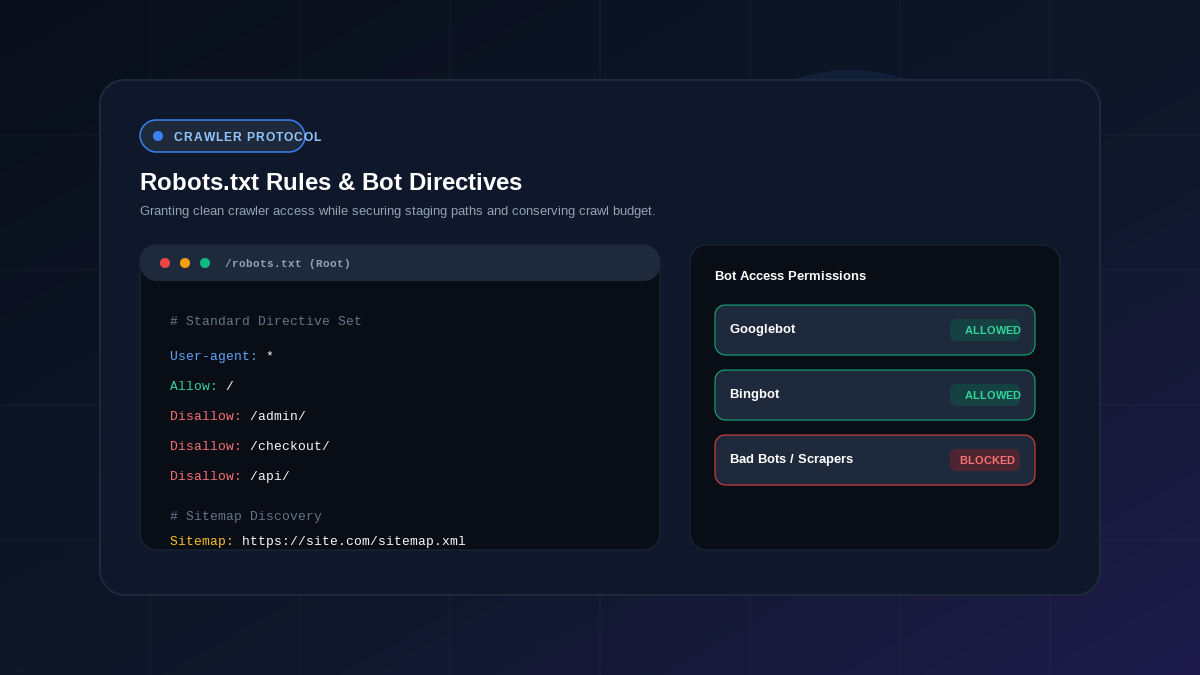
Illustration showing search bot crawler interacting with robots.txt directives and traffic lights
technical seo•7 min read

Robots.txt Explained for Beginners

A single incorrect character in your robots.txt file can accidentally de-index your entire website. Learn how to configure crawler directives safely.

Alex MercerRead Guide
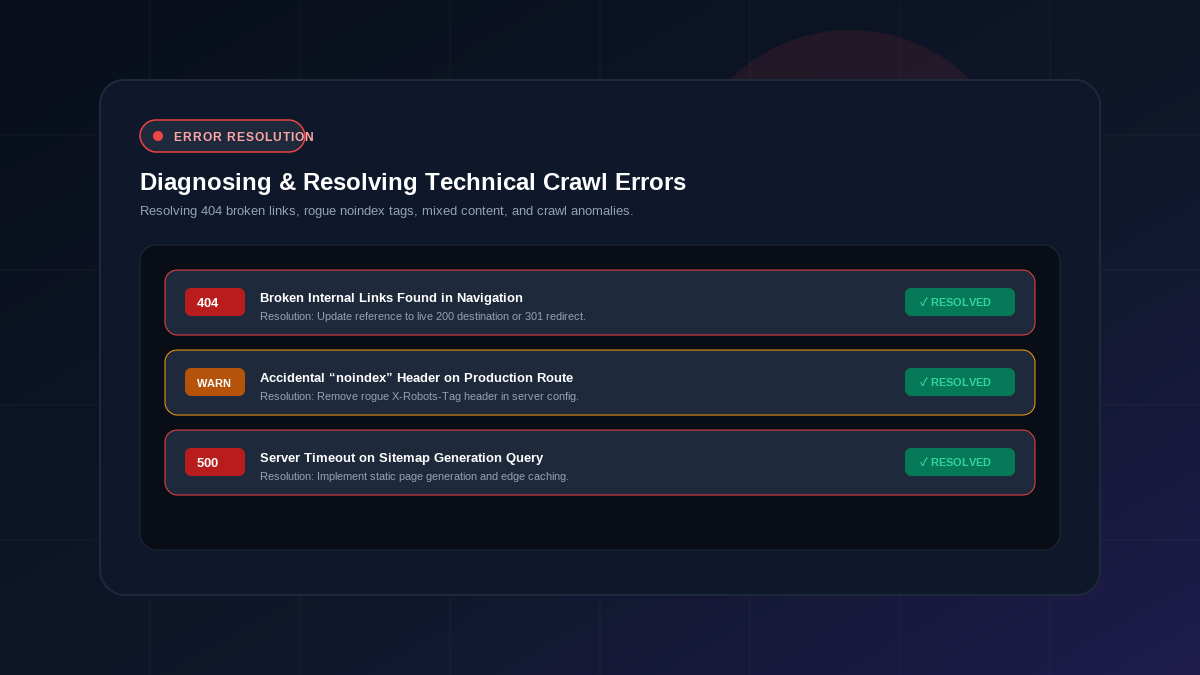
Technical troubleshooting console showing server error codes and resolution checklists
technical seo•8 min read

How to Find and Fix Common Technical SEO Errors

Technical errors silently prevent search engines from crawling and indexing your content. Discover how to diagnose and resolve the most common technical roadblocks.

Alex MercerRead Guide
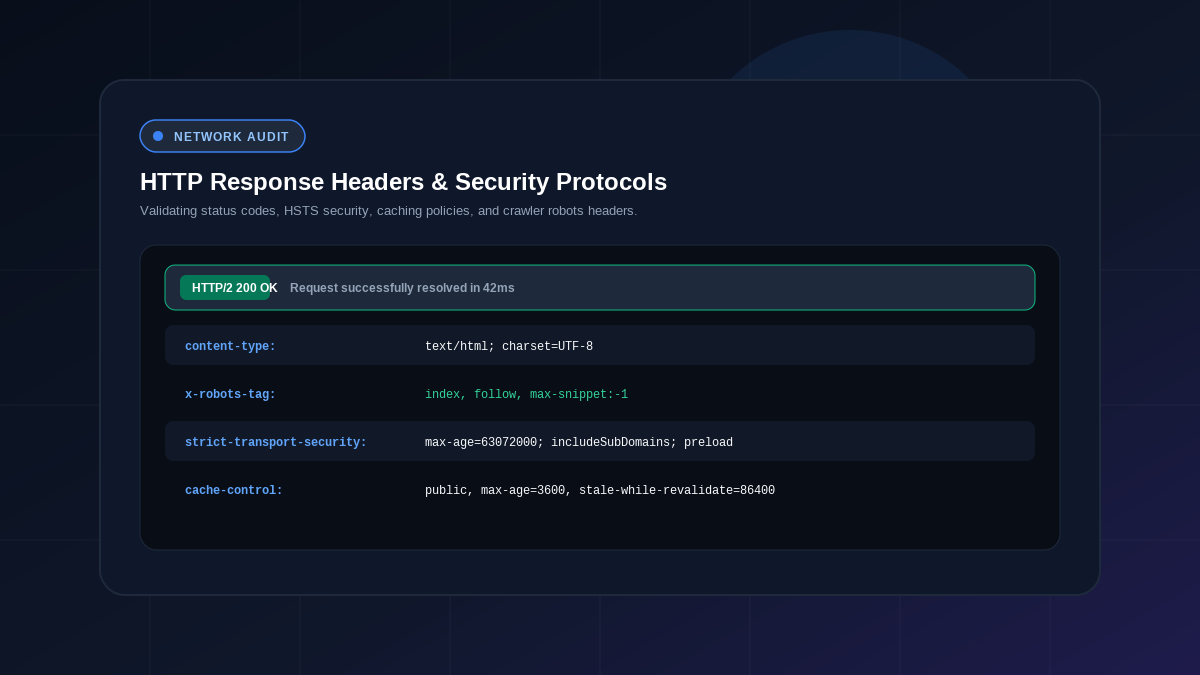
Network inspector console detailing HTTP response headers, status codes, and security badges
technical seo•7 min read

How to Check HTTP Response Headers

HTTP response headers govern caching, security, and crawler directives. Learn how to inspect and configure critical headers for modern web performance.

Alex MercerRead Guide

Related SEO Tools

All 25 Tools →
technical seoPopular

Robots.txt Generator

Generate clean, standards-compliant robots.txt files with bot rules, crawl delays, and XML sitemap directives.

Selectable templates: Allow All, Restrict Sensitive Directories (wp-admin, checkout, private), Disallow All, or Custom.
Bot-specific directives for Googlebot, Bingbot, DuckDuckBot, Baiduspider, Yandex, GPTBot, and CCBot.
Free • Client-sideOpen Tool
metadata serpEssential

Canonical Tag Generator

Generate canonical URL tags, enforce absolute HTTPS links, and prevent duplicate content issues.

Generates standards-compliant <link rel="canonical" href="..."> markup.
Protocol verification enforcing absolute HTTPS URLs (flags relative paths and insecure HTTP).
Free • Client-sideOpen Tool
technical seoEssential

HTTP Header Inspector & Security Auditor

Inspect server HTTP response headers and audit critical security headers with pass/fail indicators.
Server-side fetch inspecting status codes, response headers, protocol, and latency safely.
Audits 6 vital security headers: Content-Security-Policy, Strict-Transport-Security (HSTS), X-Frame-Options, X-Content-Type-Options, Referrer-Policy, and Permissions-Policy.
Free • Client-sideOpen Tool
100% Free & Fast

Zero subscriptions, paywalls, or daily quotas.

Client-Side Privacy

Your text and audit inputs remain in your browser.

Validated Protocols

Built strictly to Schema.org and Google Search standards.

SmartCalcBox

Smarter SEO. Better Websites. Clearer Results. SmartCalcBox provides free, production-ready website analysis calculators, technical validators, and content optimization utilities for webmasters, developers, and publishers.

Free web utilities•100% Privacy•Zero Signup

Tool Categories

  • On-Page SEO Tools
  • Technical SEO Tools
  • Content Optimization Tools
  • Metadata and SERP Tools
  • URL and Website Utilities
  • View All 25 Tools →

Guides & Articles

  • Blog & SEO Library
  • Title Tag Best Practices
  • XML Sitemap Protocol
  • Robots.txt Architecture
  • New Website SEO Checklist
  • HTML Sitemap

Company & Legal

  • About SmartCalcBox
  • Editorial Team & Authors
  • How We Build & Test
  • Editorial Policy
  • Privacy Policy
  • Terms of Service
  • Cookie Policy
  • Disclaimer
  • Contact Us
© 2026 SmartCalcBox. All rights reserved. Free web diagnostic utilities.
Privacy•Terms•Sitemap