metadata serp•7 min read
Canonical Tags Explained with Practical Examples
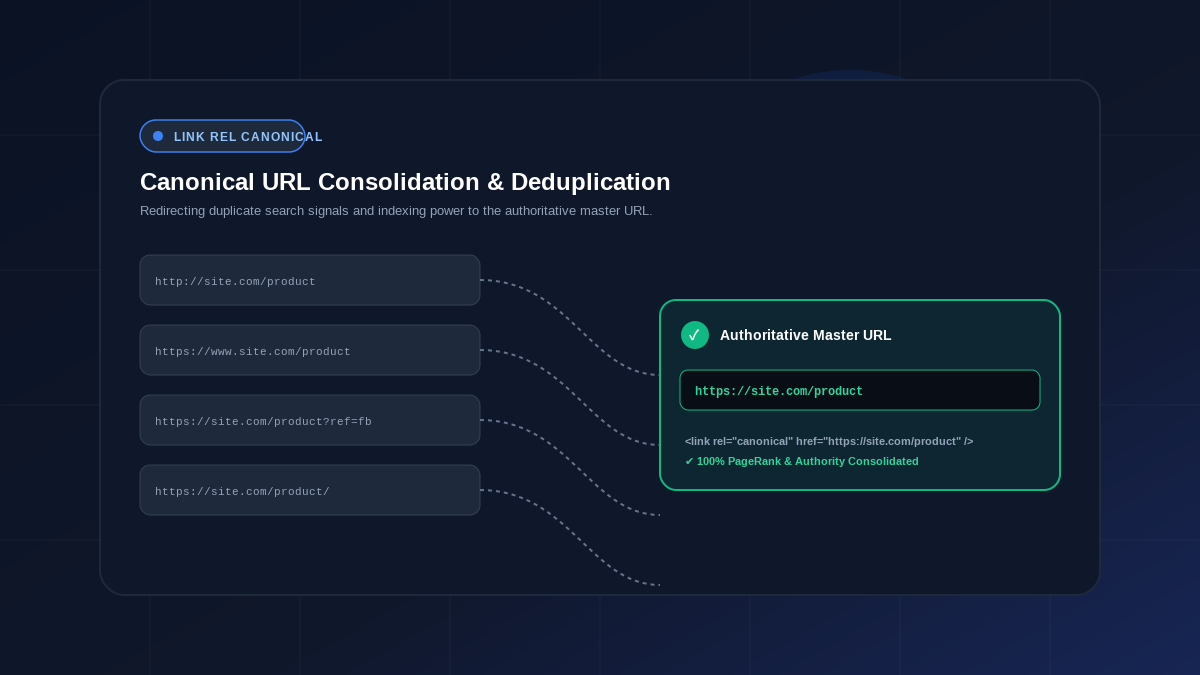
Duplicate content divides your organic ranking signals across multiple URLs. Learn how rel='canonical' tags tell search engines which URL to trust.
Alex MercerRead Guide
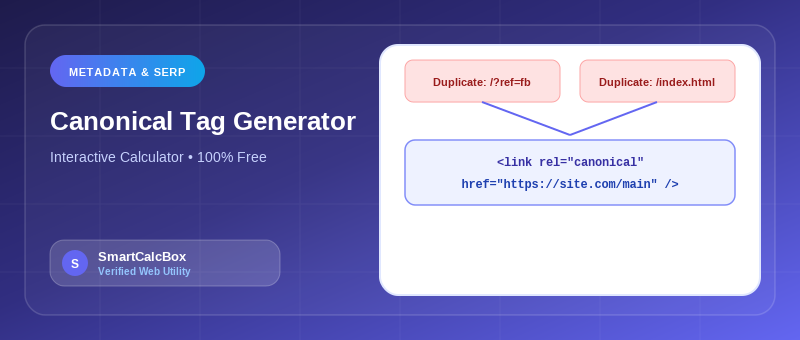
Duplicate content dilutes ranking signals across multiple URLs. A canonical tag (<link rel="canonical" href="...">) explicitly informs search engines which URL represents the authoritative master version. Generate valid, absolute canonical tags with proper protocol validation.
Enter the full absolute URL of the primary page.
Toggle parameter stripping to prevent tracking strings from leaking into canonical tags.
Ensure the generated tag uses the secure https:// protocol.
Click 'Copy HTML Tag' and paste it inside the <head> element of your webpage.
While some browsers can resolve relative paths, Google strongly advises using absolute URLs (including the full domain and https:// protocol) to prevent crawler misinterpretation.
Yes. Self-referencing canonical tags on unique pages prevent scrapers, URL parameters, or session IDs from generating unintentional duplicate index entries.
Duplicate content divides your organic ranking signals across multiple URLs. Learn how rel='canonical' tags tell search engines which URL to trust.
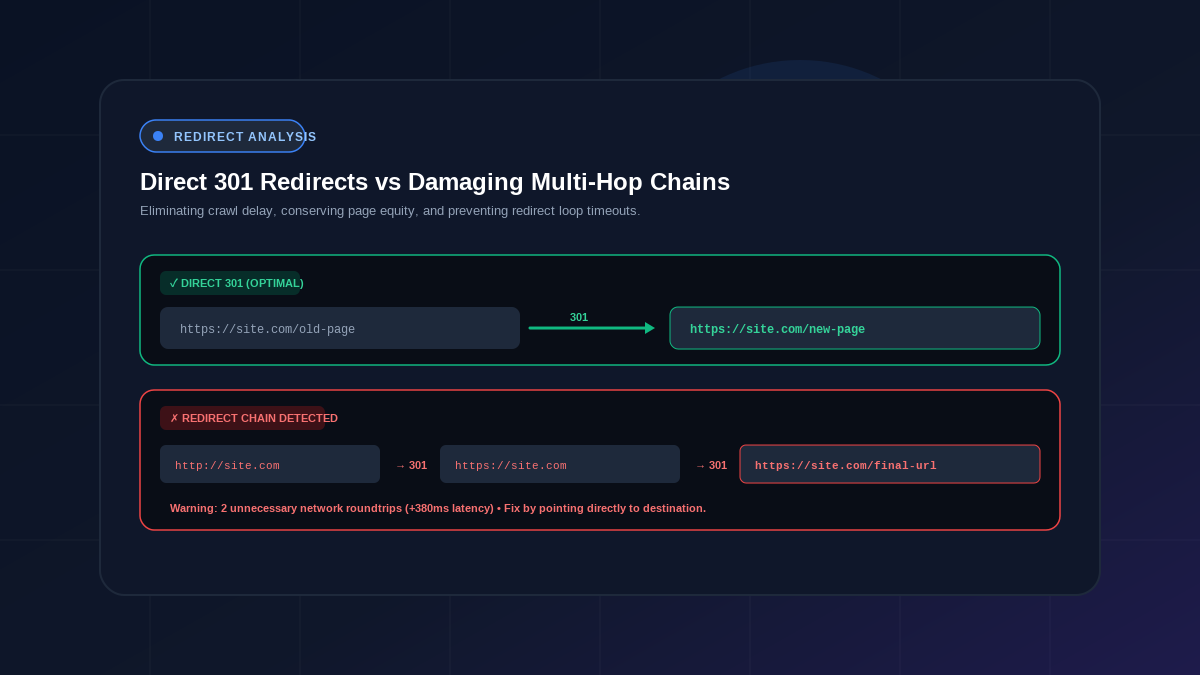
Redirects guide users and crawlers when URLs change. Learn how to prevent redirect chains, loops, and latency traps that hurt your search performance.
On-page issues quietly erode organic rankings. Discover our practical step-by-step framework for diagnosing and fixing foundational on-page SEO errors.
Check title tag character counts and pixel width against Google's desktop and mobile snippet thresholds.
Build granular meta robots directives and X-Robots-Tag HTTP headers with interactive controls.
Generate clean, search-friendly, readable URL slugs with stopword removal and delimiter controls.