How to Write SEO Title Tags That Describe Your Page Clearly
Title tags are your website's digital storefront signboards in search engine results. Discover how to balance keyword placement, pixel width constraints, and compelling copywriting.

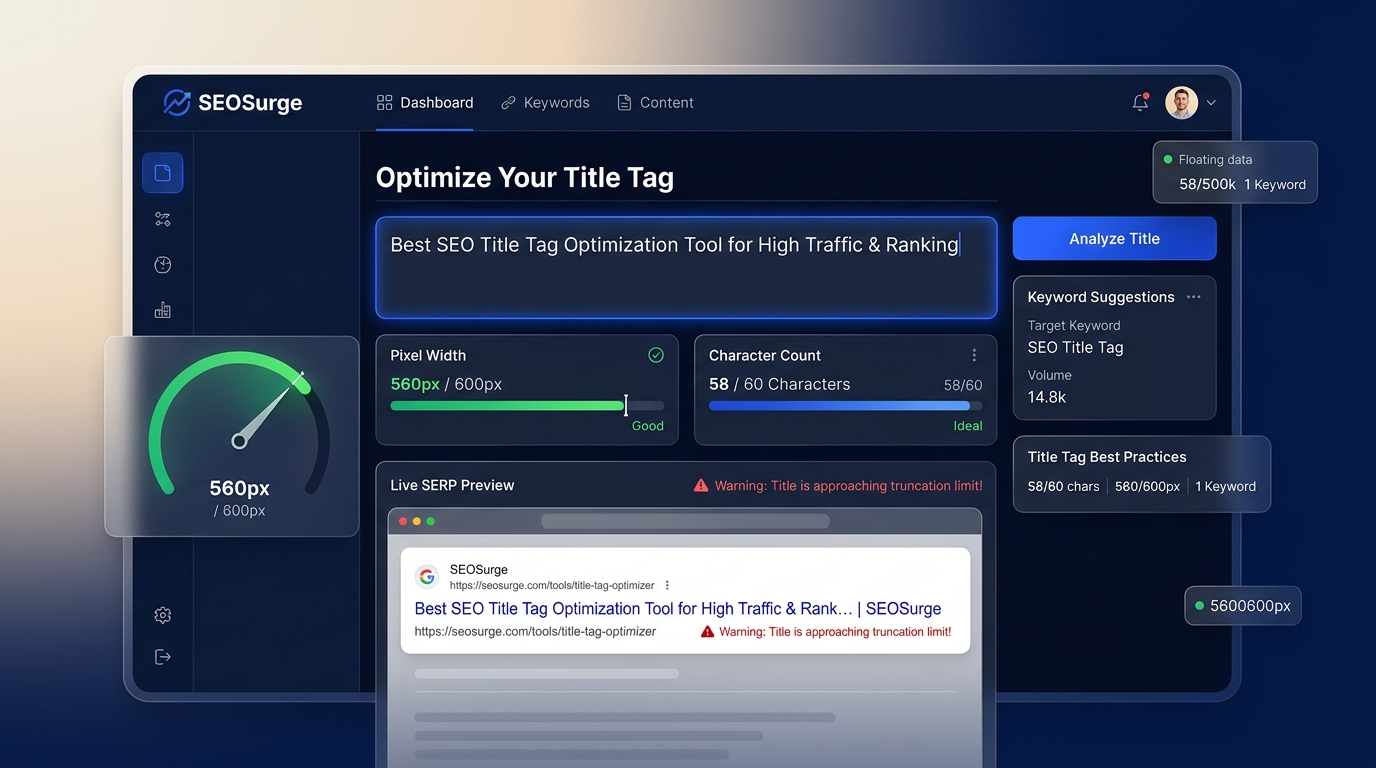
Why Title Tags Remain a Critical SEO Signal
Your HTML title tag (<title>) is often the single most visible piece of metadata on the web. It defines the title shown in browser tab bars, forms the default text when saving bookmarks, generates the primary link when content is shared across social media, and most importantly, serves as the headline in search engine result pages (SERPs).
From an algorithmic perspective, search engines like Google and Bing evaluate the title tag as a strong topical signal. When a user queries a search phrase, crawlers examine the title to confirm whether the document addresses that specific intent. From a human perspective, the title tag is your 3-second elevator pitch. If your title is vague, overly clever, or prematurely truncated, users will scroll directly past your result to a competitor whose headline clearly answers their need.
A successful title tag achieves three synchronized objectives:
- Accurate representation: It truthfully indicates what the visitor will encounter on the page.
- Search intent alignment: It incorporates primary search terms near the beginning without unnatural phrasing.
- Compelling click proposition: It provides a distinct reason for the user to choose your link over nine other organic results.
Character Counts vs. Pixel Limits: The Real Math
A common misconception among website owners is that title tags are capped at a rigid 60 characters. In reality, Google's desktop search container allocates a horizontal width of approximately 580 to 600 pixels (rendered in Arial at approximately 20px). On mobile devices, Google may allow multiple lines extending up to 650-700 pixels, but desktop displays enforce strict horizontal truncation with an ellipsis (...).
Because characters in proportional fonts have variable widths, 60 narrow characters (like i, l, t, !) occupy far less horizontal space than 60 wide uppercase letters (like W, M, Q).
| Character Set | Character Count | Estimated Pixel Width | SERP Outcome |
|---|---|---|---|
Illinois Little Hills Tour | 27 characters | ~280 px | Fully visible |
WOMEN'S MAXIMUM WELLNESS | 24 characters | ~340 px | Fully visible, wide footprint |
Comprehensive Technical SEO Audit Checklist for Modern Web Apps 2026 | 71 characters | ~720 px | Truncated after "...Modern Web" |
To safeguard your titles against awkward cutoffs, aim for 50 to 60 characters while ensuring the total width stays below 580 pixels. Use our free Title Tag Length Checker to measure exact pixel widths before deploying changes.
The Anatomy of a High-Performing Title Tag
Top-ranking titles follow a proven semantic structure:
[Primary Keyword] - [Secondary Context / Unique Value] | [Brand Name]
Let's dissect real-world implementations across different website categories:
1. E-Commerce Product Page
- Weak: Red Shoes on Sale - Buy Cheap Footwear Now
- Optimized: Men's Waterproof Trail Running Shoes - Red | TrailForge
- Why it works: Focuses on specific product attributes (waterproof, trail running, red) that capture qualified buyer intent, closing with the trusted brand identity.
2. Informational Guide or Blog Post
- Weak: Title Tags Guide for Beginners in 2026
- Optimized: How to Write SEO Title Tags: Best Practices & Examples | SmartCalcBox
- Why it works: Starts with the exact search query format ("How to Write SEO Title Tags"), highlights the tangible value ("Best Practices & Examples"), and stays within safe pixel thresholds.
3. SaaS or Tool Page
- Weak: Free Character Counter Online
- Optimized: Character Counter: Count Characters, Words & Lines | SmartCalcBox
- Why it works: Front-loads the functional noun while explicitly listing key user benefits in under 60 characters.
Step-by-Step: Writing Titles for Different Page Types
Step 1: Identify the Primary Search Intent
Determine whether searchers want to learn something (informational), find a specific brand (navigational), compare options (commercial), or purchase immediately (transactional). Your title's tone and phrasing must mirror this intent.
Step 2: Front-Load Your Core Keyword
Place your highest-priority term as close to the beginning of the title as natural English permits. This helps skimmers scanning search listings immediately notice relevant terms and protects your primary keyword from being hidden if the title is clipped on smaller screens.
Step 3: Integrate Differentiators
Differentiators set your page apart from generic listings. Effective differentiators include:
- Freshness indicators: Current year (e.g., 2026 Edition) for time-sensitive guides.
- Scope clarity: Beginner's Guide, Complete Checklist, Step-by-Step.
- Unique features: Free Template Included, Calculator, Interactive.
Step 4: Add Consistent Brand Separation
Use a clean separator like a pipe (|) or hyphen (-) to append your brand name. Brand recognition fosters trust and repeat visits over time.
5 Costly Title Tag Mistakes to Avoid
- Keyword Stuffing: Repeating variations of the same word (e.g., Best SEO Tools, Top SEO Tools, Free SEO Tools Online) triggers Google's spam algorithms and repels human searchers.
- Missing Brand Attribution: Omitting your brand name sacrifices long-term recognition and gives Google license to append an arbitrary brand string.
- Duplicate Titles Across Pages: Giving your homepage, contact page, and catalog pages identical titles confuses search engines regarding which URL matches specific user queries.
- Vague Boilerplate Phrasing: Titles like Home, Services, or Page 2 squander your most valuable metadata real estate.
- Over-Promising Clickbait: Phrasing that promises answers your content does not deliver spikes bounce rates, ultimately damaging organic performance.
Why Google Might Rewrite Your Title Tag
In August 2021, Google rolled out a major algorithmic title tag update. Search engines frequently substitute your HTML title tag with an alternate heading (such as your <h1> tag, an anchor text link from an external domain, or a truncated excerpt) if they determine the specified title is:
- Extremely long or severely truncated.
- Stuffed with repetitive keywords.
- Boilerplate or out-of-date (e.g., citing 2022 on an article updated in 2026).
- Completely disconnected from the actual page copy.
To minimize the likelihood of Google rewriting your titles, ensure your <title> tag closely aligns with your page's visible <h1> heading and honestly represents the content. You can audit your heading tags using our Heading Structure Checker.
How to Test and Validate Your Title Tags
Before pushing new metadata to your live production environment:
- Test character counts and pixel widths using the Title Tag Length Checker.
- Preview how your title appears alongside URLs and descriptions in our SERP Snippet Preview Tool.
- Confirm that your canonical tags match your target URL using the Canonical Tag Generator.
Title Tag Length Checker
Check title tag character counts and pixel width against Google's desktop and mobile snippet thresholds.
SERP Snippet Preview Tool
Simulate desktop and mobile Google search result snippets with breadcrumbs, favicons, and star ratings.
Heading Structure Checker
Inspect H1 through H6 heading hierarchies, detect skipped levels, and verify document outline integrity.
Frequently Asked Questions
How long should an SEO title tag be in 2026?
Aim for between 50 and 60 characters, or a horizontal pixel width under 580 pixels on desktop. Keeping titles within this range prevents truncation in Google search results.
Does Google penalize titles that exceed 60 characters?
No, Google does not apply an algorithmic penalty for long titles. However, excess text is truncated with an ellipsis (...), which can conceal important context and reduce click-through rates.
Should the brand name go at the beginning or end of a title tag?
For most pages, the brand name should go at the end preceded by a pipe (|) or hyphen (-). The only exception is your homepage, where brand awareness typically takes priority.
How often should I update or test title tags?
Review title tags periodically when analyzing Google Search Console performance. If an established page has high impressions but a below-average click-through rate, testing a clearer, more enticing title tag can yield significant traffic gains.
About the Author: Alex Mercer
Lead Technical SEO Specialist & Web EngineerAlex is a web engineer and technical SEO specialist with over a decade of hands-on experience building web applications, optimizing site architectures, and resolving crawl and indexing challenges. He oversees tool development and technical accuracy across SmartCalcBox.
Related SEO Guides & Tutorials
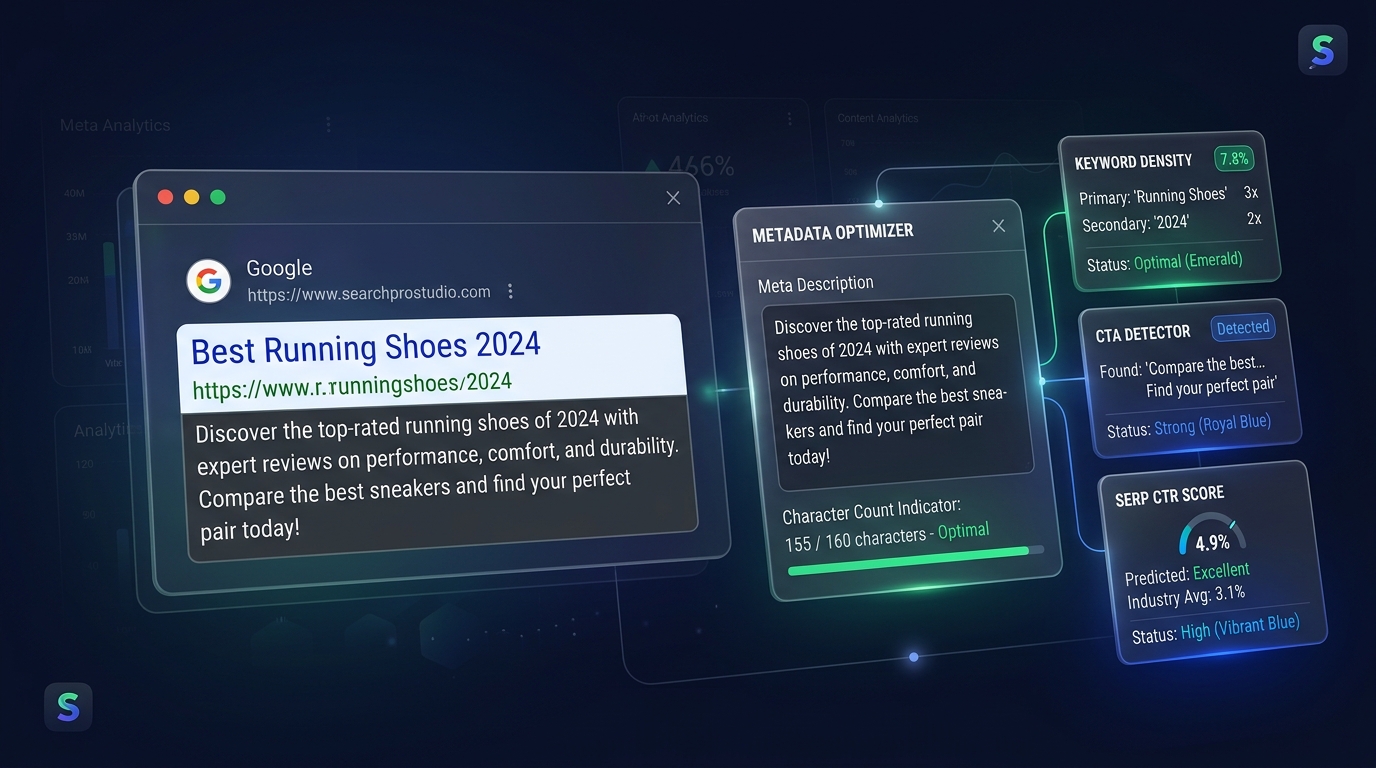
Meta Description Best Practices for Website Owners
While meta descriptions are not a direct ranking factor, they serve as your unpaid organic ad copy. Learn how to write descriptions that turn searchers into visitors.
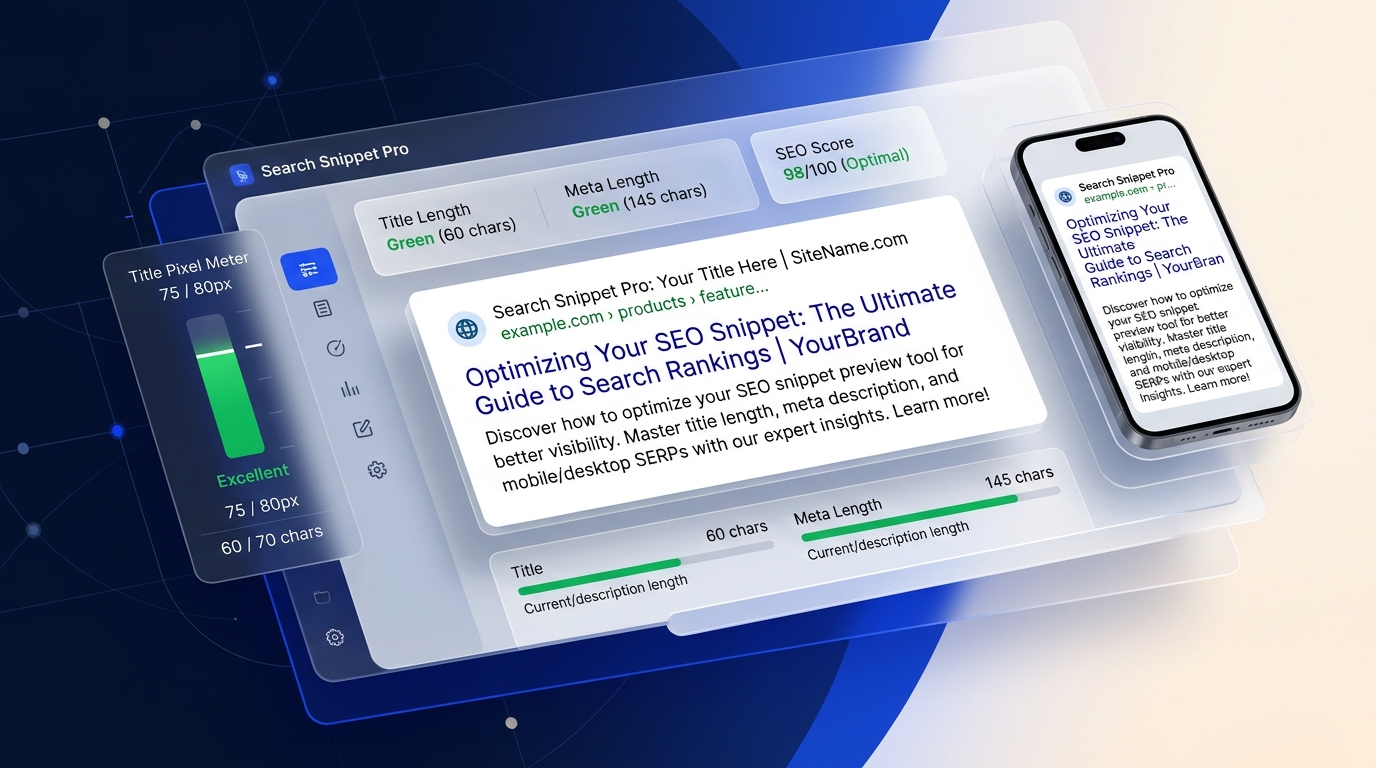
How to Preview Your Search Result Snippet
Visualizing how your webpage appears on Google search results pages prevents embarrassing truncation errors and maximizes organic click-through rates.
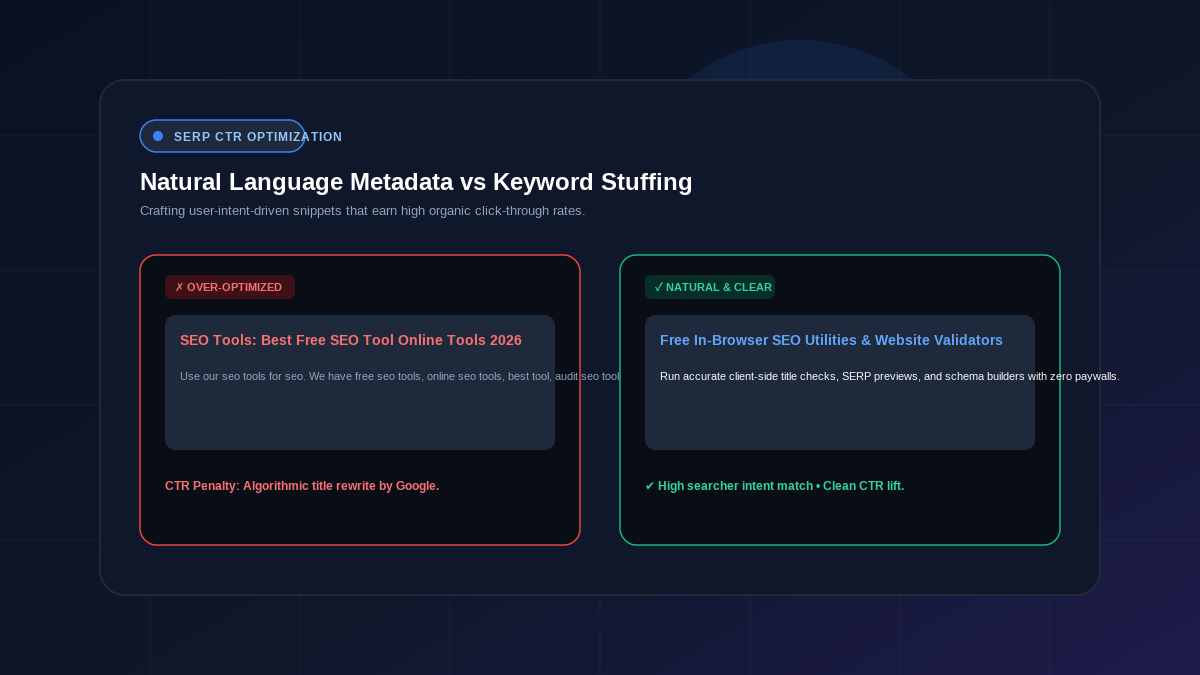
How to Optimize Website Metadata Without Keyword Stuffing
Stuffing keywords into metadata repels searchers and triggers spam filters. Learn modern entity-based optimization that drives clicks naturally.