Meta Description Best Practices for Website Owners
While meta descriptions are not a direct ranking factor, they serve as your unpaid organic ad copy. Learn how to write descriptions that turn searchers into visitors.

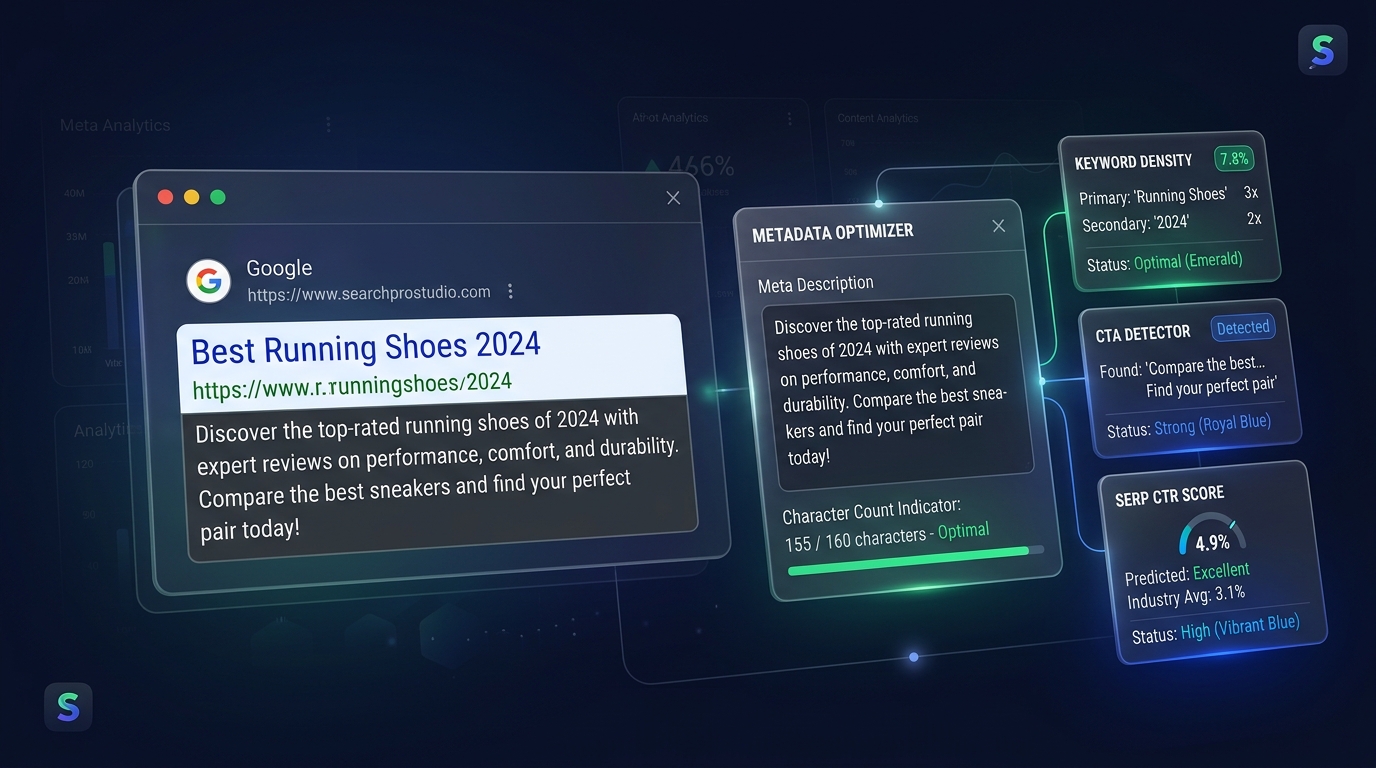
What Is a Meta Description and Why Does It Matter?
A meta description is an HTML snippet placed inside the <head> section of a webpage:
<meta name="description" content="Discover actionable meta description best practices. Learn character limits, call-to-action formulas, and how to increase organic search clicks.">
Search engines display this snippet underneath your title tag and URL slug on search engine result pages (SERPs). In 2009, Google confirmed that meta descriptions are not an algorithmic ranking factor—meaning stuffing keywords into your description will not directly elevate your ranking position.
However, treating meta descriptions as unimportant is a major strategic mistake. Your description acts as unpaid organic ad copy. A compelling description persuades users that your link provides the clearest, most authoritative answer to their query, dramatically lifting your organic click-through rate (CTR). Over time, sustained higher click-through rates and satisfied user visits signal strong topical relevance to search algorithms.
Length Guidelines: The 140–160 Character Sweet Spot
Search engines do not count words; they measure pixel width. On desktop monitors, Google typically displays up to ~960 to 990 pixels of description text. On mobile devices, where screen real estate is limited, snippets frequently truncate around 680 to 750 pixels.
Translating these pixel dimensions into practical character counts yields the following rules of thumb:
- The Sweet Spot: 140 to 160 characters. Descriptions in this range almost always render cleanly without premature cutoffs on desktop.
- Mobile-First Priority: Ensure your primary hook, target keyword, and value proposition reside within the first 120 characters. Even if mobile viewports clip the final words, your core message remains intact.
- Under 100 characters: Often appears thin and fails to provide adequate motivation for the user to click.
- Over 165 characters: Subject to truncation with an ellipsis (
...), which can sever your call-to-action mid-sentence.
You can verify your snippets in seconds using our free Meta Description Length Checker.
The 4 Core Elements of High-Converting Descriptions
Every high-performing meta description incorporates four distinct components:
1. The Target Keyword (Naturally Integrated)
When a user searches for a query that matches terms in your meta description, Google renders those matching terms in bold font. This bolding immediately catches the user's eye and visually validates that your page answers their inquiry.
2. A Concrete Benefit or Value Proposition
Explain specifically what the reader will gain by clicking. Will they save money, debug an error, download a free template, or understand a complex concept in five minutes? Specificity wins over vague generalities every time.
3. Active, Conversational Voice
Write in active voice rather than passive phrasing. Address the searcher directly using second-person pronouns ("you", "your").
- Passive: "Tips on website performance can be found in this guide."
- Active: "Accelerate your website loading speeds with our practical Core Web Vitals audit guide."
4. A Compelling Call-to-Action (CTA)
Conclude with a clear action prompt that tells the reader what step to take next. Effective search CTAs include:
- Learn more.
- Explore the checklist.
- Calculate your score today.
- Download the free guide.
- Start your free trial.
Real-World Examples Across Different Niches
Example A: Educational Guide
- Poor: This is our comprehensive blog post about robots.txt files and how to write them for websites. (97 chars)
- Optimized: Master robots.txt directives for search crawlers. Learn how to prevent crawl traps, configure sitemap directives, and protect private folders. (143 chars)
Example B: E-Commerce Category Page
- Poor: Buy coffee beans online. Great coffee, fresh roast, dark roast, light roast, organic espresso beans sale. (109 chars)
- Optimized: Shop artisan whole-bean coffees roasted fresh to order. Enjoy ethically sourced blends with free shipping on all orders over $35. Order today. (144 chars)
Example C: Interactive SaaS Tool
- Poor: Check character counts with our tool. It works fast and is free to use. (73 chars)
- Optimized: Count characters, words, and sentences in real time. Track limits for social media, Google title tags, and SMS messages. Try our free counter now. (148 chars)
Why Does Google Often Replace Meta Descriptions?
Extensive industry studies indicate that Google rewrites or replaces author-defined meta descriptions in roughly 60% to 70% of search queries. Why does this happen?
Google's automated retrieval algorithms dynamically scan your document body to locate snippets that contain the searcher's exact search string. If Google determines that a paragraph within your page answers the user's nuanced long-tail question better than your static meta tag, it will display the extracted excerpt instead.
This does not mean writing meta descriptions is futile. For head queries and primary category searches, Google frequently relies on the author's specified tag. To maximize the chance that Google uses your description:
- Accurately reflect the primary intent of the target query.
- Avoid generic boilerplate duplicated across dozens of pages.
- Ensure terms used in your description actually appear in the page's visible text.
Common Pitfalls That Hurt Organic CTR
- Duplicate Descriptions Across Multiple URLs: Copying the same generic description across multiple product or category pages destroys your ability to differentiate individual offerings.
- Double Quote Syntax Errors: If you insert raw double quotation marks (
") inside the HTMLcontent=""attribute, the browser parser will interpret the first quote as the end of the string, lopping off everything that follows. Always use single quotes or HTML entities ("). - Keyword Stuffing: Cramming strings of keywords into descriptions creates an unreadable mess that repels human searchers.
- Mismatch Between Description and Landing Page Content: Promising discounts or features that do not exist on the landing page triggers immediate bounce-backs, which degrades organic performance over time.
Put These Principles Into Practice
Fine-tune your descriptions before publishing by using our suite of free tools:
- Check lengths and preview mobile layouts with the Meta Description Length Checker.
- Compare snippet layouts in our SERP Snippet Preview Tool.
- Review overall character and word metrics with the Character Counter.
Meta Description Length Checker
Calculate meta description character lengths and pixel dimensions to keep descriptions concise and compelling.
Title Tag Length Checker
Check title tag character counts and pixel width against Google's desktop and mobile snippet thresholds.
SERP Snippet Preview Tool
Simulate desktop and mobile Google search result snippets with breadcrumbs, favicons, and star ratings.
Frequently Asked Questions
Do meta descriptions directly impact Google search rankings?
No. Google has officially stated since 2009 that meta descriptions are not a direct ranking factor. However, they directly influence click-through rate (CTR), which drives real visitor traffic.
What is the recommended character count for meta descriptions?
Aim for between 140 and 160 characters. This length displays fully across desktop monitors while ensuring core messages stay visible on mobile devices.
What happens if I leave the meta description blank?
If you omit a meta description, Google will automatically generate one by extracting relevant sentences from your page content that match the searcher's query.
Can I use emojis in meta descriptions?
Yes, Google occasionally displays relevant emojis (such as checkmarks or stars) in search snippets. However, use them sparingly, as Google frequently strips emojis if they appear spammy or irrelevant.
About the Author: Elena Vance
Senior Content Strategist & UX AuditorElena specializes in content architecture, user experience, readability, and on-page optimization. She leads the editorial team at SmartCalcBox, ensuring every guide offers genuine, actionable value without keyword stuffing or filler.
Related SEO Guides & Tutorials
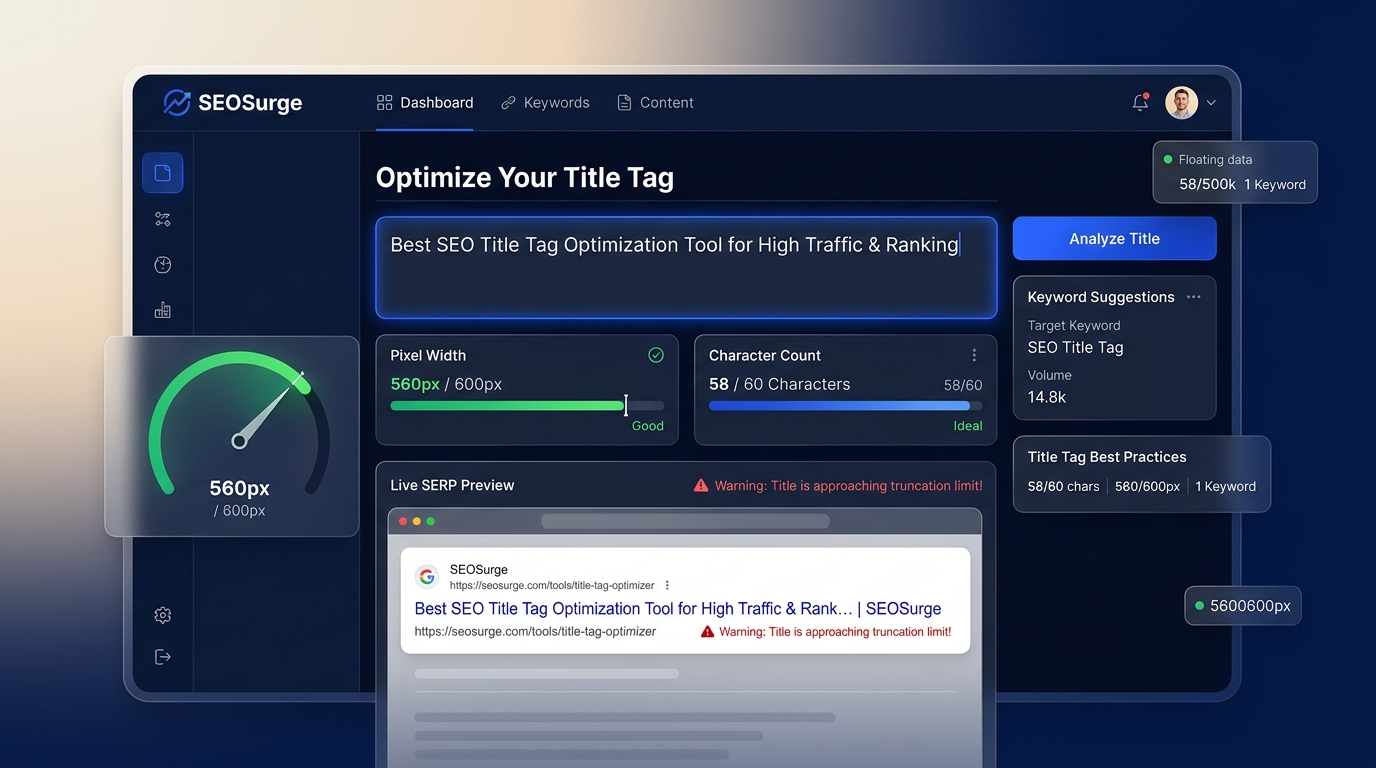
How to Write SEO Title Tags That Describe Your Page Clearly
Title tags are your website's digital storefront signboards in search engine results. Discover how to balance keyword placement, pixel width constraints, and compelling copywriting.
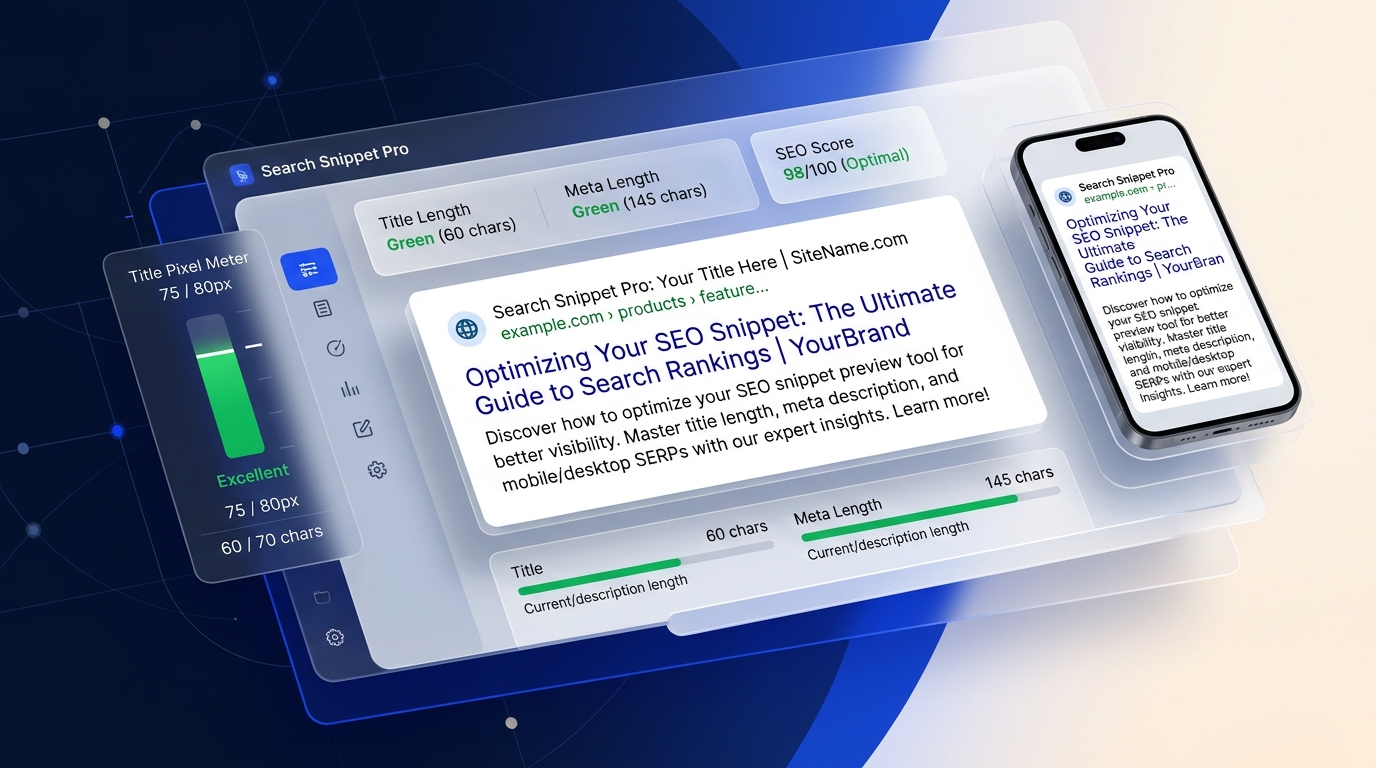
How to Preview Your Search Result Snippet
Visualizing how your webpage appears on Google search results pages prevents embarrassing truncation errors and maximizes organic click-through rates.
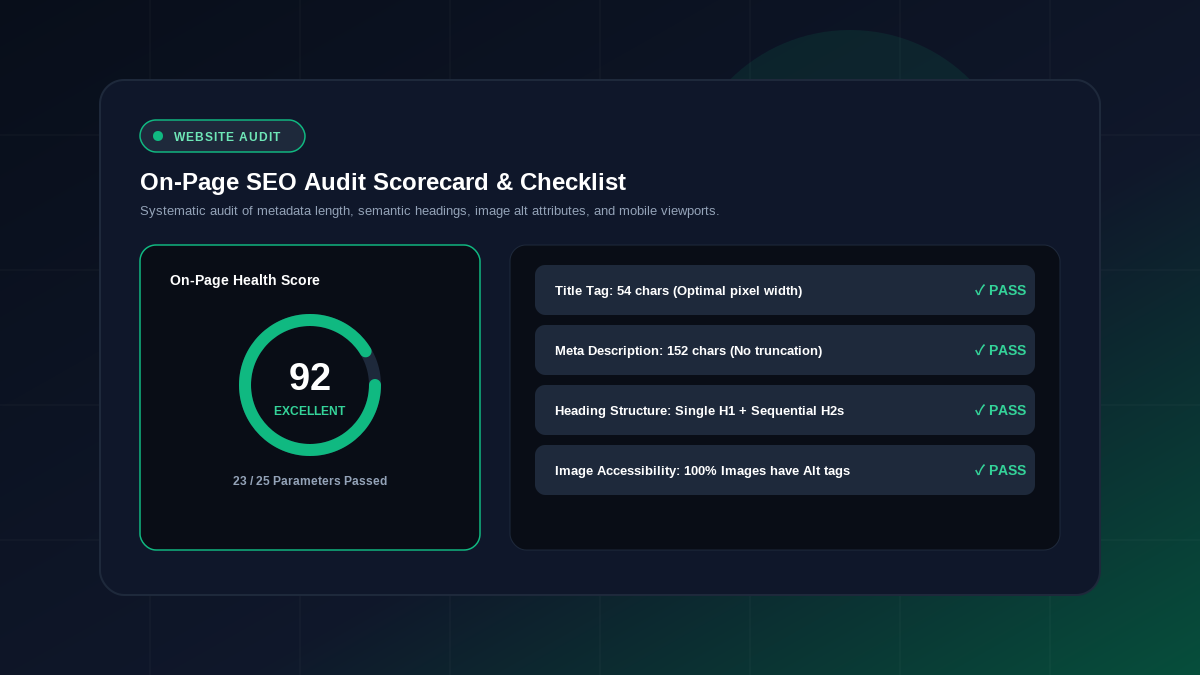
How to Audit Basic On-Page SEO Issues
On-page issues quietly erode organic rankings. Discover our practical step-by-step framework for diagnosing and fixing foundational on-page SEO errors.