How to Audit Basic On-Page SEO Issues
On-page issues quietly erode organic rankings. Discover our practical step-by-step framework for diagnosing and fixing foundational on-page SEO errors.

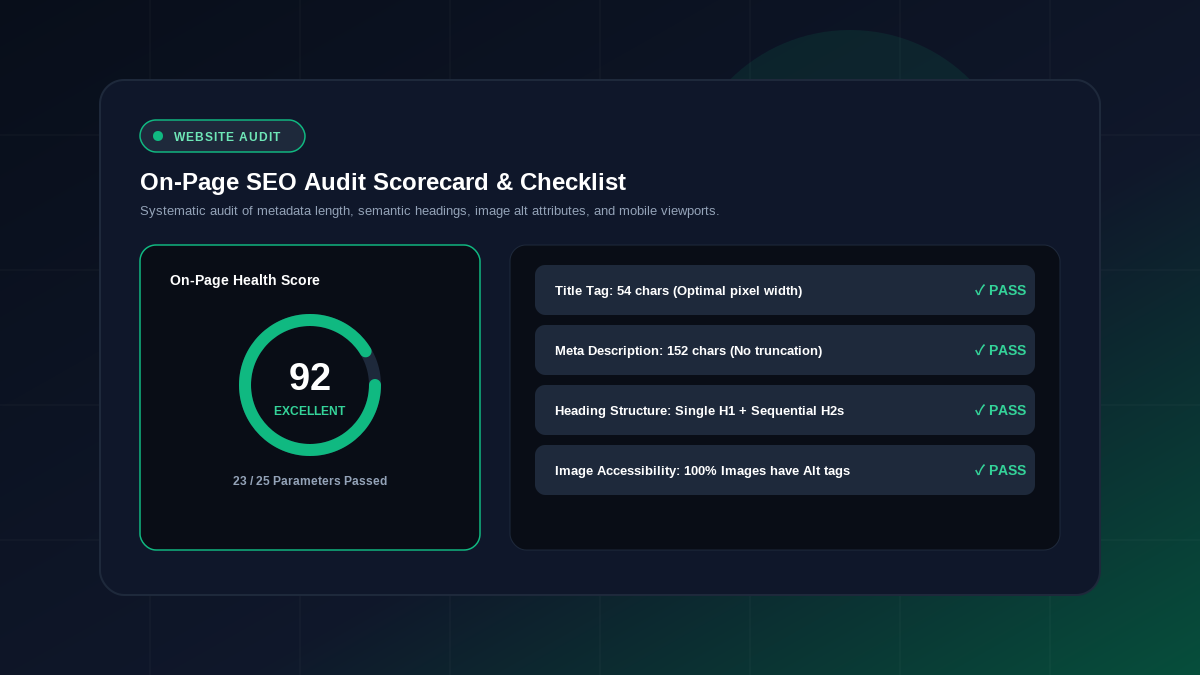
What Is an On-Page SEO Audit?
An on-page search engine optimization audit is a systematic evaluation of individual web pages to confirm that their technical metadata, semantic code, content quality, and internal navigation align with modern search engine standards and user expectations.
Unlike an off-page audit (which evaluates external backlink profiles and brand mentions), on-page optimization is 100% within your direct control. Correcting foundational on-page oversights is often the fastest, most cost-effective way to unlock dormant organic traffic without spending thousands of dollars on outreach campaigns.
The 5-Pillar On-Page Audit Checklist
A rigorous on-page review inspects five distinct layers of every indexable URL:
   [ PILLAR 1: Metadata & Titles ] -> Pixel widths, CTAs, Snippet Preview
   [ PILLAR 2: Content Structure ] -> H1-H6 nesting, Flesch readability
   [ PILLAR 3: Media & Assets    ] -> Image alt attributes, WebP formats
   [ PILLAR 4: URL & Canonicals  ] -> Clean slugs, self-referencing tags
   [ PILLAR 5: Internal Linking  ] -> Topic clusters, descriptive anchors
Pillar 1: Metadata, Titles, and Snippet Widths
- Verify Unique Title Tags: Confirm every page on your domain has a distinct
<title>tag. Duplicate titles confuse search crawlers. - Check Character and Pixel Widths: Keep title tags between 50 and 60 characters (under 580 pixels) to avoid truncation. Test them using our Title Tag Length Checker.
- Audit Meta Descriptions: Ensure meta descriptions are between 140 and 160 characters with clear calls-to-action. Measure with the Meta Description Length Checker.
- Simulate Live Snippets: Inspect desktop and mobile layouts in the SERP Snippet Preview Tool.
Pillar 2: Semantic Heading Hierarchy and Readability
- Exactly One H1 per Page: Confirm that each page features a single
<h1>element that clearly describes the document's main subject. - No Skipped Heading Levels: Ensure your heading outline flows logically from H1 to H2 to H3 without skipping steps (e.g., jumping from H2 directly to H4). Audit your hierarchy via our Heading Structure Checker.
- Test Reading Ease: Paste article body text into the Readability Checker to verify that the Flesch Reading Ease score lands between 60 and 70 for general audiences.
Pillar 3: Media Accessibility and Image Optimization
- Descriptive Alt Attributes: Verify that all informative images carry concise, descriptive
altattributes (between 30 and 100 characters) that explain their context to screen readers. - Null Alt on Decorative Media: Ensure purely decorative elements use
alt=""so screen readers skip them cleanly. Test descriptions via the Image Alt Text Checklist Tool. - Modern Formats: Serve images in WebP or AVIF formats to minimize payload sizes and prevent layout shifts (CLS).
Pillar 4: URL Cleanliness and Canonical Integrity
- Lowercase Hyphenated Slugs: Verify that URLs use clean, lowercase words separated by hyphens (e.g.,
/tools/word-counter). Use the SEO URL Slug Generator to sanitize permalinks. - Self-Referencing Canonical Tags: Confirm every unique URL features an absolute HTTPS canonical tag pointing to itself using our Canonical Tag Generator.
- Eliminate Trailing Slash Inconsistencies: Ensure your web server enforces either trailing slashes or non-trailing slashes consistently across the domain to prevent duplicate URL issues.
Pillar 5: Internal Link Architecture and Orphan Elimination
- Contextual In-Body Hyperlinks: Ensure each article links to 2 to 5 relevant supporting guides or tools using natural, descriptive anchor text.
- Eliminate Orphan Pages: Check that newly published pages are referenced from established category hubs or related articles.
- Topic Cluster Integrity: Map links between pillar hubs and sub-topic spokes with our Internal Link Planning Helper.
Putting It All Together With Free Tools
You do not need expensive enterprise crawler subscriptions to maintain exceptional on-page health. By auditing your pages against our free suite of diagnostic utilities, you can catch and resolve technical flaws before they impact your rankings:
Heading Structure Checker
Inspect H1 through H6 heading hierarchies, detect skipped levels, and verify document outline integrity.
Title Tag Length Checker
Check title tag character counts and pixel width against Google's desktop and mobile snippet thresholds.
Image Alt Text Checklist Tool
Audit image alt text against SEO and WCAG accessibility guidelines with interactive scoring and suggestions.
Frequently Asked Questions
How often should I conduct an on-page SEO audit?
Perform an on-page audit whenever you publish a major new content cluster, complete a website redesign, or notice an unexplained drop in organic traffic for high-priority pages.
What is the most common on-page SEO error?
Duplicate or missing title tags and poorly formatted heading structures (like multiple H1s or skipped heading levels) are among the most pervasive errors discovered during site audits.
Can on-page fixes alone restore lost rankings?
Yes, especially if the drop was triggered by technical glitches like broken canonical tags, inadvertent noindex directives, or truncated title tags that harmed search click-through rates.
About the Author: Alex Mercer
Lead Technical SEO Specialist & Web EngineerAlex is a web engineer and technical SEO specialist with over a decade of hands-on experience building web applications, optimizing site architectures, and resolving crawl and indexing challenges. He oversees tool development and technical accuracy across SmartCalcBox.
Related SEO Guides & Tutorials
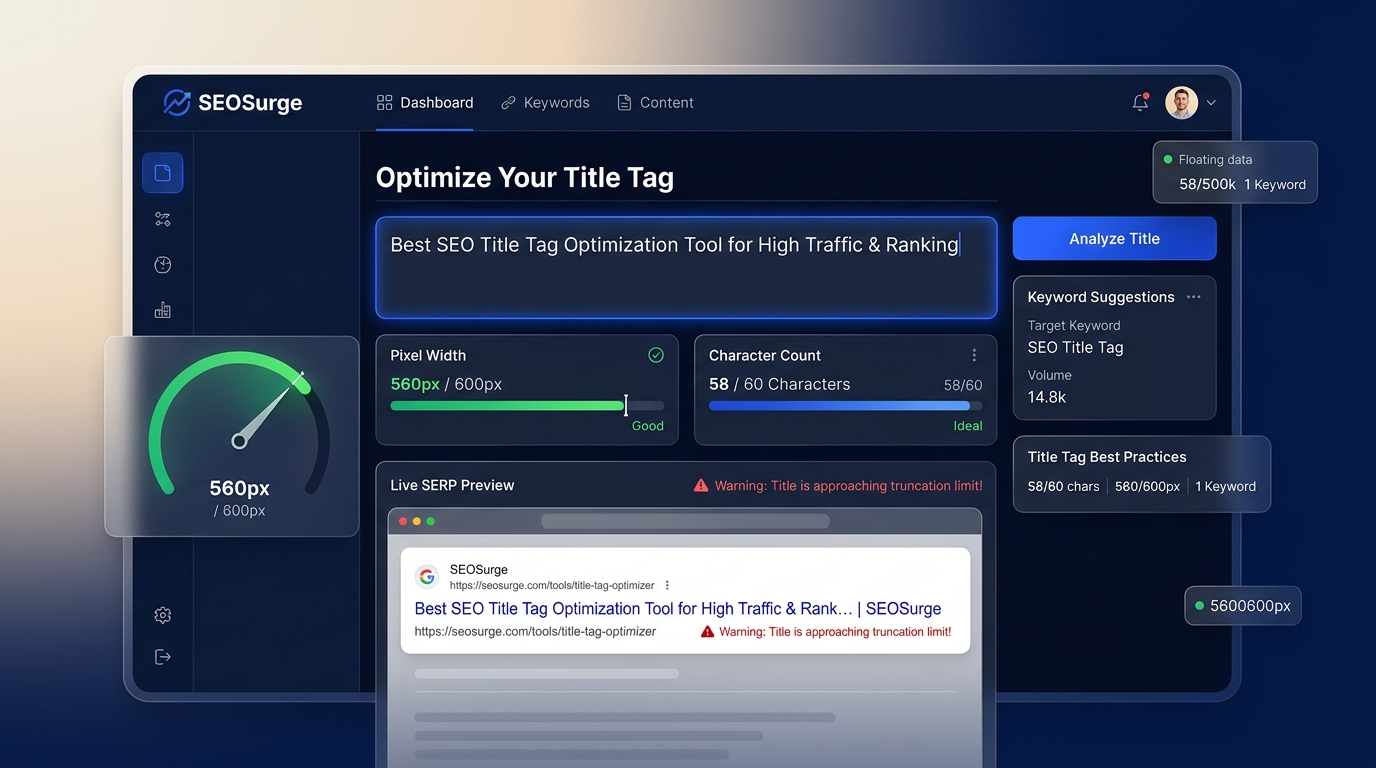
How to Write SEO Title Tags That Describe Your Page Clearly
Title tags are your website's digital storefront signboards in search engine results. Discover how to balance keyword placement, pixel width constraints, and compelling copywriting.
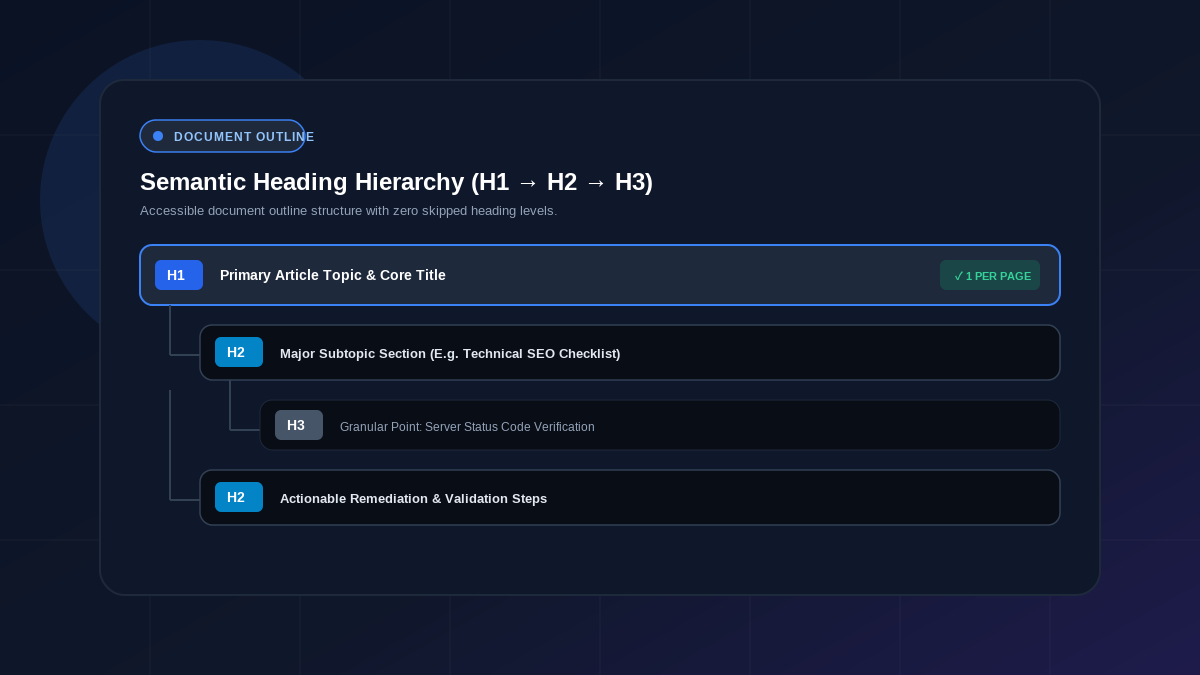
How to Check Your Website's Heading Structure
Headings are the structural backbone of web pages. Learn how to construct a logical H1-H6 hierarchy that guides readers and search crawlers alike.
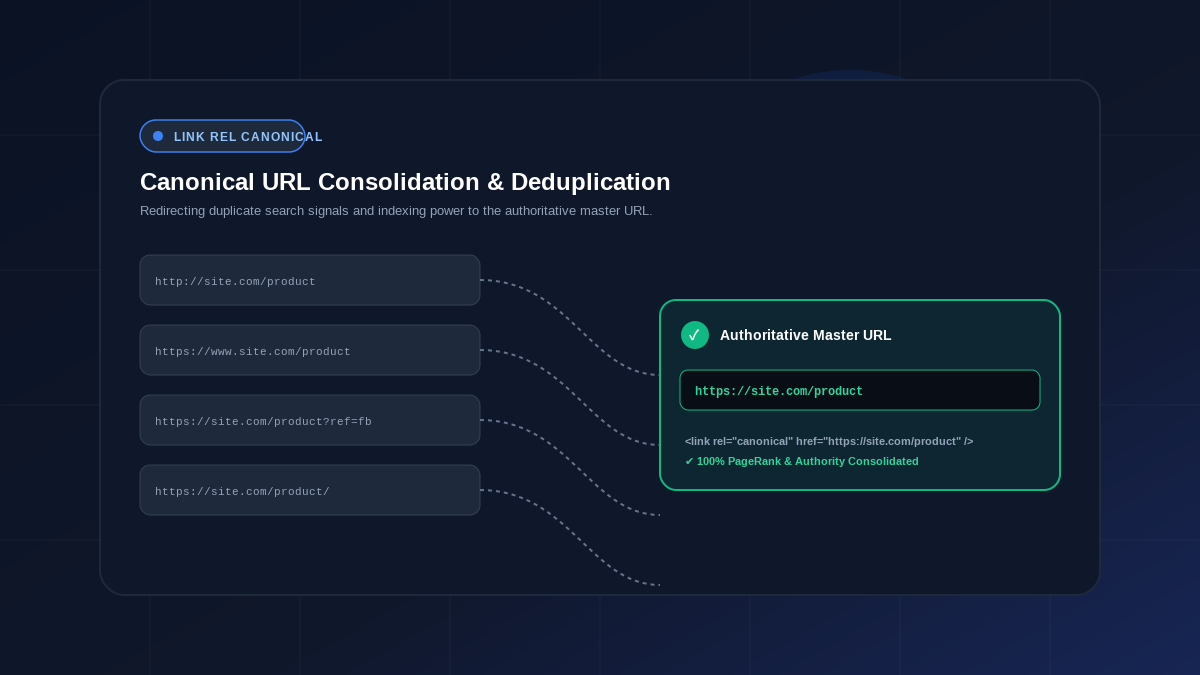
Canonical Tags Explained with Practical Examples
Duplicate content divides your organic ranking signals across multiple URLs. Learn how rel='canonical' tags tell search engines which URL to trust.