SmartCalcBoxPrecision Free SEO Tools
Home
All Tools
On-Page SEOTechnical SEOContent ToolsGuides & BlogAboutContact
  1. Home
  2. Tools
  3. Metadata and SERP Tools
  4. Title Tag Length Checker
Metadata and SERP Tools
PopularAdded: 2026-03-10

Title Tag Length Checker & SERP Width Calculator

Google allocates approximately 580 to 600 pixels of horizontal space for desktop search snippet titles, and roughly 50 to 60 characters before truncation. Test your proposed title tag in real time to avoid awkward cutoffs and maximize organic click-through rates.

100% Free Forever•Zero Sign-up Required•Client-Side Privacy
Title Tag Length Checker
Character Count71 / 60 chars
Estimated SERP Width (desktop)~710px / 580px
Truncation Warning: This title exceeds standard visible boundaries. Google will likely clip the end with an ellipsis (...). Move primary keywords earlier.

Google Search Result Simulation

S
SmartCalcBoxhttps://smartcalcbox.com › tools

Title Tag Length Checker: Test SERP Pixel Width & Limits | SmartCalcBox

Measure title tag character lengths and horizontal pixel widths in real time. Avoid awkward Google SERP truncation with instant mobile and desktop previews.

Load Quick Test Samples:

Core Features of the Title Tag Length Checker

Real-time character count and pixel width calculation based on Arial 20px letterforms.
Visual progress bar with optimal (50-60 characters) and warning indicators.
Live Google Desktop and Mobile SERP preview card.
Power words detector and punctuation checklist.
One-click copy and sample inputs for instant testing.

How to Use the Title Tag Length Checker Step-by-Step

1

Enter Your Title

Type or paste your candidate webpage title tag into the input box.

2

Monitor the Pixel Meter

Keep your title within the recommended 50-60 characters and under 580 pixels for safe display.

3

Inspect Snippet Preview

Switch between desktop and mobile previews to ensure your primary keyword remains fully visible.

4

Copy & Implement

Click 'Copy Title' and paste it into your site's <title> HTML tag or CMS SEO plugin.

Frequently Asked Questions

What is the recommended title tag length for Google?

The ideal title tag length is typically between 50 and 60 characters, or under 580-600 pixels. Titles longer than this are often truncated with an ellipsis (...) in Google search results.

Why do characters and pixel widths differ?

Google renders search titles using proportional fonts (like Arial or Roboto). Wide letters such as 'W' or 'M' take up significantly more horizontal pixels than narrow letters like 'i', 'l', or 't'.

Does Google ever rewrite title tags?

Yes, Google's algorithms may rewrite title tags if the original tag is too long, keyword-stuffed, repetitive, or doesn't match the user's specific query.

Where should my primary keyword be placed?

It is best practice to place your primary keyword near the beginning of the title tag so searchers immediately notice the relevance to their query.
Related Educational Guides

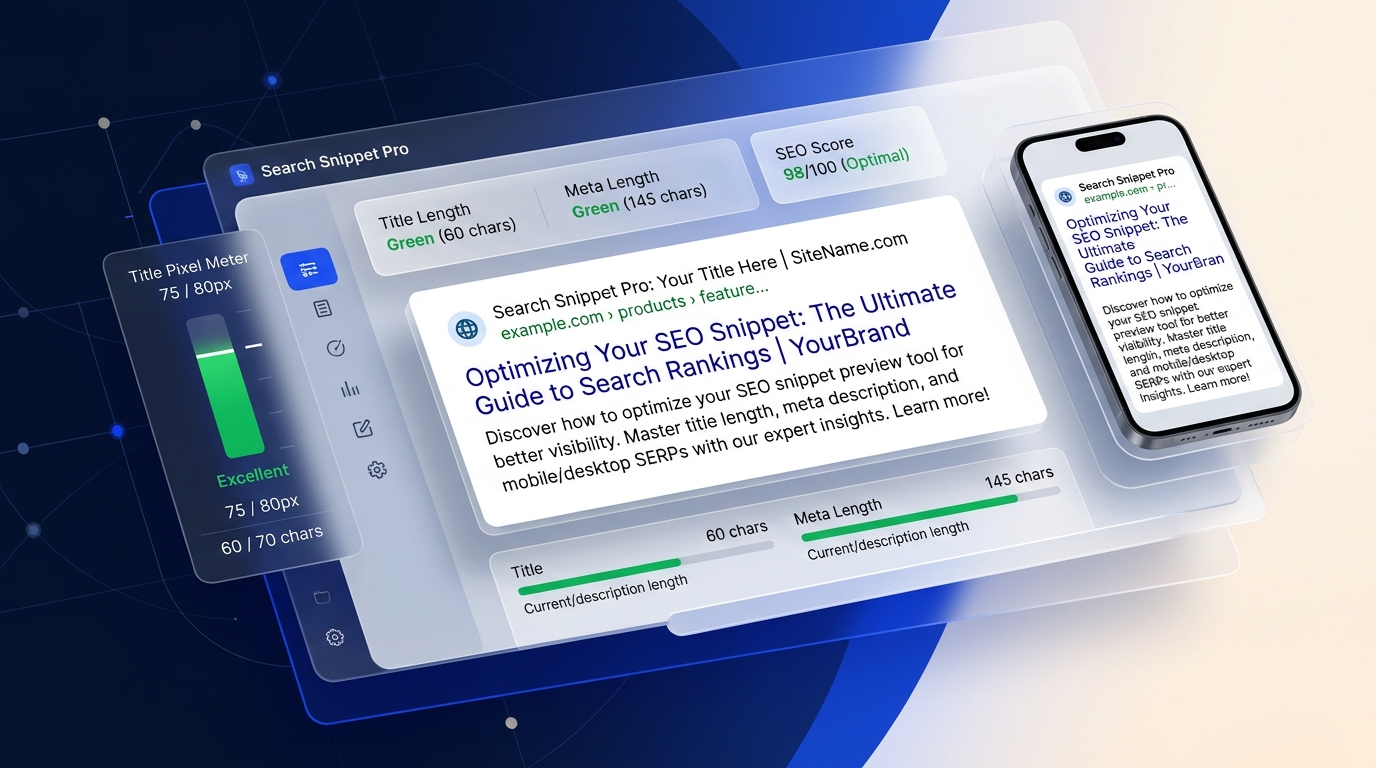
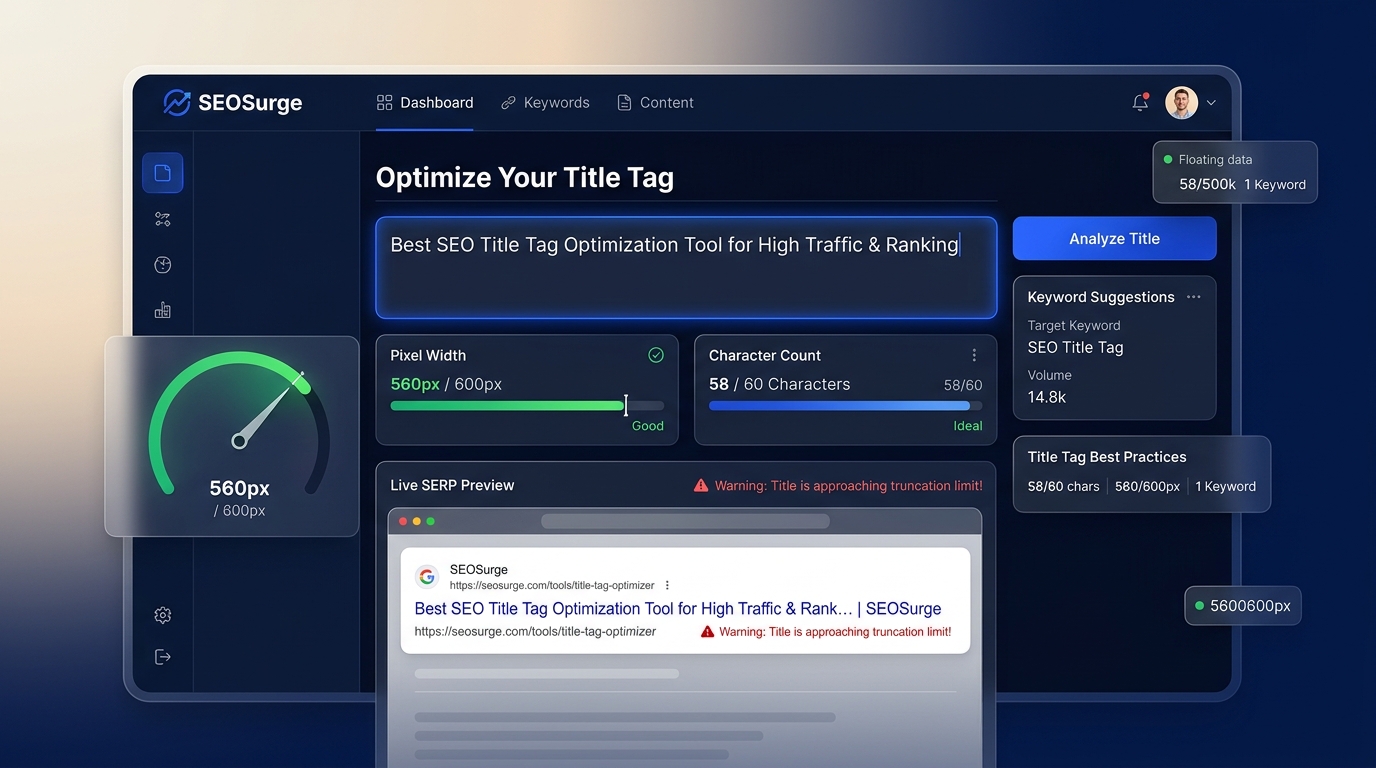
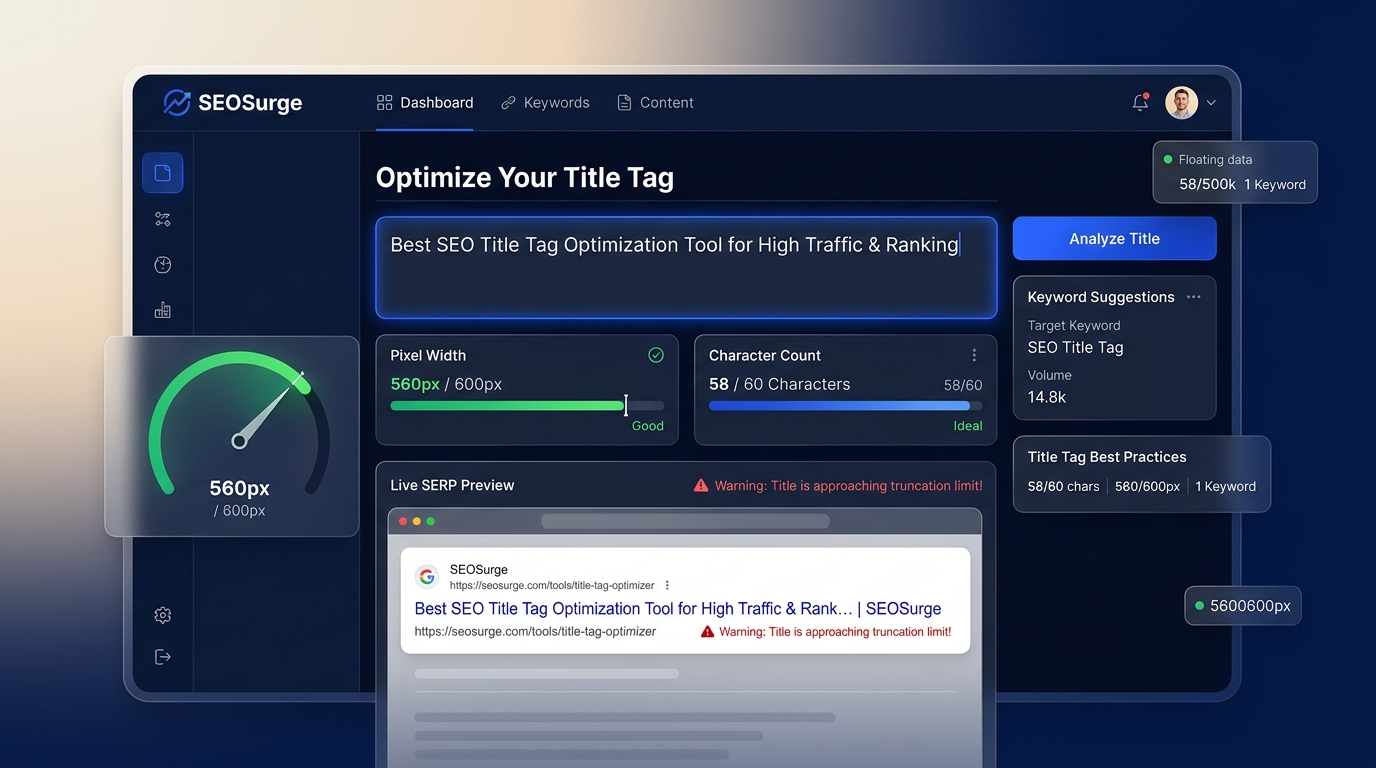
Illustration showing search snippet title tag optimization and pixel width meters
metadata serp•6 min read

How to Write SEO Title Tags That Describe Your Page Clearly

Title tags are your website's digital storefront signboards in search engine results. Discover how to balance keyword placement, pixel width constraints, and compelling copywriting.

Alex MercerRead Guide
Diagram illustrating Google search result snippet previews with rich snippets and mobile viewports
metadata serp•6 min read

How to Preview Your Search Result Snippet

Visualizing how your webpage appears on Google search results pages prevents embarrassing truncation errors and maximizes organic click-through rates.

Alex MercerRead Guide
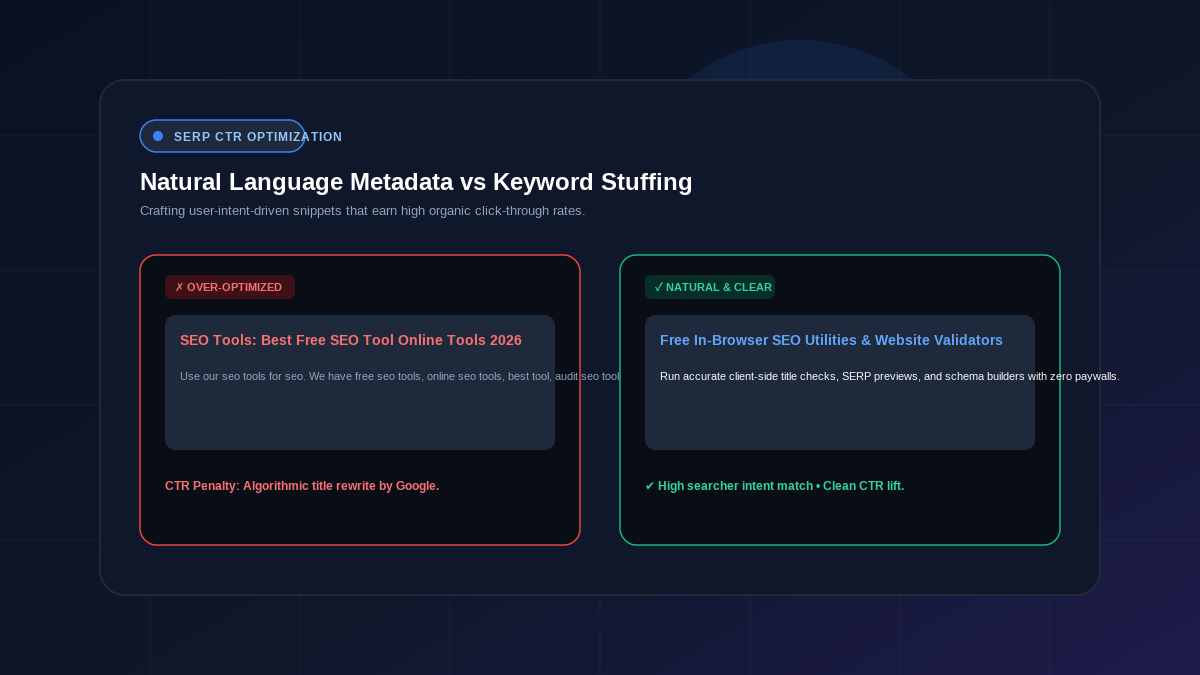
Comparison showing spammy keyword stuffed metadata vs clean semantic entity-based tags
metadata serp•7 min read

How to Optimize Website Metadata Without Keyword Stuffing

Stuffing keywords into metadata repels searchers and triggers spam filters. Learn modern entity-based optimization that drives clicks naturally.

Elena VanceRead Guide

Related SEO Tools

All 25 Tools →
metadata serpEssential

Meta Description Length Checker

Calculate meta description character lengths and pixel dimensions to keep descriptions concise and compelling.

Calculates exact character count and approximate mobile/desktop pixel widths.
Visual safety gauge highlighting the 140-160 character sweet spot.
Free • Client-sideOpen Tool
metadata serpPopular

SERP Snippet Preview Tool

Simulate desktop and mobile Google search result snippets with breadcrumbs, favicons, and star ratings.

Faithful reproduction of modern Google SERP styling (fonts, colors, favicon placement, line heights).
One-click switch between Desktop and Mobile Google results.
Free • Client-sideOpen Tool
metadata serpEssential

Canonical Tag Generator

Generate canonical URL tags, enforce absolute HTTPS links, and prevent duplicate content issues.

Generates standards-compliant <link rel="canonical" href="..."> markup.
Protocol verification enforcing absolute HTTPS URLs (flags relative paths and insecure HTTP).
Free • Client-sideOpen Tool
100% Free & Fast

Zero subscriptions, paywalls, or daily quotas.

Client-Side Privacy

Your text and audit inputs remain in your browser.

Validated Protocols

Built strictly to Schema.org and Google Search standards.

SmartCalcBox

Smarter SEO. Better Websites. Clearer Results. SmartCalcBox provides free, production-ready website analysis calculators, technical validators, and content optimization utilities for webmasters, developers, and publishers.

Free web utilities•100% Privacy•Zero Signup

Tool Categories

  • On-Page SEO Tools
  • Technical SEO Tools
  • Content Optimization Tools
  • Metadata and SERP Tools
  • URL and Website Utilities
  • View All 25 Tools →

Guides & Articles

  • Blog & SEO Library
  • Title Tag Best Practices
  • XML Sitemap Protocol
  • Robots.txt Architecture
  • New Website SEO Checklist
  • HTML Sitemap

Company & Legal

  • About SmartCalcBox
  • Editorial Team & Authors
  • How We Build & Test
  • Editorial Policy
  • Privacy Policy
  • Terms of Service
  • Cookie Policy
  • Disclaimer
  • Contact Us
© 2026 SmartCalcBox. All rights reserved. Free web diagnostic utilities.
Privacy•Terms•Sitemap