How to Find and Fix Common Technical SEO Errors
Technical errors silently prevent search engines from crawling and indexing your content. Discover how to diagnose and resolve the most common technical roadblocks.

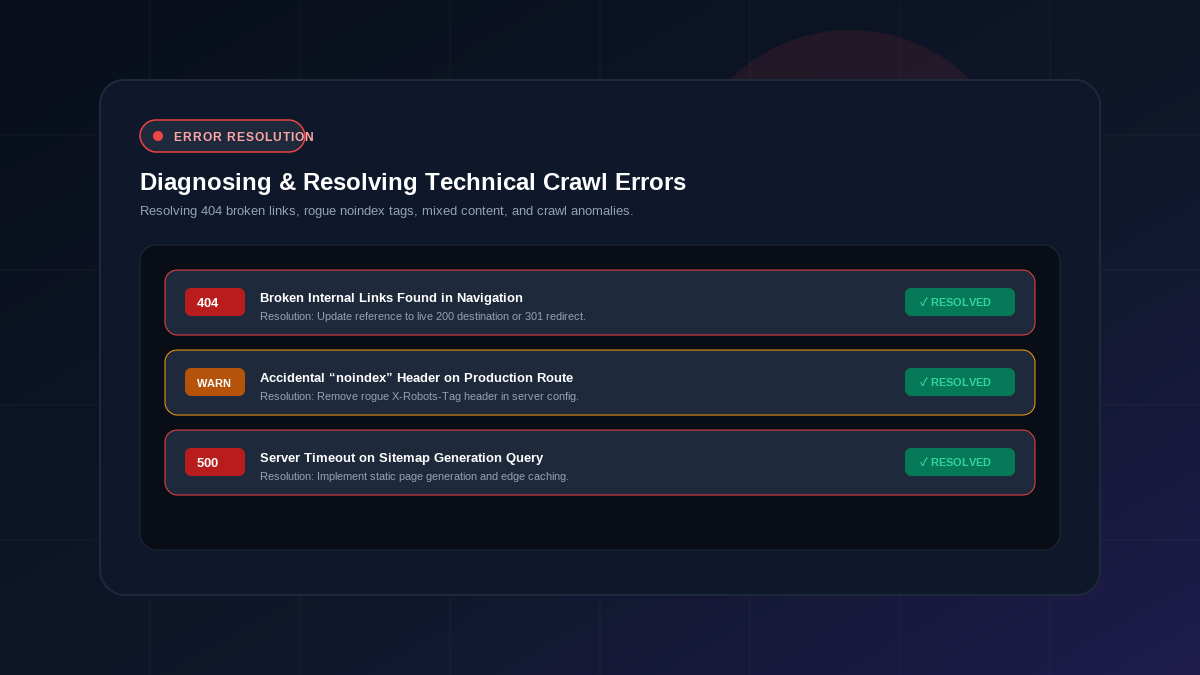
The Hidden Cost of Technical SEO Errors
You can publish the most comprehensive, well-researched guides in your industry, but if your technical foundation is flawed, search engine spiders may never crawl, render, or index your pages.
Technical SEO errors are insidious because they operate behind the scenes. Unlike a visual layout bug or broken font, technical errors rarely reveal themselves during casual browsing. A page might look stunning to a human visitor while being completely invisible to Googlebot due to a misplaced header directive, a circular canonical reference, or a broken XML sitemap.
In this guide, we break down five of the most pervasive technical SEO errors, explaining exactly how to diagnose them and execute a permanent fix.
Error 1: Accidental Noindex and Crawl Blockers
The Symptom:
A high-value page or entire section of your website suddenly drops out of Google search results or fails to index after publication.
The Cause:
During staging or development, engineers frequently add <meta name="robots" content="noindex, nofollow"> to prevent test environments from being indexed. When staging code is pushed to production, the noindex directive tags along inadvertently.
Alternatively, a poorly constructed robots.txt file might contain:
User-agent: *
Disallow: /
How to Diagnose & Fix:
- Inspect the live page using our HTTP Header Inspector to verify that no
X-Robots-Tag: noindexheader is being emitted by the web server. - View the page source and search for
name="robots". If a noindex tag is found, remove it or update it toindex, followusing the Meta Robots Tag Generator. - Check your root
robots.txtfile using our Robots.txt Generator to ensure the path is not accidentally blocked.
Error 2: Broken Canonicals and Mismatched Protocols
The Symptom:
Google Search Console reports "Duplicate without user-selected canonical" or "Google chose different canonical than user".
The Cause:
Common canonical errors include:
- Using relative URLs (
<link rel="canonical" href="/tools">) instead of full absolute HTTPS URLs. - Canonicalizing to an outdated HTTP address or non-www version when the site enforces HTTPS and www.
- Pointing canonical tags to URLs that return a 301 redirect or 404 error.
How to Fix:
Always implement self-referencing, absolute, protocol-qualified canonical tags on every unique URL. Use our Canonical Tag Generator to generate verified tags.
Error 3: Mixed Content and Insecure Assets
The Symptom:
Browsers display a broken padlock or "Not Secure" warning in the address bar despite having a valid SSL/TLS certificate installed.
The Cause:
The HTML document is loaded over secure HTTPS, but internal assets (such as images, scripts, stylesheets, or API endpoints) are requested over insecure HTTP (http://). Modern browsers block mixed active content automatically, breaking styles and scripts.
How to Fix:
- Update all internal asset links and database references to use
https://or root-relative paths (/images/logo.png). - Add the Content-Security-Policy header to automatically upgrade insecure requests:
Content-Security-Policy: upgrade-insecure-requests;
Error 4: Inefficient Multi-Hop Redirect Chains
The Symptom:
Slow page load times, crawl budget waste, and sporadic drop-offs in PageRank transfer following a site migration.
The Cause:
Legacy URLs redirecting to intermediate pages that redirect again (e.g. http://domain.com -> https://domain.com -> https://domain.com/en/ -> https://domain.com/en/home).
How to Diagnose & Fix:
- Trace the full redirect chain using our URL Redirect Checker & Rule Builder.
- Flatten the redirect rules in your server configuration (Apache
.htaccess, Nginx, or Next.js config) so the original URL points directly to the final destination in a single hop.
Error 5: XML Sitemap Inconsistencies and Errors
The Symptom:
Google Search Console displays errors under the Sitemaps tab, such as "Sitemap contains URLs which are blocked by robots.txt" or "Parsing error: unescaped XML entity".
The Cause:
Automated sitemap plugins often inadvertently dump every URL generated by the database into the sitemap file, including noindexed utility pages, 404 broken links, and redirecting URLs. Furthermore, query parameters containing unescaped ampersands (&) crash the XML parser.
How to Fix:
- Paste your XML sitemap into our XML Sitemap Validator.
- Clean the sitemap so it contains only 200 OK canonical pages.
- Ensure all special characters are escaped (e.g., replace
&with&).
A Practical Diagnostic Toolkit
Regularly monitor your domain's health with our free technical utilities:
HTTP Header Inspector & Security Auditor
Inspect server HTTP response headers and audit critical security headers with pass/fail indicators.
URL Redirect Checker & Rule Builder
Test live URL redirect status codes (301, 302, 307) and generate Apache, Nginx, and Next.js redirect rules.
XML Sitemap Validator
Validate XML sitemaps for syntax compliance, URL count, schema requirements, and date formats.
Frequently Asked Questions
How do I know if Google has de-indexed my page?
Search for 'site:yourdomain.com/your-page-slug' directly in Google. If the URL does not appear in the results, inspect the URL inside Google Search Console to read Google's exact diagnostic verdict.
What is crawl budget and should small websites worry about it?
Crawl budget refers to the number of requests Googlebot can and wants to make to your server within a given timeframe. While critical for sites with hundreds of thousands of pages, small sites can still suffer if severe redirect chains or infinite parameter loops trap crawlers.
Does fixing a technical SEO error produce immediate ranking gains?
Fixes take effect as soon as Googlebot re-crawls and re-indexes the corrected URLs, typically ranging from a few hours for high-authority pages to several weeks for deeper sections.
About the Author: Alex Mercer
Lead Technical SEO Specialist & Web EngineerAlex is a web engineer and technical SEO specialist with over a decade of hands-on experience building web applications, optimizing site architectures, and resolving crawl and indexing challenges. He oversees tool development and technical accuracy across SmartCalcBox.
Related SEO Guides & Tutorials
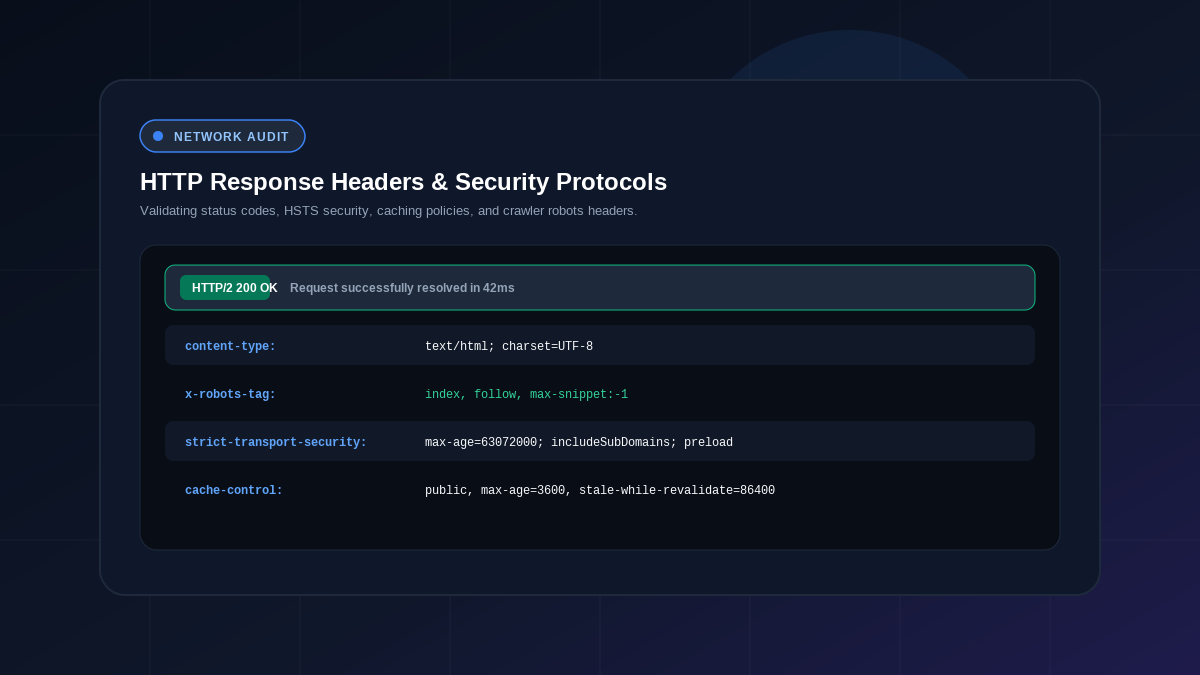
How to Check HTTP Response Headers
HTTP response headers govern caching, security, and crawler directives. Learn how to inspect and configure critical headers for modern web performance.
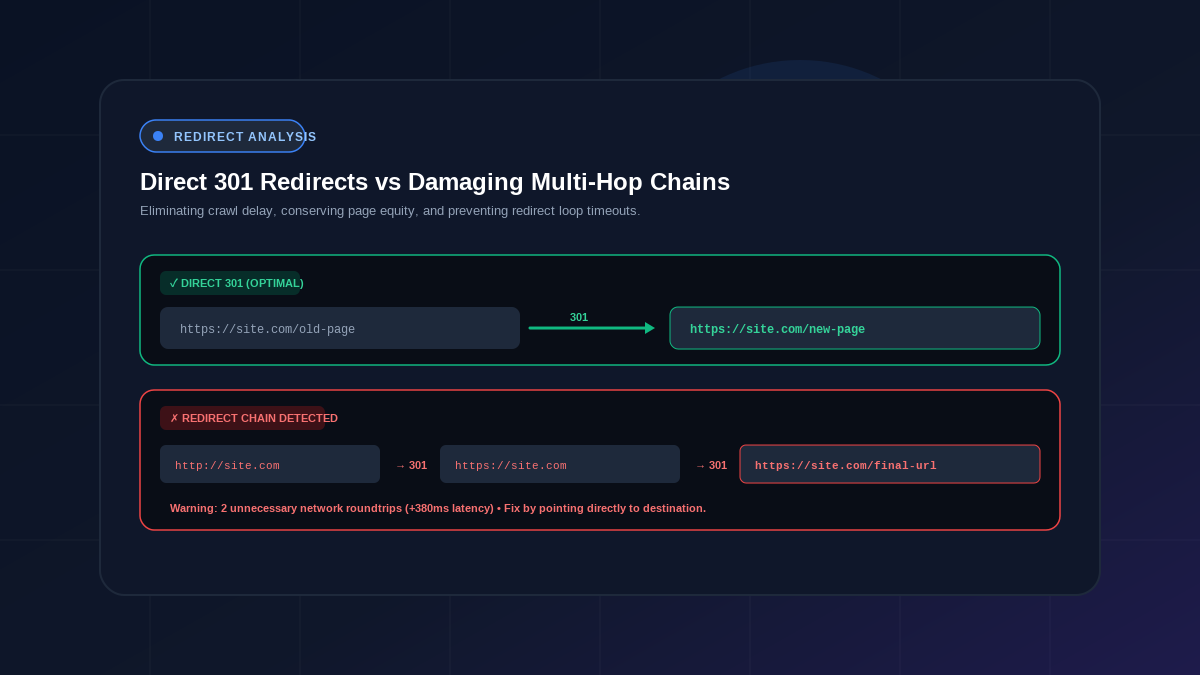
How to Understand Redirects and Redirect Chains
Redirects guide users and crawlers when URLs change. Learn how to prevent redirect chains, loops, and latency traps that hurt your search performance.
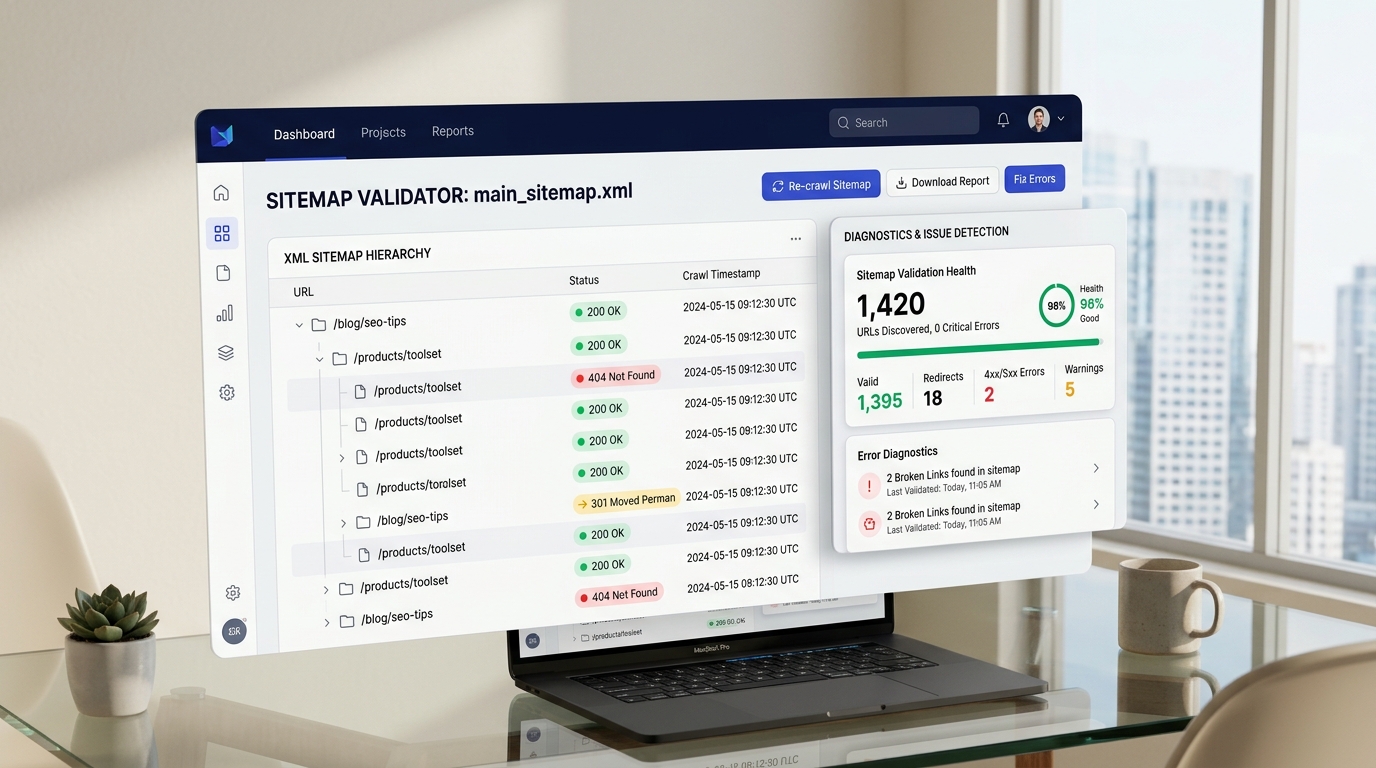
How to Check Whether a Sitemap Contains Errors
Sitemap errors prevent search engines from discovering your best content. Learn how to inspect, parse, and debug XML sitemaps like a technical pro.