technical seo•7 min read
JSON-LD Structured Data: A Practical Beginner's Guide
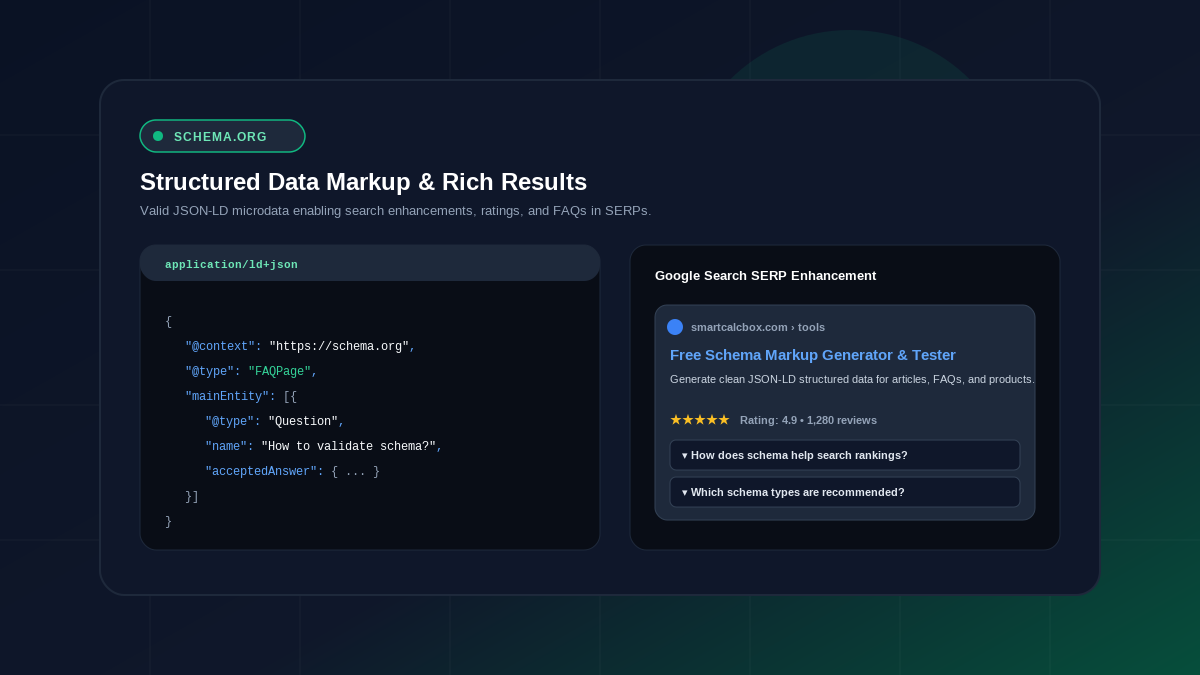
Demystify JSON-LD syntax. Learn how curly braces, arrays, entity graphs, and Schema.org properties translate into rich search snippets.
Alex MercerRead Guide
A single missing comma or unmatched curly brace in your JSON-LD script can invalidate your entire structured data implementation. Paste your JSON-LD script or raw JSON snippet to detect parsing errors, inspect entity types, and beautify your code.
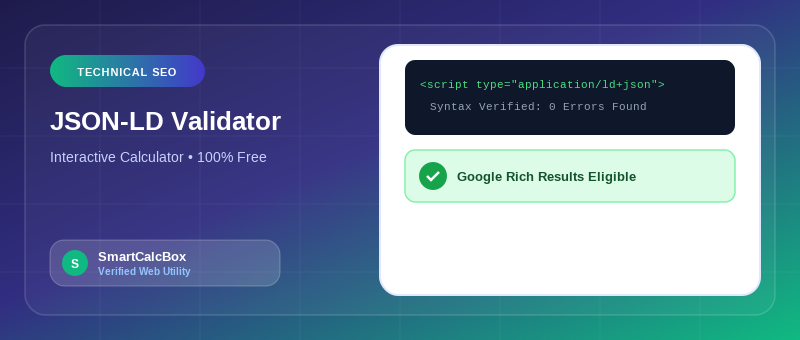
Paste your structured data snippet into the editor or load a sample.
Click 'Validate JSON-LD' to analyze structure and syntax.
If an error exists, the exact line number and explanation will appear in the diagnostics panel.
Click 'Beautify' to format the clean JSON-LD and copy it to your clipboard.
The most frequent error is a trailing comma after the last property inside an object or array, which causes standard JSON parsers to fail.
This validator verifies JSON syntax and core Schema.org compliance. To test Google's specific rich result policy requirements, use Google's Rich Results Test tool alongside this linter.
Demystify JSON-LD syntax. Learn how curly braces, arrays, entity graphs, and Schema.org properties translate into rich search snippets.
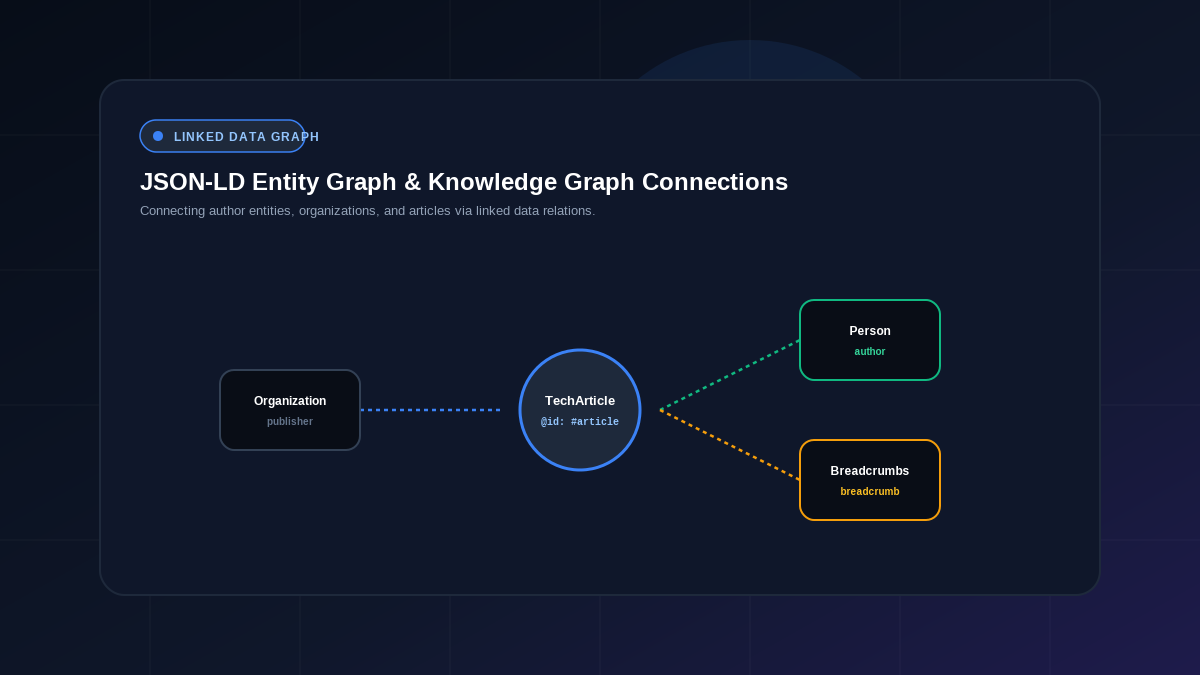
Help search engines understand your entities, authors, and answers. Learn how to generate error-free Schema.org structured data using modern JSON-LD.
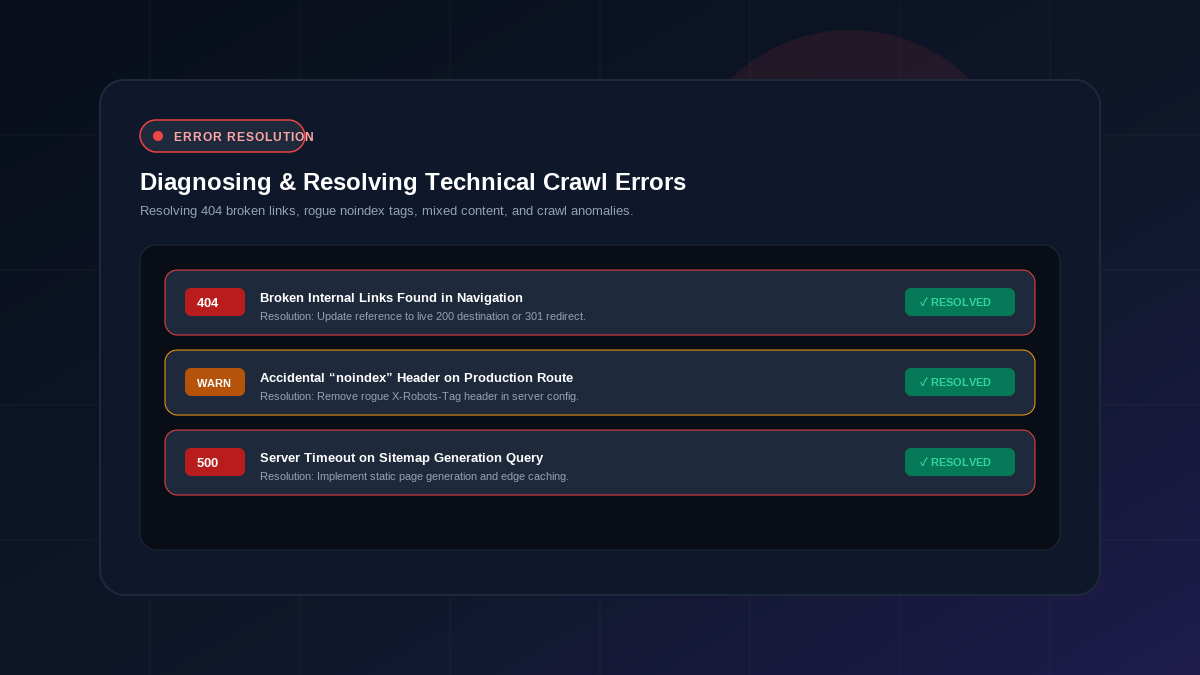
Technical errors silently prevent search engines from crawling and indexing your content. Discover how to diagnose and resolve the most common technical roadblocks.
Generate valid Schema.org JSON-LD structured data for Articles, FAQs, Organizations, and Products.
Validate XML sitemaps for syntax compliance, URL count, schema requirements, and date formats.
Generate clean, standards-compliant robots.txt files with bot rules, crawl delays, and XML sitemap directives.