SmartCalcBoxPrecision Free SEO Tools
Home
All Tools
On-Page SEOTechnical SEOContent ToolsGuides & BlogAboutContact
  1. Home
  2. Tools
  3. Technical SEO Tools
  4. Schema Markup Generator (JSON-LD)
Technical SEO Tools
PopularAdded: 2026-03-30

Schema Markup Generator (JSON-LD)

Structured data helps search engines understand the exact entities, authors, organizations, and question-and-answer pairs on your website. Use our interactive schema builder to generate clean, valid JSON-LD code without coding errors.
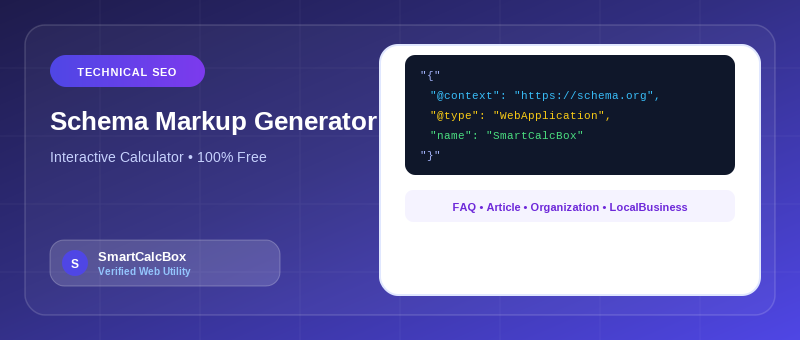
100% Free Forever•Zero Sign-up Required•Client-Side Privacy
Schema Markup Generator (JSON-LD)

Select Schema Type:

Generated JSON-LD Structured Data Script

<script type="application/ld+json">
{
  "@context": "https://schema.org",
  "@type": "Article",
  "headline": "How to Write SEO Title Tags That Describe Your Page Clearly",
  "datePublished": "2026-04-10",
  "dateModified": "2026-04-10",
  "image": "https://smartcalcbox.com/images/blog/how-to-write-seo-title-tags.svg",
  "author": {
    "@type": "Person",
    "name": "Alex Mercer"
  },
  "publisher": {
    "@type": "Organization",
    "name": "SmartCalcBox",
    "logo": {
      "@type": "ImageObject",
      "url": "https://smartcalcbox.com/images/logo.svg"
    }
  }
}
</script>

Core Features of the Schema Markup Generator (JSON-LD)

Supported Schema types: Article / BlogPosting, Organization, LocalBusiness, FAQPage, BreadcrumbList, and Product.
Dynamic interactive form fields tailored to the chosen entity type.
Live JSON-LD syntax generation formatted in real-time.
Strict schema validation to prevent missing mandatory properties.
Copy as raw JSON or complete <script type="application/ld+json"> tag.

How to Use the Schema Markup Generator (JSON-LD) Step-by-Step

1

Select Schema Type

Choose your target schema entity (e.g. Article, FAQPage, Organization).

2

Fill Required Fields

Complete the entity details, such as headline, author name, publication date, or FAQ questions.

3

Inspect Generated Code

Review the formatted JSON-LD output in the live code viewer.

4

Copy & Embed

Click 'Copy Script Tag' and embed the snippet into your page template.

Frequently Asked Questions

Why is JSON-LD preferred over Microdata or RDFa?

Google explicitly recommends JSON-LD because it is decoupled from presentation HTML, simpler to maintain, less prone to breaking during design overhauls, and easily injected dynamically via JavaScript or CMS hooks.

Does adding schema markup guarantee rich snippets in Google?

No. Schema markup makes your page eligible for rich results, but Google's automated algorithms decide whether to display rich snippets based on search intent, content quality, and relevance.

Related Educational Guides

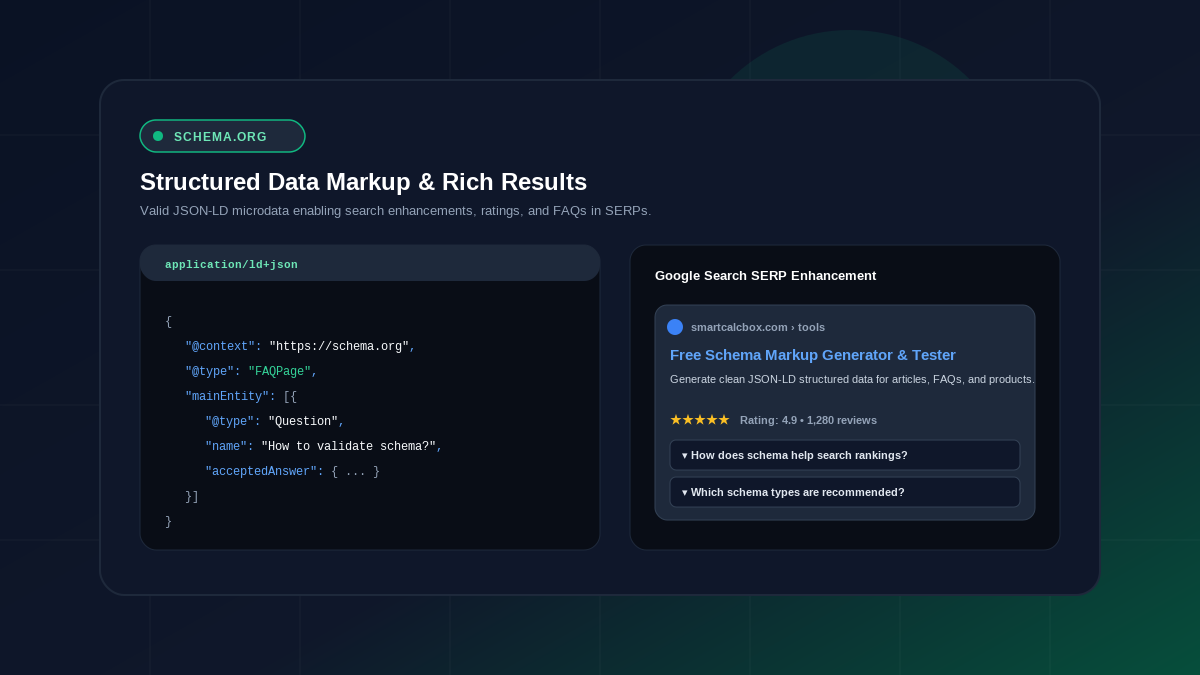
Architecture illustration showing JSON-LD code blocks generating rich search result cards
technical seo•8 min read

How to Generate Valid Schema Markup

Help search engines understand your entities, authors, and answers. Learn how to generate error-free Schema.org structured data using modern JSON-LD.

Alex MercerRead Guide
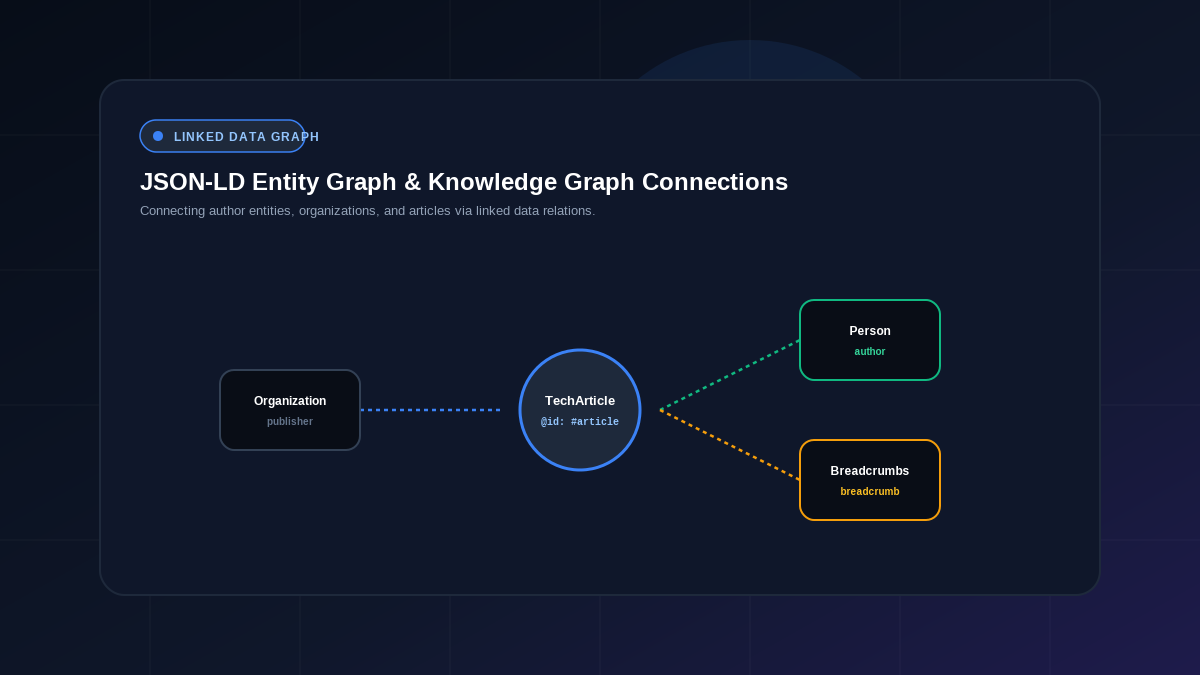
Developer code editor interface demonstrating JSON-LD brackets, syntax trees, and validation checkmarks
technical seo•7 min read

JSON-LD Structured Data: A Practical Beginner's Guide

Demystify JSON-LD syntax. Learn how curly braces, arrays, entity graphs, and Schema.org properties translate into rich search snippets.

Alex MercerRead Guide
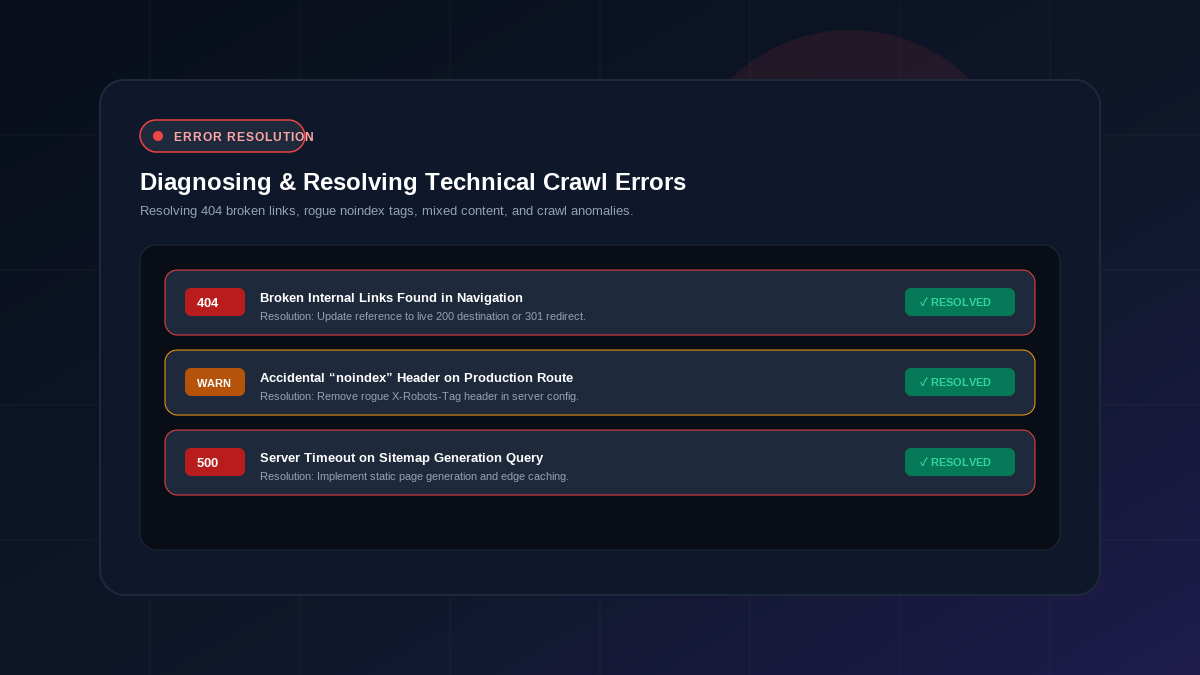
Technical troubleshooting console showing server error codes and resolution checklists
technical seo•8 min read

How to Find and Fix Common Technical SEO Errors

Technical errors silently prevent search engines from crawling and indexing your content. Discover how to diagnose and resolve the most common technical roadblocks.

Alex MercerRead Guide

Related SEO Tools

All 25 Tools →
technical seoEssential

JSON-LD Syntax Validator

Inspect, parse, and validate JSON-LD structured data scripts to identify syntax and schema errors.

Parses raw JSON or scripts enclosed in <script type="application/ld+json"> tags.
Locates precise syntax errors with line and column indicators.
Free • Client-sideOpen Tool
metadata serpPopular

SERP Snippet Preview Tool

Simulate desktop and mobile Google search result snippets with breadcrumbs, favicons, and star ratings.

Faithful reproduction of modern Google SERP styling (fonts, colors, favicon placement, line heights).
One-click switch between Desktop and Mobile Google results.
Free • Client-sideOpen Tool
on page seoEssential

Heading Structure Checker

Inspect H1 through H6 heading hierarchies, detect skipped levels, and verify document outline integrity.
Parses raw HTML tags (<h1> through <h6>) or Markdown headings (# through ######).
Detects critical issues: missing H1, multiple H1 tags, skipped levels (e.g. H2 directly to H4).
Free • Client-sideOpen Tool
100% Free & Fast

Zero subscriptions, paywalls, or daily quotas.

Client-Side Privacy

Your text and audit inputs remain in your browser.

Validated Protocols

Built strictly to Schema.org and Google Search standards.

SmartCalcBox

Smarter SEO. Better Websites. Clearer Results. SmartCalcBox provides free, production-ready website analysis calculators, technical validators, and content optimization utilities for webmasters, developers, and publishers.

Free web utilities•100% Privacy•Zero Signup

Tool Categories

  • On-Page SEO Tools
  • Technical SEO Tools
  • Content Optimization Tools
  • Metadata and SERP Tools
  • URL and Website Utilities
  • View All 25 Tools →

Guides & Articles

  • Blog & SEO Library
  • Title Tag Best Practices
  • XML Sitemap Protocol
  • Robots.txt Architecture
  • New Website SEO Checklist
  • HTML Sitemap

Company & Legal

  • About SmartCalcBox
  • Editorial Team & Authors
  • How We Build & Test
  • Editorial Policy
  • Privacy Policy
  • Terms of Service
  • Cookie Policy
  • Disclaimer
  • Contact Us
© 2026 SmartCalcBox. All rights reserved. Free web diagnostic utilities.
Privacy•Terms•Sitemap