JSON-LD Structured Data: A Practical Beginner's Guide
Demystify JSON-LD syntax. Learn how curly braces, arrays, entity graphs, and Schema.org properties translate into rich search snippets.

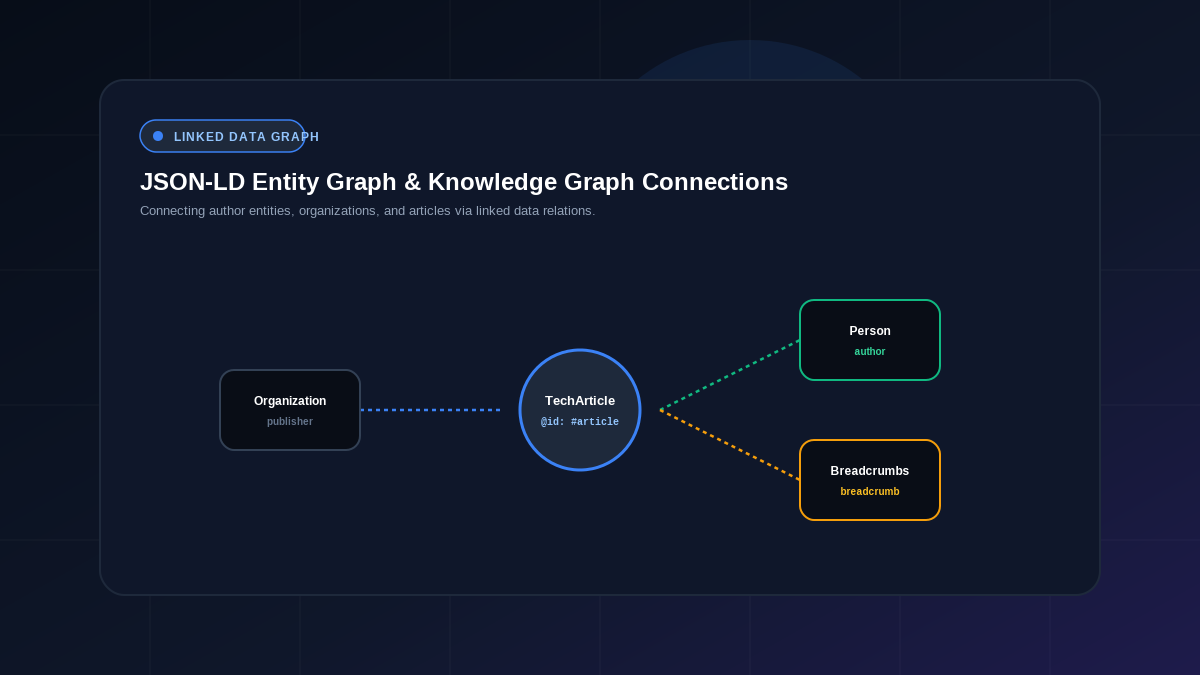
What Makes JSON-LD Unique?
JSON-LD stands for JavaScript Object Notation for Linked Data. It is a World Wide Web Consortium (W3C) recommendation designed to transfer structured data across the web using straightforward, human-readable JSON.
Unlike older semantic web formats that required peppering special attributes (itemprop, vocab) throughout your existing HTML markup, JSON-LD exists as an isolated data island. This brings huge advantages:
- Zero Visual Impact: JSON-LD script blocks are invisible to human users visiting your website.
- Component-Friendly: In modern frameworks (Next.js, React, Vue), you can render JSON-LD as a simple JSON string without tangling logic with presentation components.
- Easy Maintenance: Upgrading or fixing structured data requires editing a single data object rather than hunting through hundreds of nested HTML tags.
The Anatomy of a JSON-LD Document
Every JSON-LD snippet begins with a standardized foundation:
{
  "@context": "https://schema.org",
  "@type": "WebSite",
  "name": "SmartCalcBox",
  "url": "https://smartcalcbox.com"
}
Let's break down the essential components:
- `@context`: Declares the semantic dictionary being referenced. For web SEO, this is almost always
"https://schema.org". It defines what properties like "name", "author", and "datePublished" actually mean. - `@type`: Defines the specific entity being described (e.g.,
WebSite,Article,Organization,LocalBusiness,BreadcrumbList). - Key-Value Properties: Strings, numbers, arrays, or nested objects that describe the attributes of that entity.
Nesting Objects and Working with @graph
Real-world web entities are deeply connected. An Article has an Author, who works for an Organization, which owns a WebSite.
You can represent these connections in two ways:
1. Direct Object Nesting
{
  "@context": "https://schema.org",
  "@type": "Article",
  "headline": "Understanding Core Web Vitals",
  "author": {
    "@type": "Person",
    "name": "Elena Vance",
    "jobTitle": "Senior UX Auditor"
  }
}
2. The `@graph` Array
When a single page needs to declare multiple independent top-level entities (e.g., an Article alongside a BreadcrumbList), wrapping them in an @graph array connects them cleanly without repeating the @context declaration:
{
  "@context": "https://schema.org",
  "@graph": [
    {
      "@type": "BreadcrumbList",
      "itemListElement": [
        {
          "@type": "ListItem",
          "position": 1,
          "name": "Home",
          "item": "https://smartcalcbox.com"
        },
        {
          "@type": "ListItem",
          "position": 2,
          "name": "Tools",
          "item": "https://smartcalcbox.com/tools"
        }
      ]
    },
    {
      "@type": "WebPage",
      "@id": "https://smartcalcbox.com/tools#webpage",
      "name": "Free SEO Tools Directory"
    }
  ]
}
Common Syntax Pitfalls That Break JSON-LD
Standard JSON is notoriously strict. A minor formatting error will cause parsers to fail silently:
- Trailing Commas: Putting a comma after the final item in an object or array (e.g.,
{"name": "Tools",}) is invalid JSON. - Unescaped Quotes: Double quotation marks inside text values must be escaped with a backslash (
"description": "The \"best\" tools"). - Unmatched Brackets or Braces: Every opening curly brace
{or square bracket[must have a matching closing pair. - Missing `@context` or `@type`: Omitting either of these prevents search engines from identifying the entity.
How to Generate and Validate JSON-LD Reliably
Never assemble complex JSON-LD manually in a plain text editor without automated checks:
- Use the Schema Markup Generator to produce correctly structured code for common entity types.
- Verify your code before deployment with our JSON-LD Syntax Validator.
- Check how your rich cards might appear using the SERP Snippet Preview Tool.
JSON-LD Syntax Validator
Inspect, parse, and validate JSON-LD structured data scripts to identify syntax and schema errors.
Schema Markup Generator (JSON-LD)
Generate valid Schema.org JSON-LD structured data for Articles, FAQs, Organizations, and Products.
SERP Snippet Preview Tool
Simulate desktop and mobile Google search result snippets with breadcrumbs, favicons, and star ratings.
Frequently Asked Questions
Can I place JSON-LD in the body instead of the head?
Yes. Googlebot renders both head and body scripts without issue. However, placing structured data in the HTML <head> remains standard convention.
Does JSON-LD slow down page loading speed?
No. JSON-LD scripts are typically tiny text payloads (often under 2-3 kilobytes) and are not render-blocking.
How do I test my JSON-LD for errors?
Paste your snippet into our free JSON-LD Syntax Validator to catch syntax bugs, then test in Google's Rich Results Test tool to check eligibility for search enhancements.
About the Author: Alex Mercer
Lead Technical SEO Specialist & Web EngineerAlex is a web engineer and technical SEO specialist with over a decade of hands-on experience building web applications, optimizing site architectures, and resolving crawl and indexing challenges. He oversees tool development and technical accuracy across SmartCalcBox.
Related SEO Guides & Tutorials
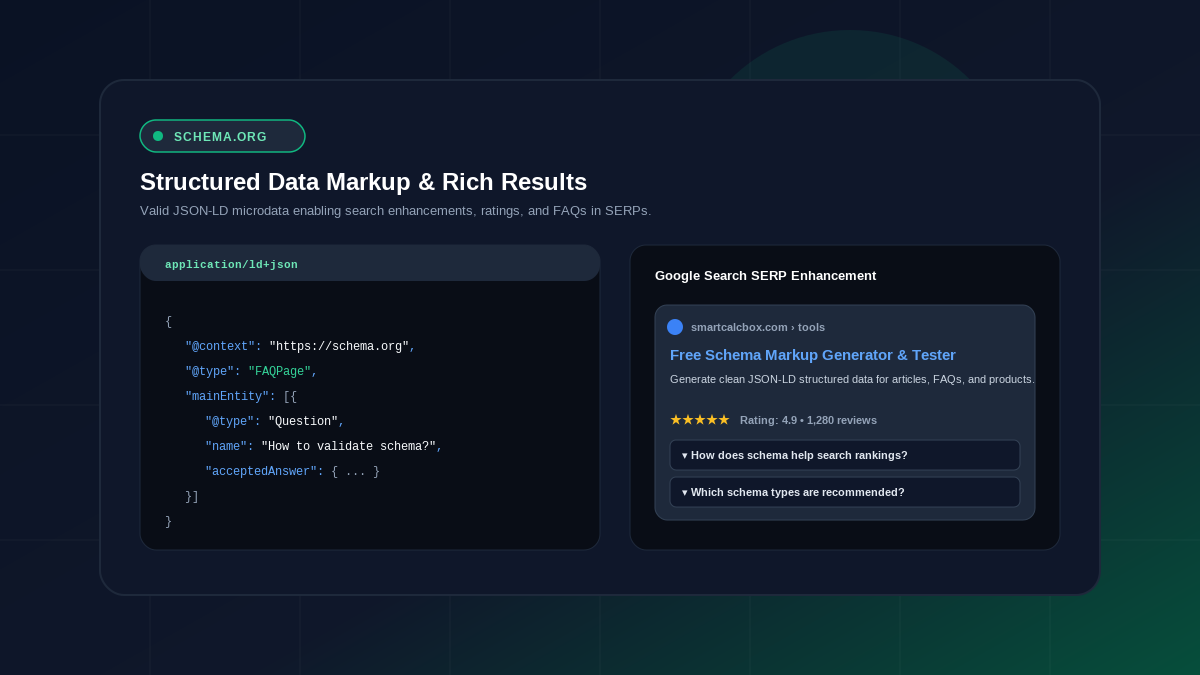
How to Generate Valid Schema Markup
Help search engines understand your entities, authors, and answers. Learn how to generate error-free Schema.org structured data using modern JSON-LD.
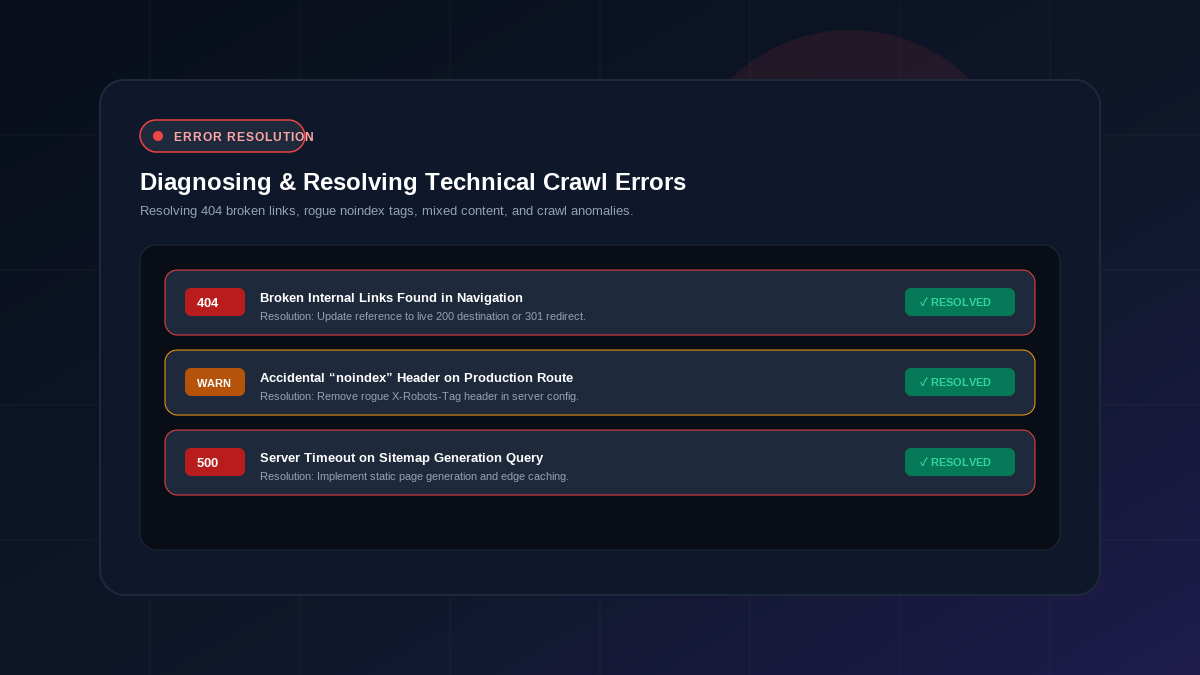
How to Find and Fix Common Technical SEO Errors
Technical errors silently prevent search engines from crawling and indexing your content. Discover how to diagnose and resolve the most common technical roadblocks.
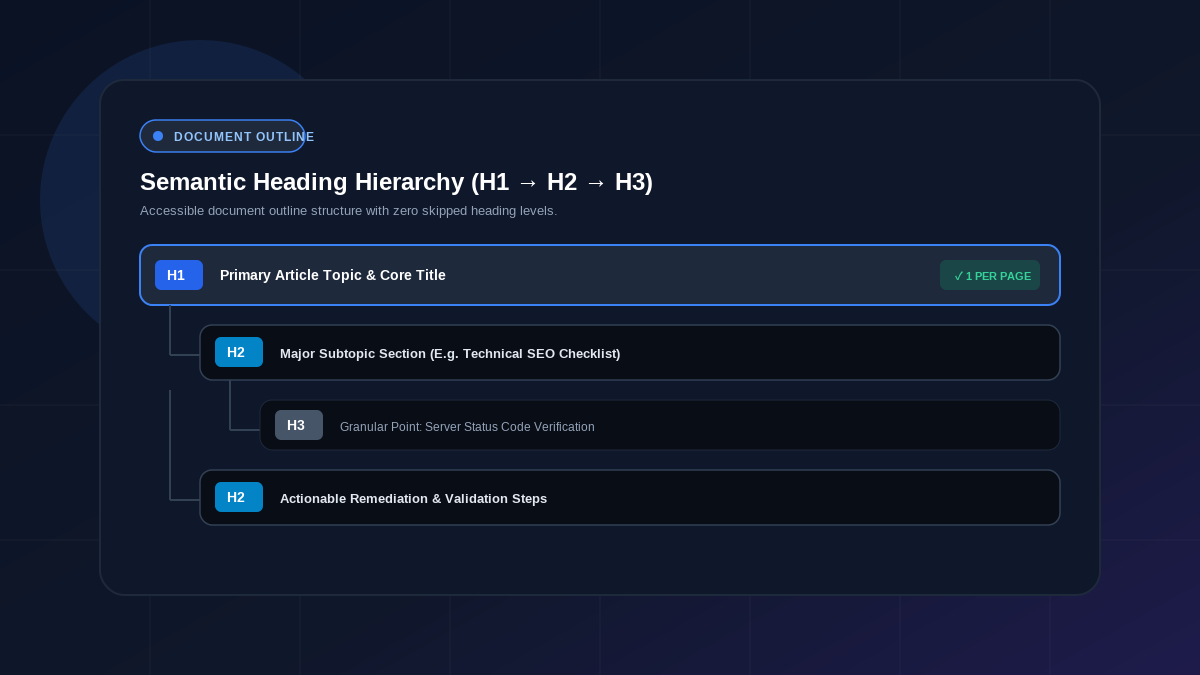
How to Check Your Website's Heading Structure
Headings are the structural backbone of web pages. Learn how to construct a logical H1-H6 hierarchy that guides readers and search crawlers alike.