How to Create Clean, Readable URL Slugs
A clean URL structure reinforces search rankings and reassures human visitors. Learn the technical rules of crafting concise, search-friendly slugs.

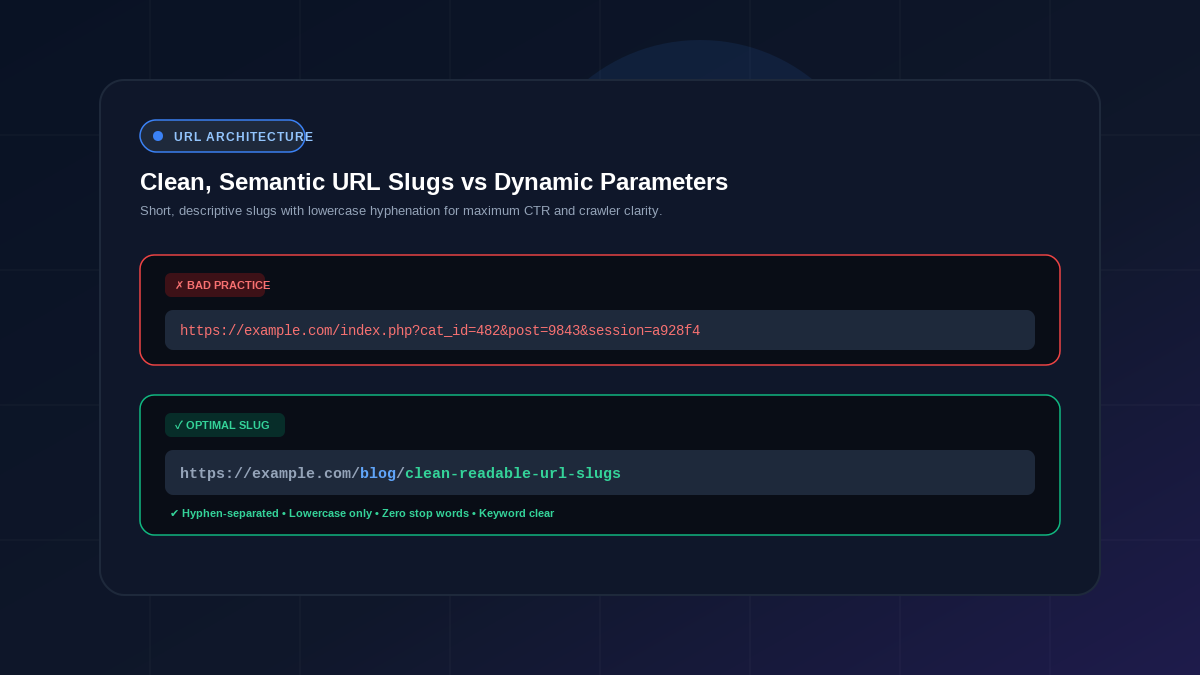
What Is a URL Slug and Why Does It Matter?
In web technology, a slug is the trailing part of a URL that identifies a specific page on a website in human-readable form. For instance, in the web address:
https://smartcalcbox.com/tools/title-tag-length-checker
                               ^^^^^^^^^^^^^^^^^^^^^^^^
                                     (The Slug)
A well-architected URL slug provides immediate value to both machines and humans:
- Instant Human Trust: When a user sees your link shared on social media, Slack, or in search results, a clean slug tells them exactly what content awaits them.
- Algorithmic Topical Clues: Search engines treat words in URL paths as a secondary topical relevancy signal.
- Clean Sharing & Backlinking: When bloggers or journalists paste your bare URL into an article without custom anchor text, a descriptive slug automatically acts as meaningful anchor copy.
Hyphens vs. Underscores: What the Search Engines Say
A frequent debate among junior developers is whether to separate words in URL slugs using hyphens (-) or underscores (_).
Google's official documentation explicitly recommends hyphens.
Here is the technical reason:
- In search engine tokenization algorithms, a hyphen is treated as a word separator (a space). The string
title-tag-checkeris indexed as three distinct terms: "title", "tag", and "checker". - An underscore is treated as a character joiner. The string
title_tag_checkerrisks being interpreted as a single concatenated term:titletagchecker.
Always standardize on lowercase hyphens for URL slugs across all platforms.
The Stopword Question: To Filter or Not to Filter?
Stopwords are common English structural words such as "a", "the", "in", "and", "of", "for", and "with".
When converting a headline into a slug, should you strip these words?
- Headline: "How to Write the Best Title Tags for Your Website in 2026"
- Literal Slug:
/how-to-write-the-best-title-tags-for-your-website-in-2026 - Cleaned Slug:
/how-to-write-title-tags
Recommendation: Strip unnecessary filler words whenever doing so keeps the slug concise without destroying the semantic meaning of the phrase. Notice how /how-to-write-title-tags is shorter, easier to remember, and removes time-bound dates (like 2026) so the URL remains evergreen when updated in future years.
5 Golden Rules of SEO-Friendly URL Slugs
- Always Use Lowercase: Web servers on Linux (Apache, Nginx) are strictly case-sensitive. Mixing uppercase and lowercase letters (
/Tools/Slug-Generator) invites duplicate content bugs and 404 errors. Enforce all lowercase strings. - Keep Slugs Concise (3 to 5 Words): Shorter URLs are easier to copy, fit neatly on mobile screens, and look cleaner in search results.
- Never Include Dates Unless Necessary: Putting
/2024/or/2025/into your URL slug causes headaches when you refresh the article later. Keep slugs date-free so they stay evergreen. - Avoid Parameter Spaghetti: Replace dynamic parameters like
?p=19482with clean permalinks. - Never Change Slugs Without a 301 Redirect: If you must change an existing URL slug, immediately configure a permanent 301 redirect from the old URL to the new one to preserve backlink equity.
Handling Accents, Diacritics, and Special Characters
Uniform Resource Identifiers (URIs) strictly restrict allowable characters. Non-ASCII characters (such as accents: é, ü, ñ) and punctuation marks (!, ?, @, &) must either be stripped or percent-encoded.
Our free SEO URL Slug Generator automatically transliterates accented characters to their basic Latin equivalents (e.g., café becomes cafe) and strips illegal punctuation marks in real time.
Convert and sanitize your permalinks with:
SEO URL Slug Generator
Generate clean, search-friendly, readable URL slugs with stopword removal and delimiter controls.
Text Case Converter
Convert text instantly between UPPERCASE, lowercase, Title Case, Sentence case, camelCase, kebab-case, and snake_case.
URL Encoder & Decoder
Safely encode and decode special characters, query parameters, and UTF-8 strings in URLs.
Frequently Asked Questions
Should I change my old URLs to make them shorter?
If an existing URL already ranks well and receives steady organic traffic, do not change it merely to make it slightly shorter. The risk of temporary ranking drops during redirect processing outweighs the marginal benefit.
How long should a URL slug be?
Aim for between 3 and 5 words (approximately 30 to 60 characters). This is long enough to include your core keyword while keeping the link clean and memorable.
Can I use numbers in URL slugs?
Yes, numbers are completely valid when they describe a specific concept or version (e.g. /top-10-tools or /http-2-vs-http-3). Avoid using arbitrary database IDs or publish years if you intend to update the guide annually.
About the Author: Alex Mercer
Lead Technical SEO Specialist & Web EngineerAlex is a web engineer and technical SEO specialist with over a decade of hands-on experience building web applications, optimizing site architectures, and resolving crawl and indexing challenges. He oversees tool development and technical accuracy across SmartCalcBox.
Related SEO Guides & Tutorials
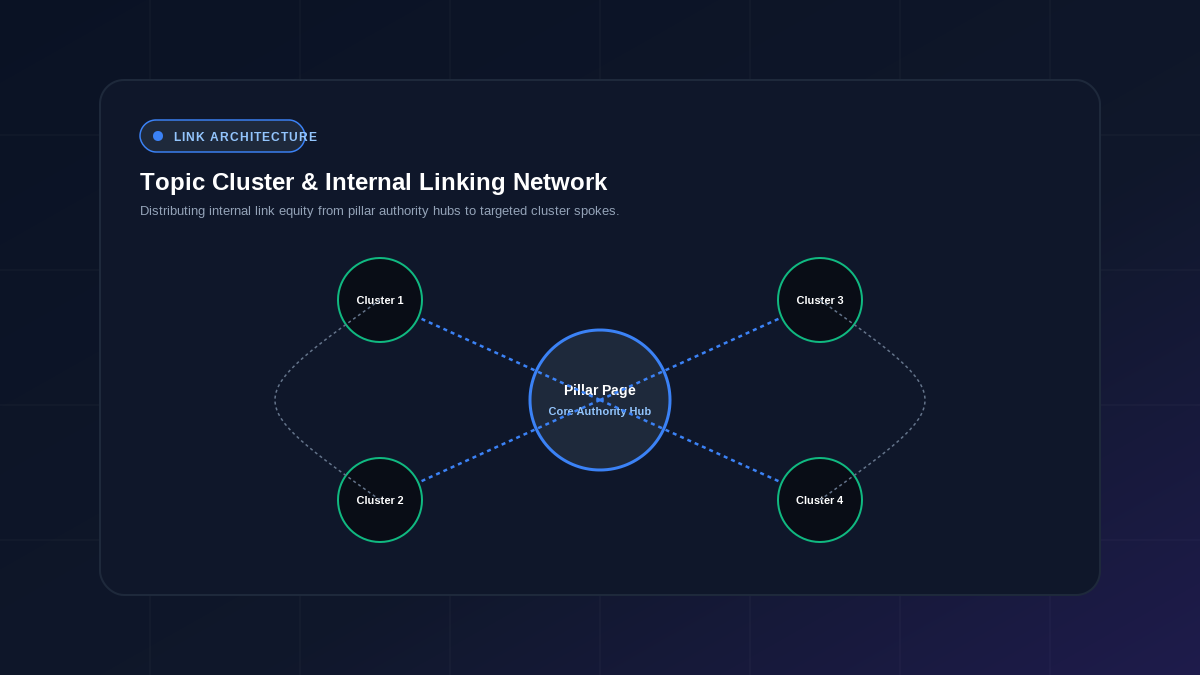
Internal Linking Strategies for Small Websites
You don't need thousands of pages or massive backlink profiles to rank. Discover how deliberate internal linking amplifies authority across small websites.
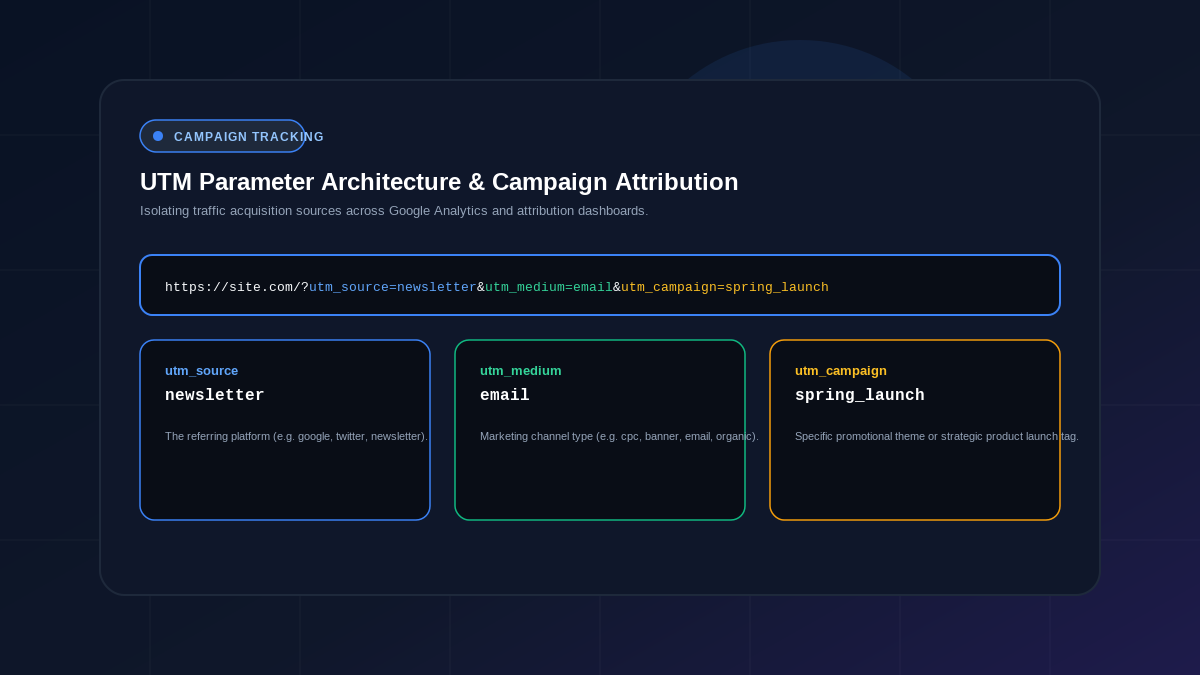
How to Build and Track UTM Campaign URLs
Accurate marketing attribution requires clean tracking tags. Learn the rules of building UTM campaign parameters that provide clear, actionable insights in GA4.
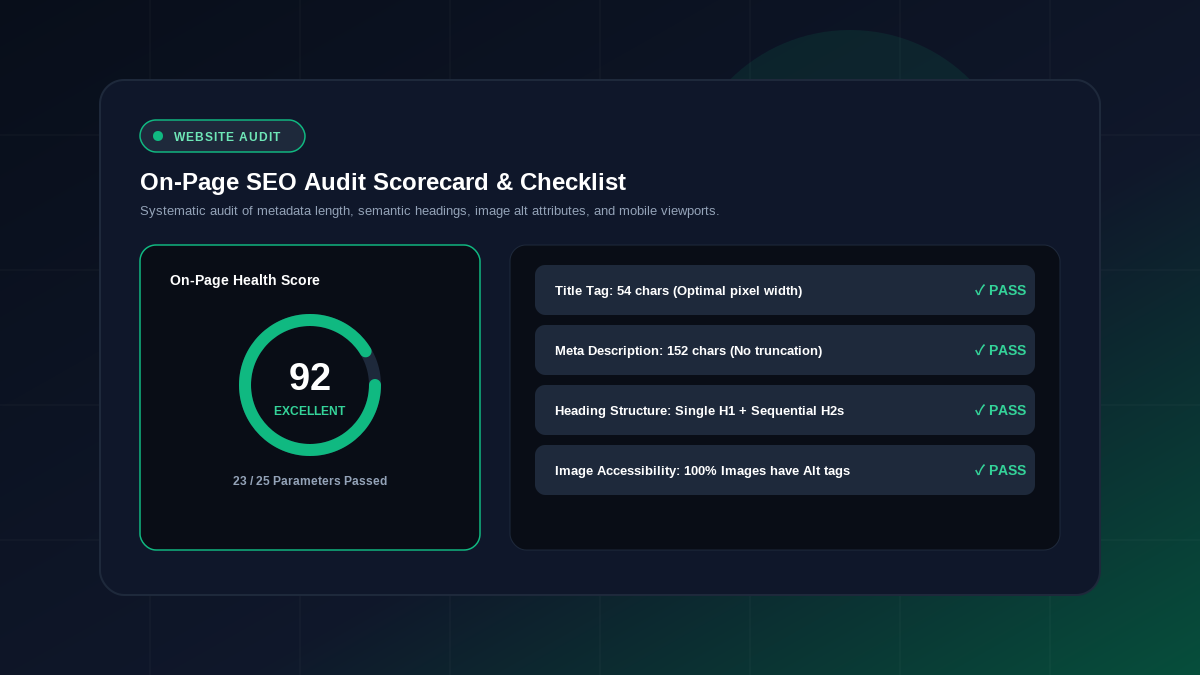
How to Audit Basic On-Page SEO Issues
On-page issues quietly erode organic rankings. Discover our practical step-by-step framework for diagnosing and fixing foundational on-page SEO errors.